‘Sizzix’ Category

  1. Specimen Matchbox

    3rd September, 2021 by iGirlZoe

    igirlzoe: tim holtz sizzix matchbox

    Hello friends. Another day, another dome! Thank you so much for your kind comments here and on social media about the Jack-O-Lantern dome. I’m so happy that you’re as excited as I am about the new Tim Holtz idea-ology Halloween.

    igirlzoe: tim holtz sizzix matchbox
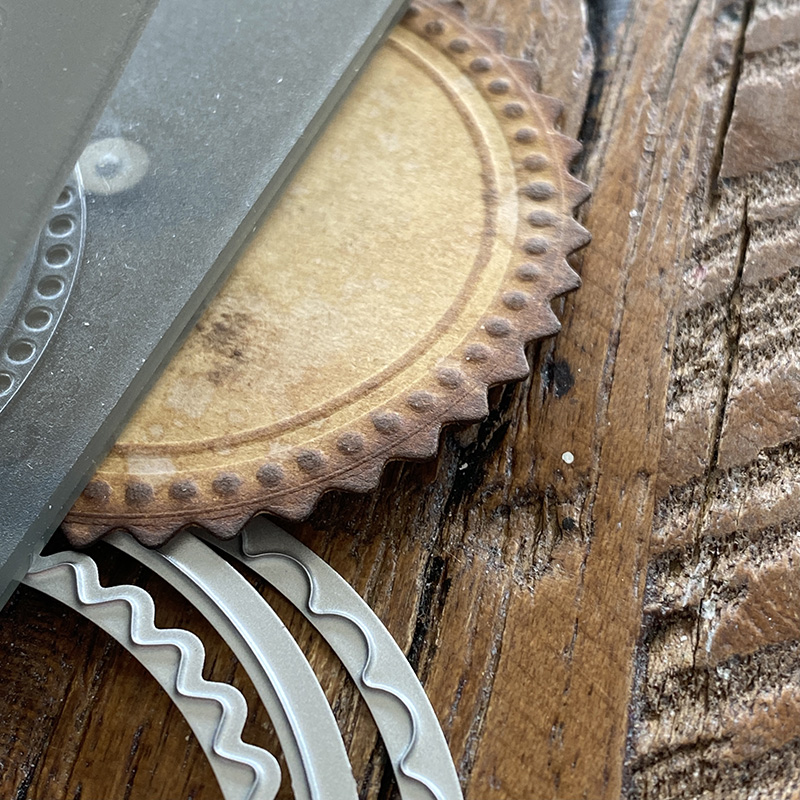
    Today I’m heading back to the Tim Holtz Sizzix Chapter 3 release. I was so excited to receive the matchbox Bigz L die that comes with the cutest thinlits set. This allows you to cut a dome sized hole in the matchbox and comes with “circle flair” that I can’t stop using.

    igirlzoe: tim holtz sizzix matchbox
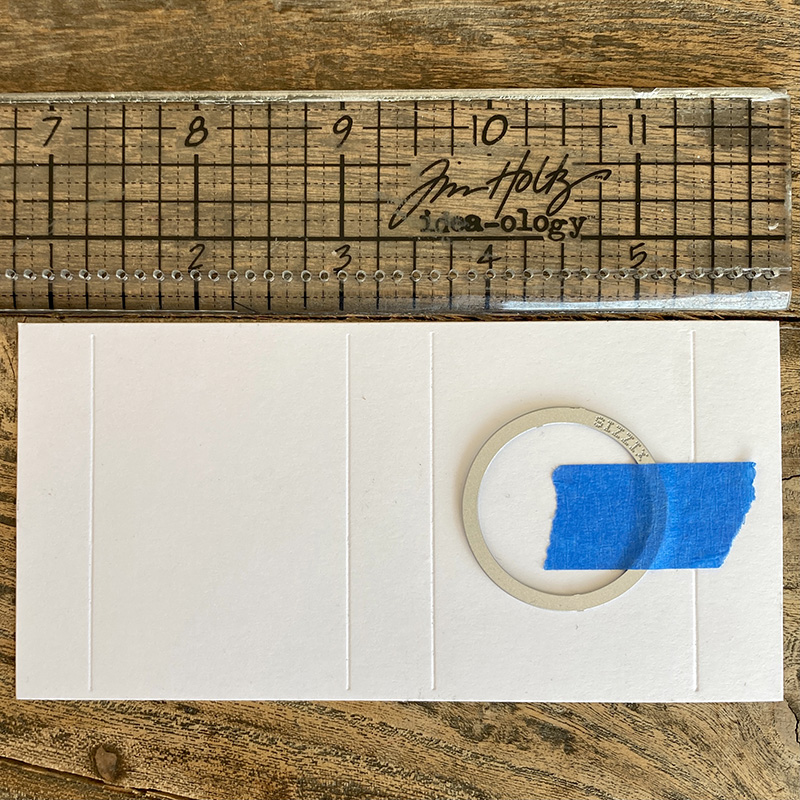
    I use the idea-ology design ruler to center the circle and secure with a little masking tape and run it through my die cutter. Check out Tim’s matchbox demo, for some great tips on matchbox assembly.

    igirlzoe: tim holtz sizzix matchbox
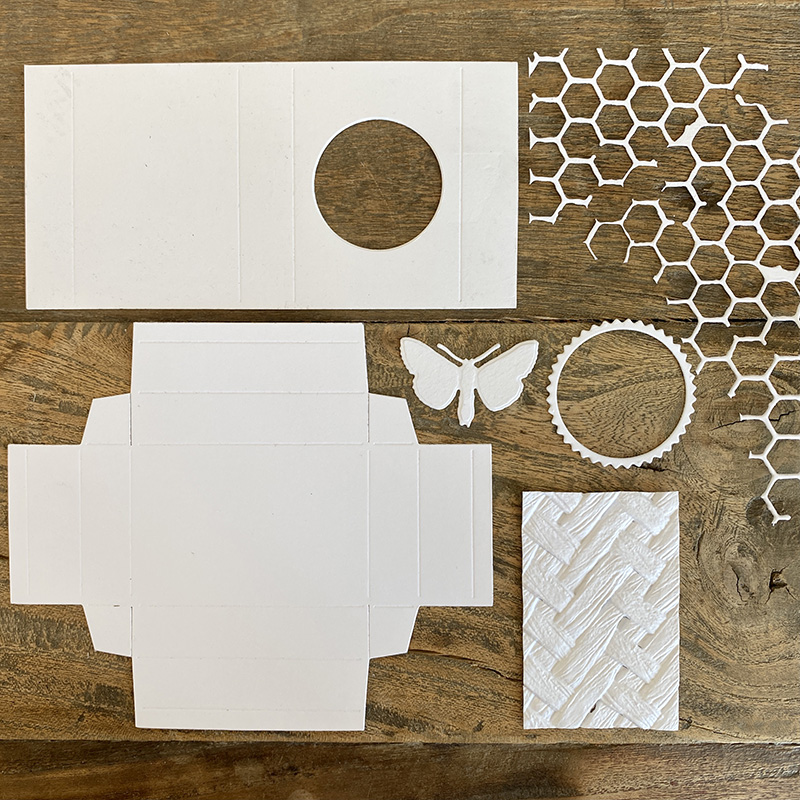
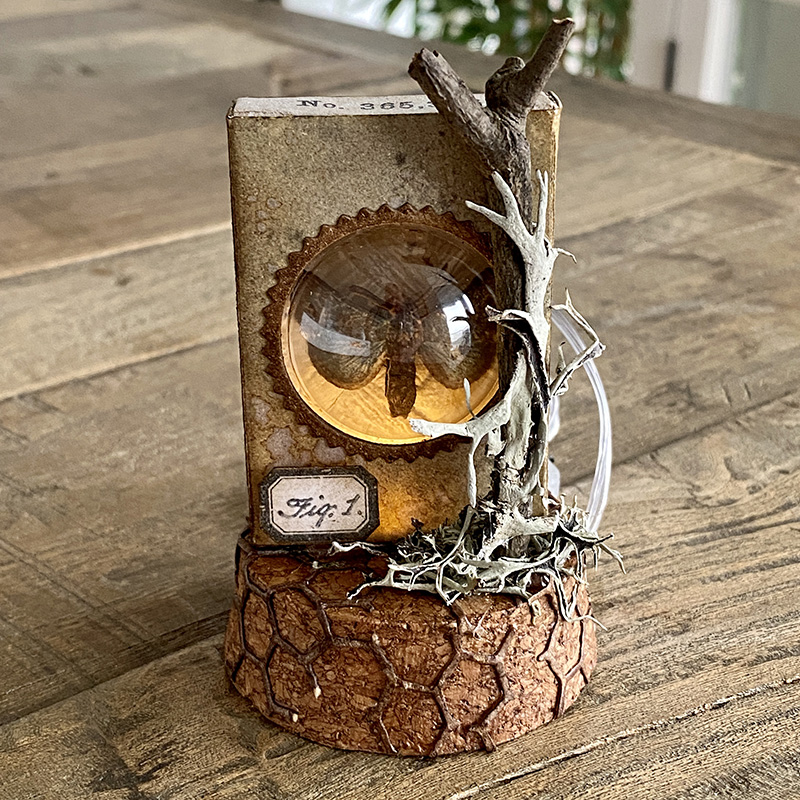
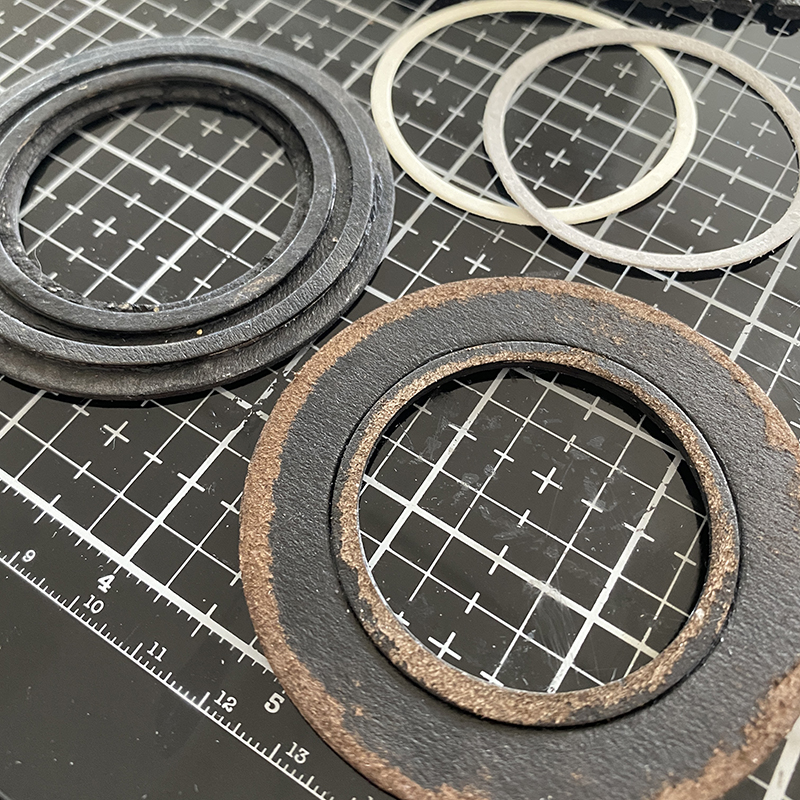
    These are the pieces that I die cut. The matchbox drawer and sleeve, circle flair, a butterfly from the entomology framelits set, intertwined 3D embossed cardstock, honeycomb from the mixed media thinlits set.

    igirlzoe: tim holtz sizzix matchbox
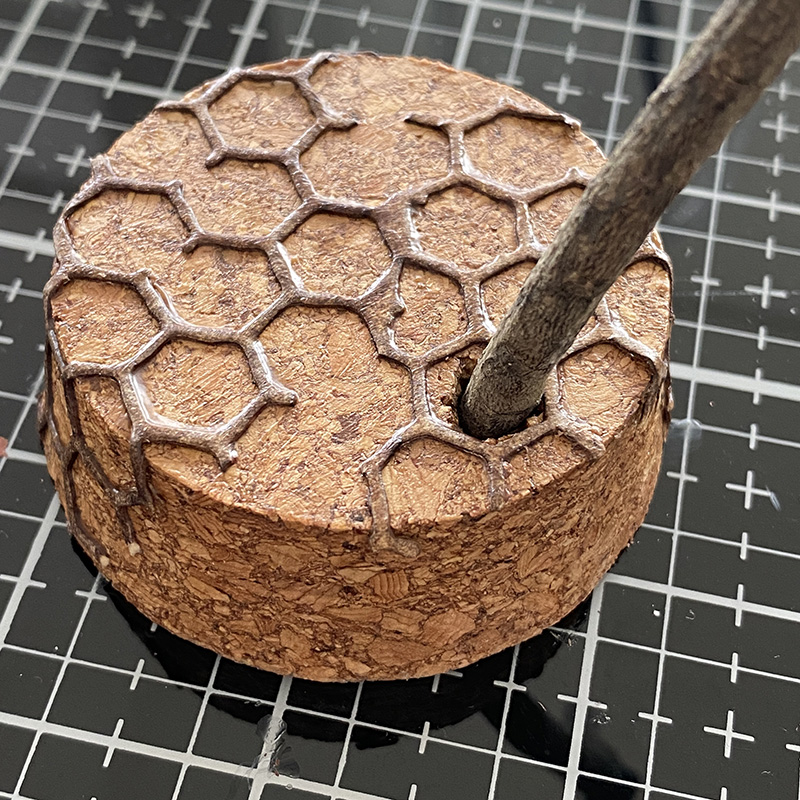
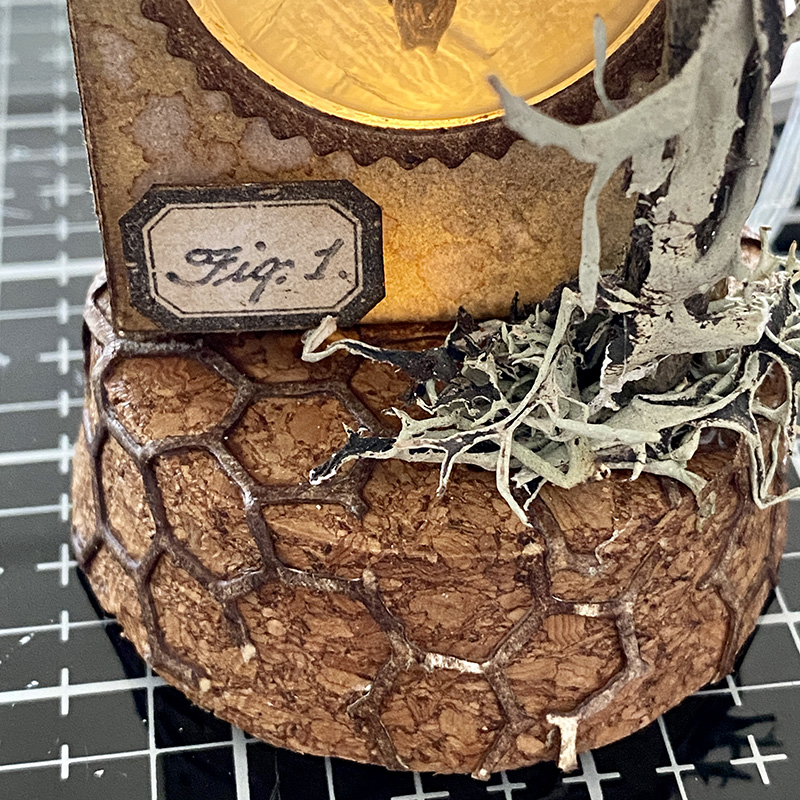
    Add the honeycomb die cut to the display dome cork base with distress collage medium. Make a hole in the base for a stick, I used a dremel micro with the drill attachment.

    igirlzoe: tim holtz sizzix matchbox
    I added this creepy faux moss that I bought from a craft store in the US years ago!

    igirlzoe: tim holtz sizzix matchbox
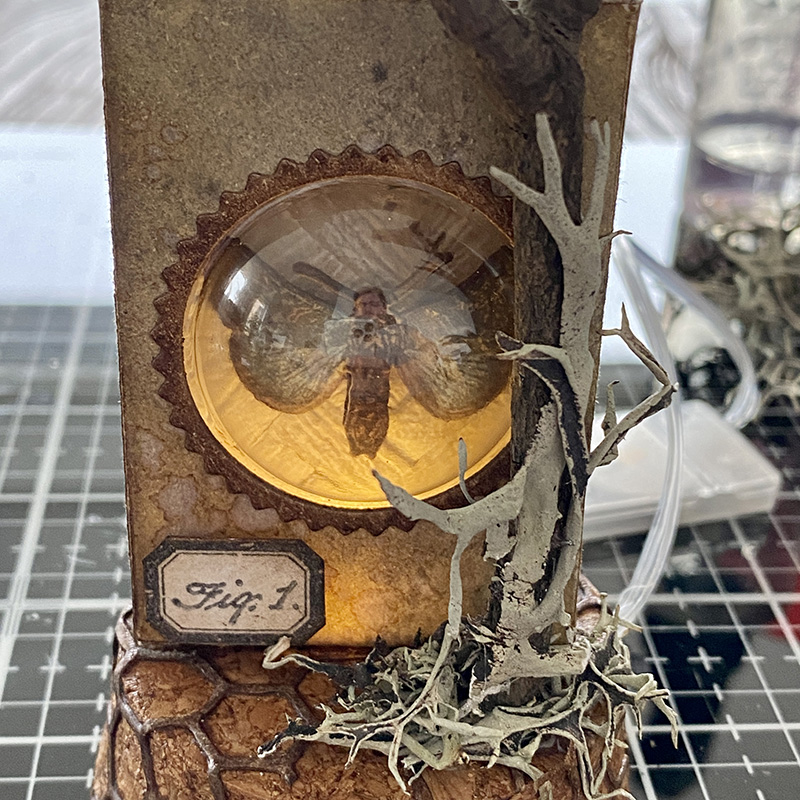
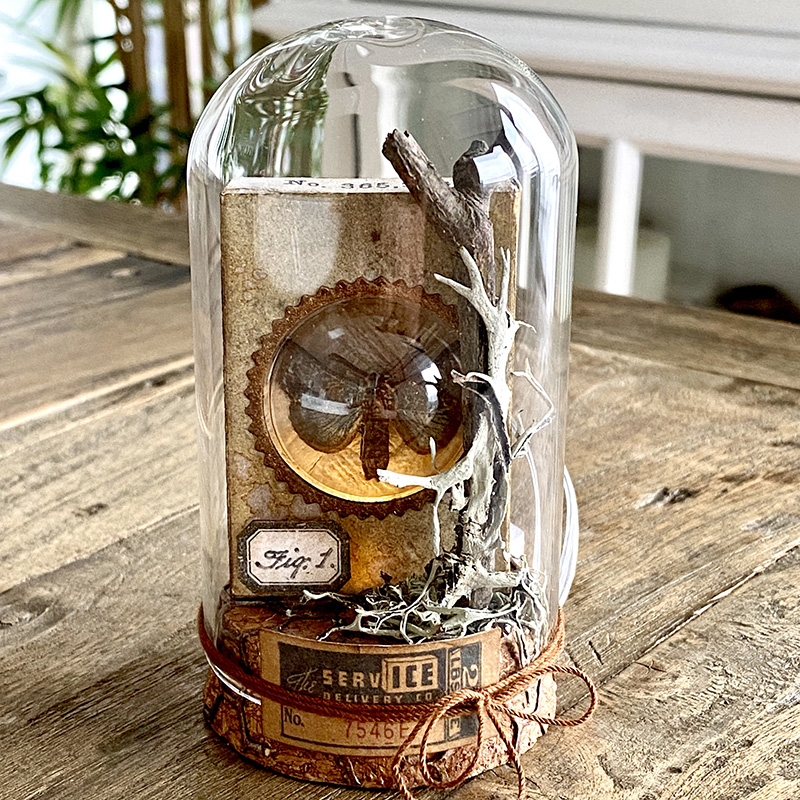
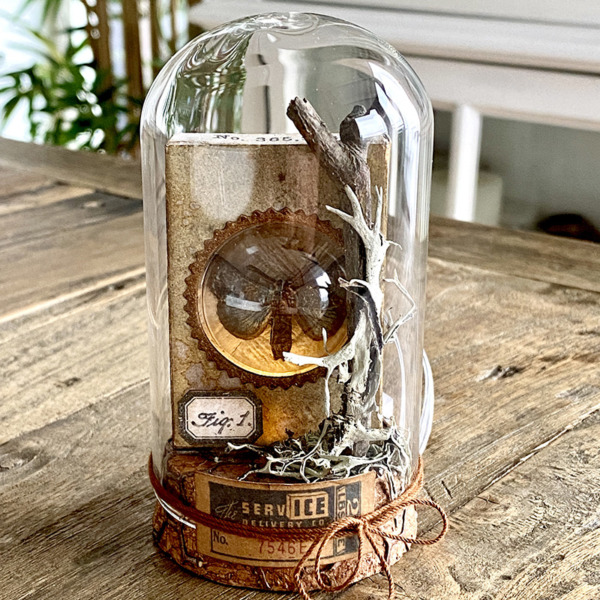
    The inside of the box is lined with the intertwined 3D embossed piece with a butterfly from the entomology framelits and stamp set mounted under the dome. It’s up-lit with a set of tiny lights that are glued into the bottom of the matchbox and thread through the bottom of the cork display dome base.

    igirlzoe: tim holtz sizzix matchbox
    The piece of creepy faux moss perfectly fit the stick. I added a couple of dots of hot glue to hold it in place.

    igirlzoe: tim holtz sizzix matchbox
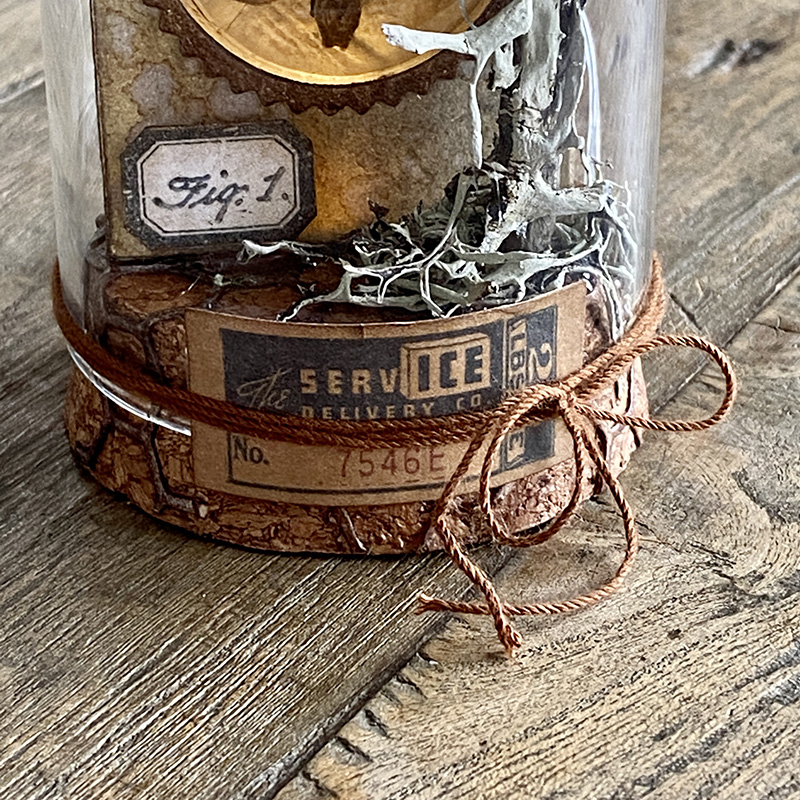
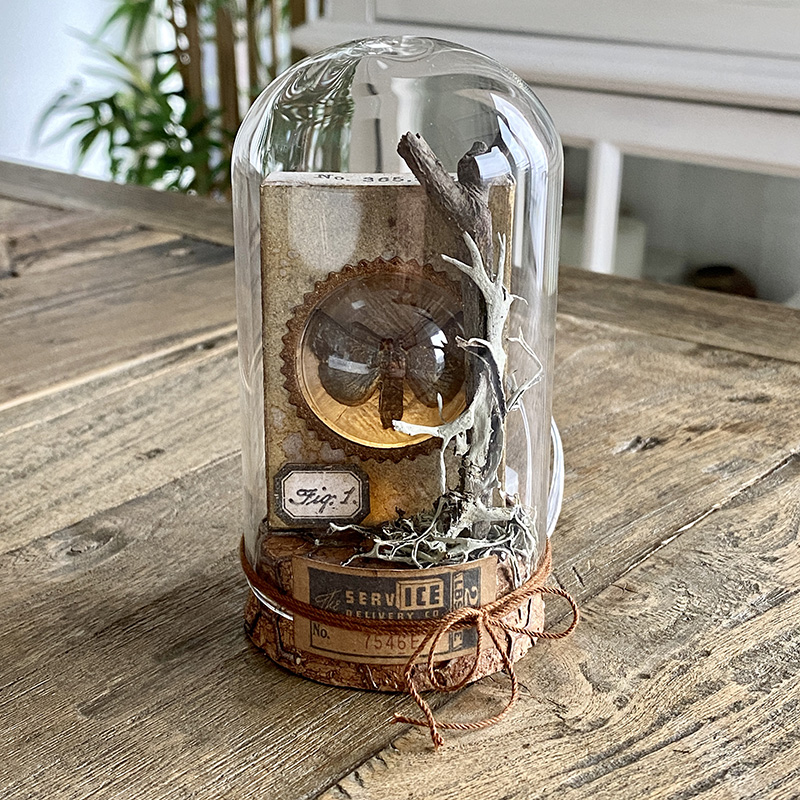
    Finally, I put on the dome and added a piece of idea-ology ephemera and cord to the outside of the glass.

    igirlzoe: tim holtz sizzix matchbox
    Thanks for stopping by. This dome is heading to my friend Stacy Hutchinson, who inspired me to use a stick and this most definitely belongs with her stick collection.

    Zoe


    affiliate links used at no cost to you


  2. Jack-O-Lantern by Candlelight

    2nd September, 2021 by iGirlZoe

    igirlzoe: tim holtz sizzix candlelight pumpkinhead

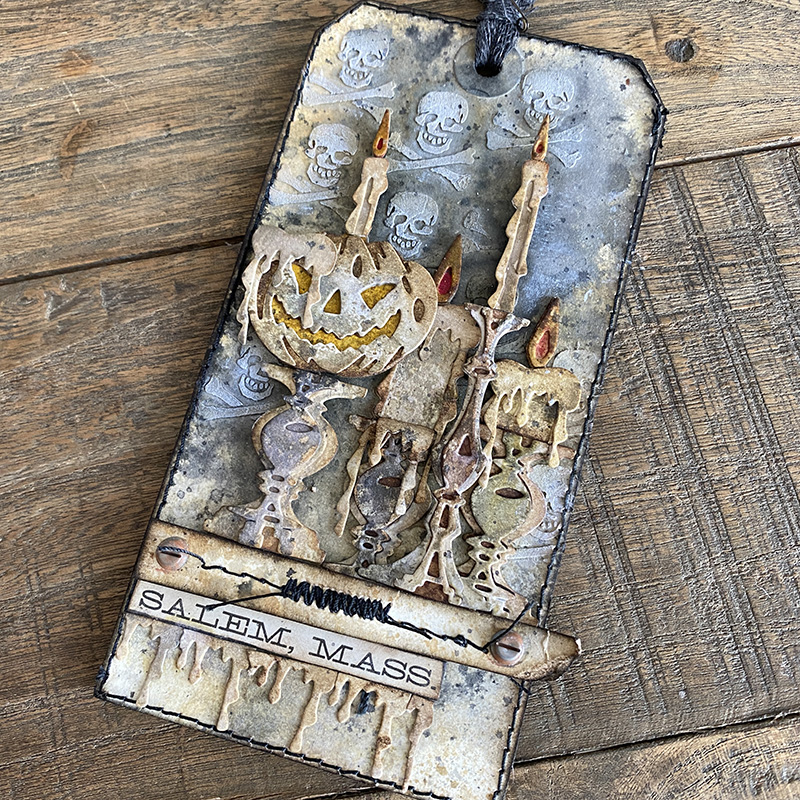
    Hello friends. Happy second day of September. I am so ready to get my Halloween on and today I’m sharing this tag I made for the Tim Holtz Sizzix Halloween LIVE launch.

    igirlzoe: tim holtz sizzix candlelight pumpkinhead
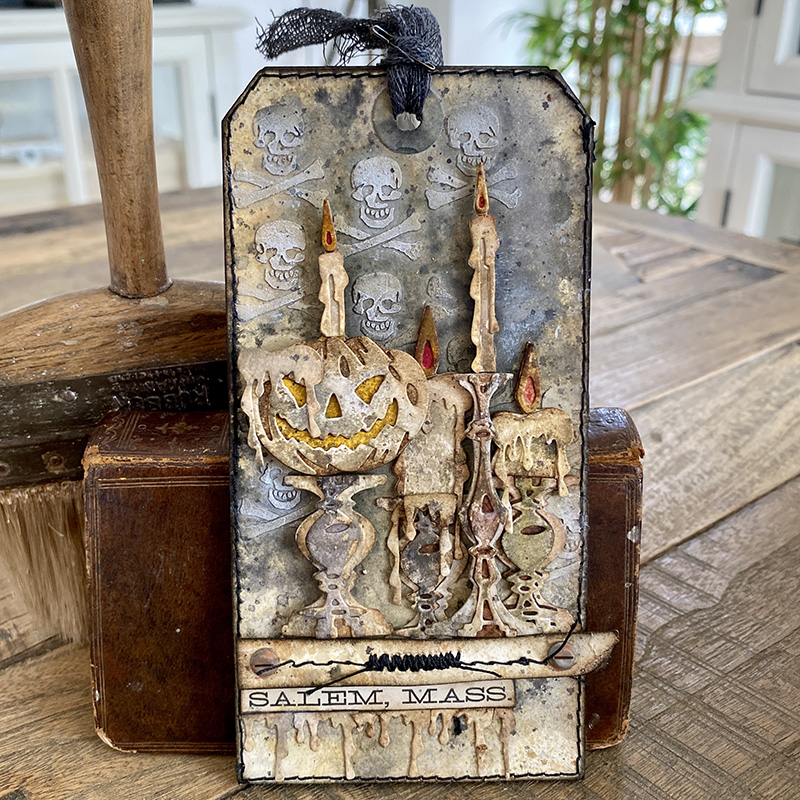
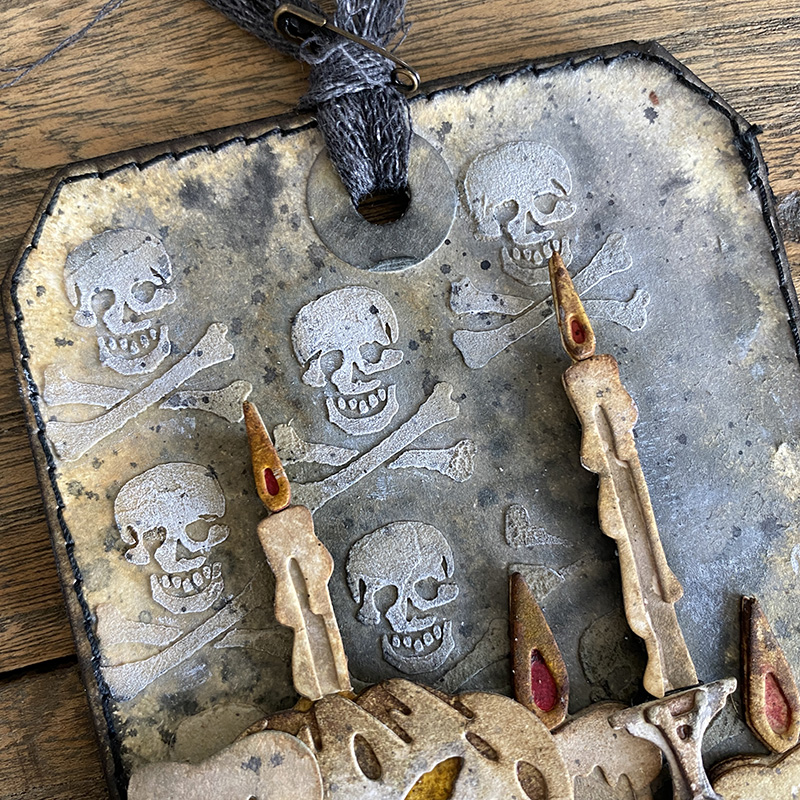
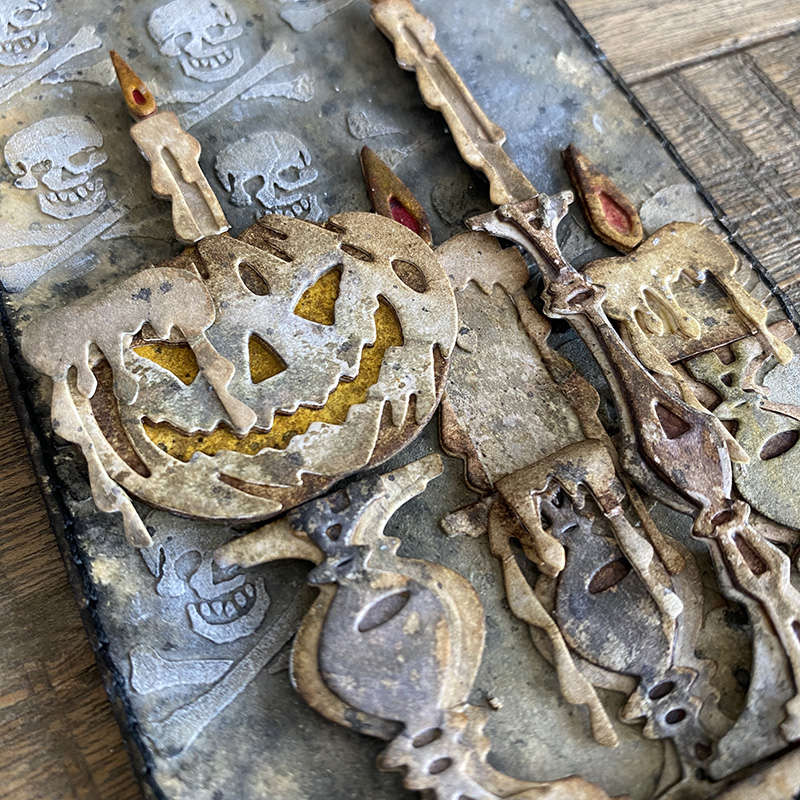
    I was invited to take part in an industry virtual event where Tim showcased his seasonal dies; during the demo he put the pumpkin from the pumpkinhead die set onto a candlestick from the candlelight die set and that inspired this tag. Jack-O-Lantern candles…? YES PLEASE!!

    igirlzoe: tim holtz sizzix candlelight pumpkinhead
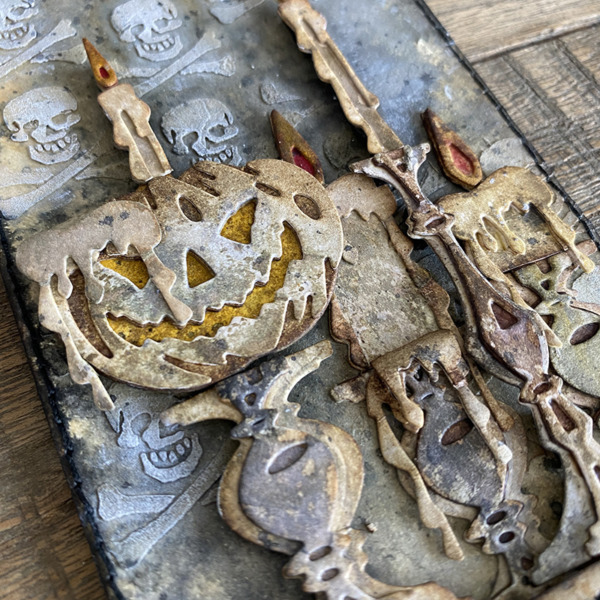
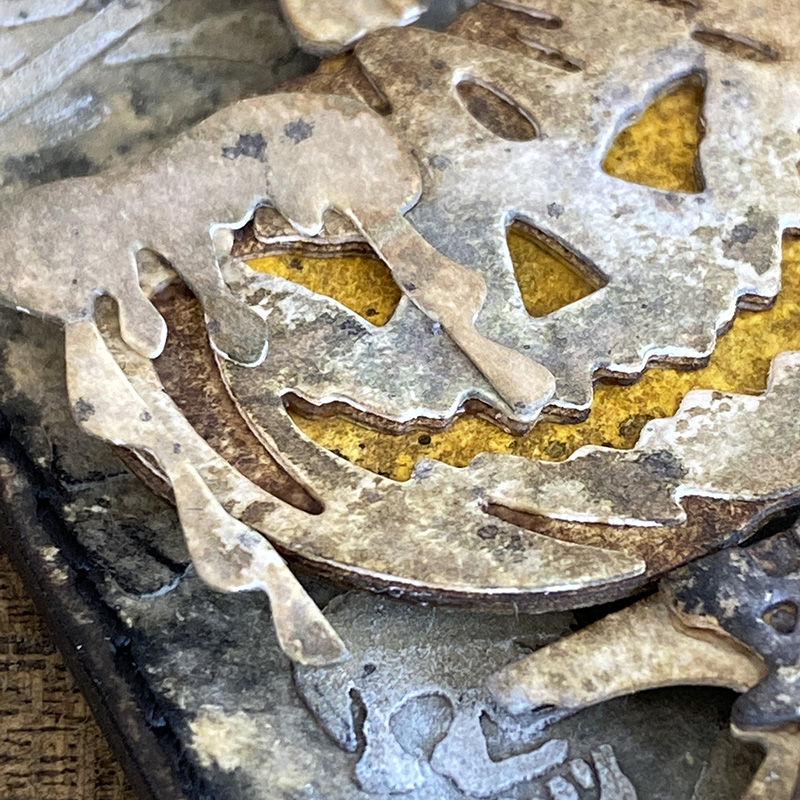
    I LOVE this pumpkinhead, he’s such a troublemaker, you can tell! I added a drippy candle die cut piece over his eye, it reminds me of the poisoned apple from Disney’s Snow White and the Seven Dwarfs. You should check out the brilliant make that Tami B (playswellwithpaper) did for the Halloween idea-ology LIVE with a Disney poisoned apple! I can’t wait for that blog post!

    igirlzoe: tim holtz sizzix candlelight pumpkinhead
    Using a distress heavystock #8 tag, I added antique linen and hickory smoke distress sprays and dried. I spread distress grave texture paste from the Halloween distress paste set through the skull stencil from mini stencil set 23 with a palette knife. How freaking cool is this paste? I have a couple of extra pots, thanks to a very thoughtful friend.

    igirlzoe: tim holtz sizzix candlelight pumpkinhead
    I’m in love with the new candlelight die set. They may have been released with the Halloween dies, but they are going to rock Christmas and I’ll be using them all year. They are so simple to put together.

    igirlzoe: tim holtz sizzix candlelight pumpkinhead
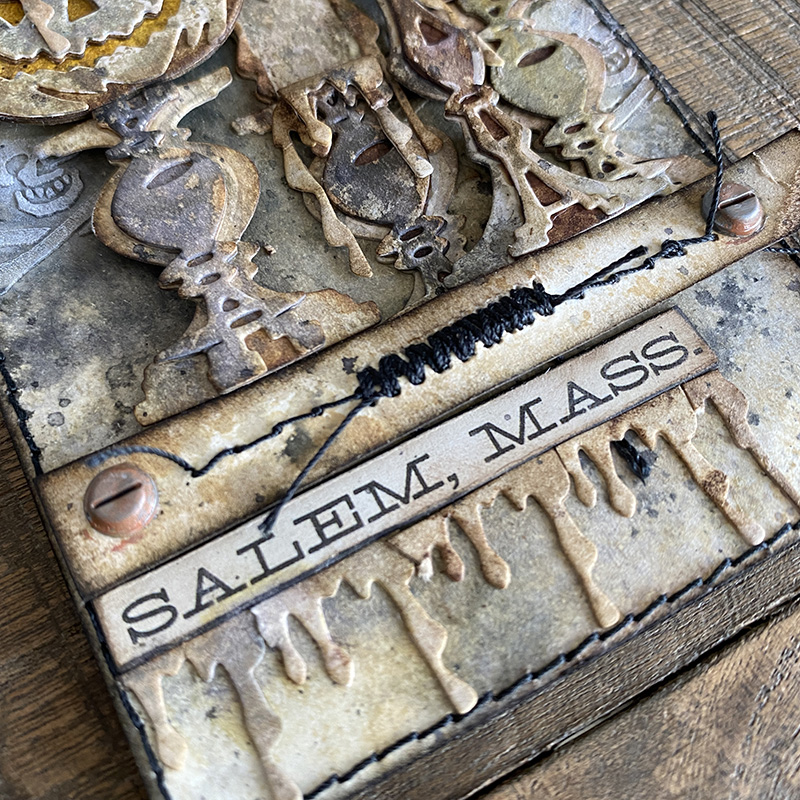
    I was practicing a zig zag stitch with my sewing machine on scrap card and got it so on point that I trimmed it off the scrap card, inked it, added a hardware head to each end and used it as a ledge for the candle sticks to sit on and under. I added a sticker from the idea-ology curiosities sticker book and die cut drips underneath.

    igirlzoe: tim holtz sizzix candlelight pumpkinhead
    I stitched the tag and then mounted it onto a #8 etctera thickboard tag to give it stability. To finish, I dyed a piece of mummy cloth with distress spray and thread it through the tag and secured in place with an idea-ology mini pin.

    I really wish I had added tiny lights to this tag and I would have done, but I was out of time and racing the clock. Mario very kindly dipped out during the LIVE to collect this from the local Fedex depot and this isn’t the first time he has done this for a maker. Very grateful to Tim and Mario, who always go the extra mile.

    Thanks for stopping by.

    Zoe


    affiliate links used at no cost to you


  3. The Birds!

    5th August, 2021 by iGirlZoe

    igirlzoe: tim holtz sizzix retro tv alphanumeric stretch upper 3D brickwork

    Hello friends. I hope you’re having a good week. I’m so excited for the Tim Holtz seasonal LIVE launches to get underway on Tim’s YouTube channel from Saturday! I thought it was probably a good idea to catch up and post my makes from the Tim Holtz Sizzix Chapter 2 LIVE launch! We’ll just call this Throwback Thursday and say no more about it. If you want to jump in your time machine and go way back, you can watch the Chapter 2 LIVE on Tim’s blog.

    igirlzoe: tim holtz sizzix retro tv alphanumeric stretch upper 3D brickwork
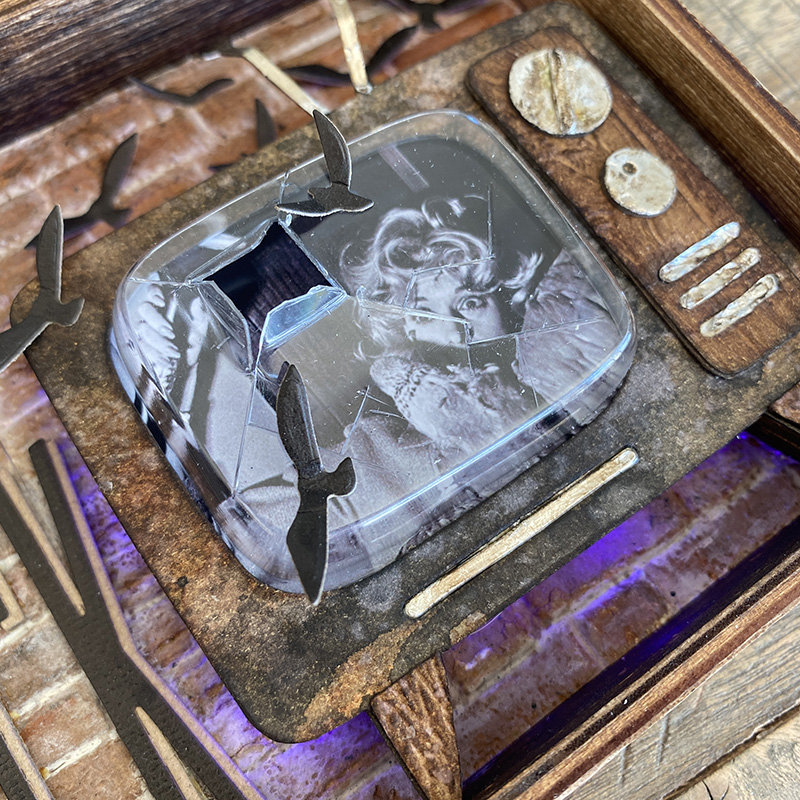
    The new retro TV die is seriously cool! It reminds me of a TV we had when I was a kid. There was no TV remote, you had to get up off your butt to change one of the 5 channels! When you turned it off there would be this line across the middle as the tube cooled down. Generation Netflix will have to google it. 😉

    igirlzoe: tim holtz sizzix retro tv alphanumeric stretch upper 3D brickwork
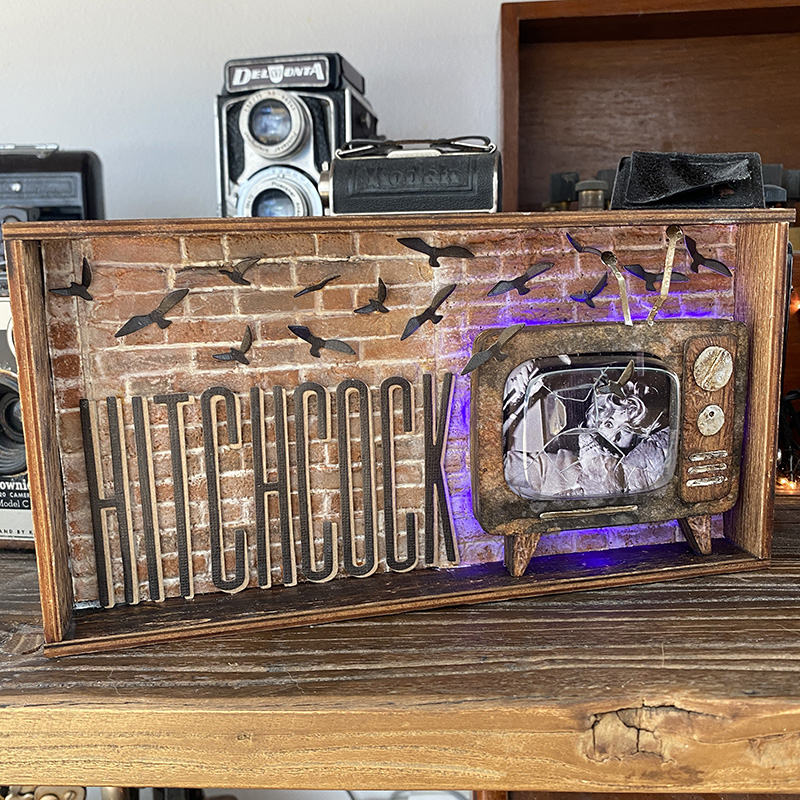
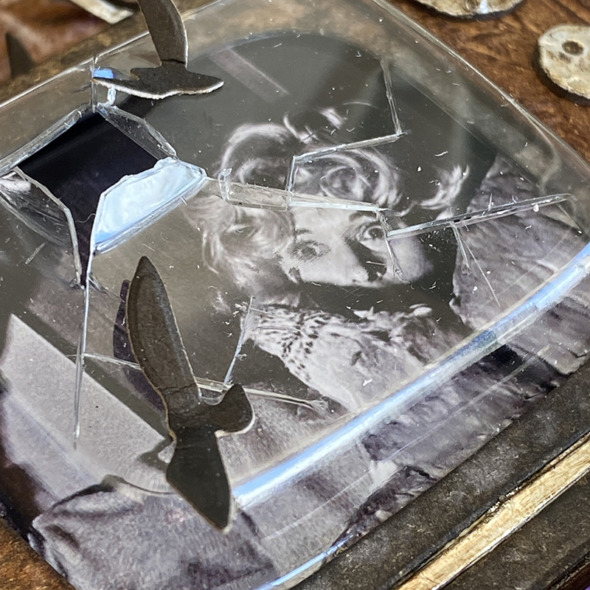
    The moment I saw the retro TV die came with a “pop out” I knew I wanted to smash it out and the rest came together as I went along (I’m not a planner), clearly based on how long it’s taken me to post this!

    igirlzoe: tim holtz sizzix retro tv alphanumeric stretch upper 3D brickwork
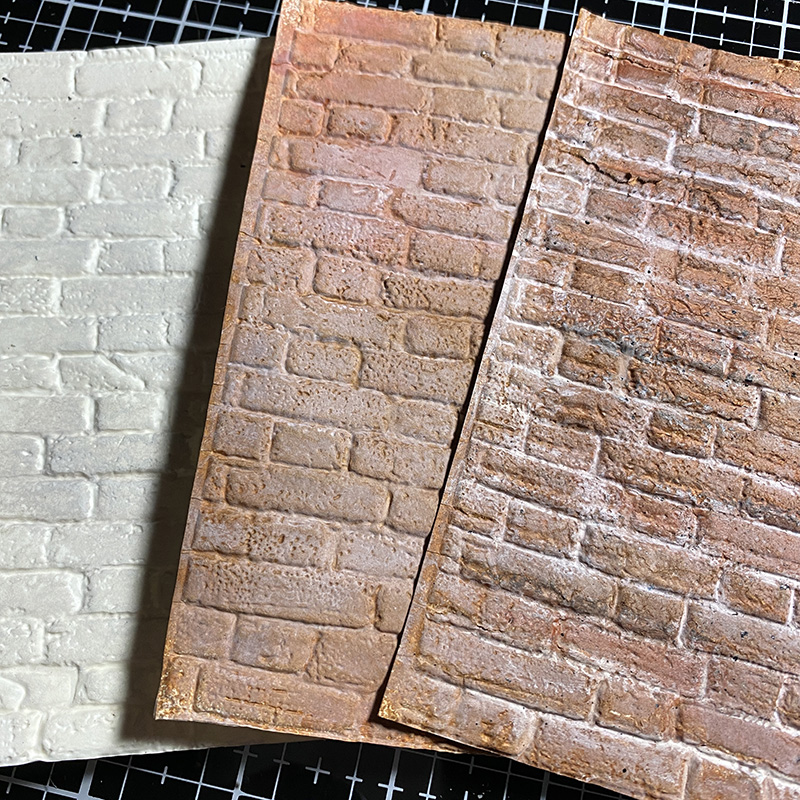
    Here are the brickwork panels in their various stages using the AMAZING Tim Holtz brickwork 3D embossing folder. I have a “how to” for this in a previous blog post.

    igirlzoe: tim holtz sizzix retro tv alphanumeric stretch upper 3D brickwork
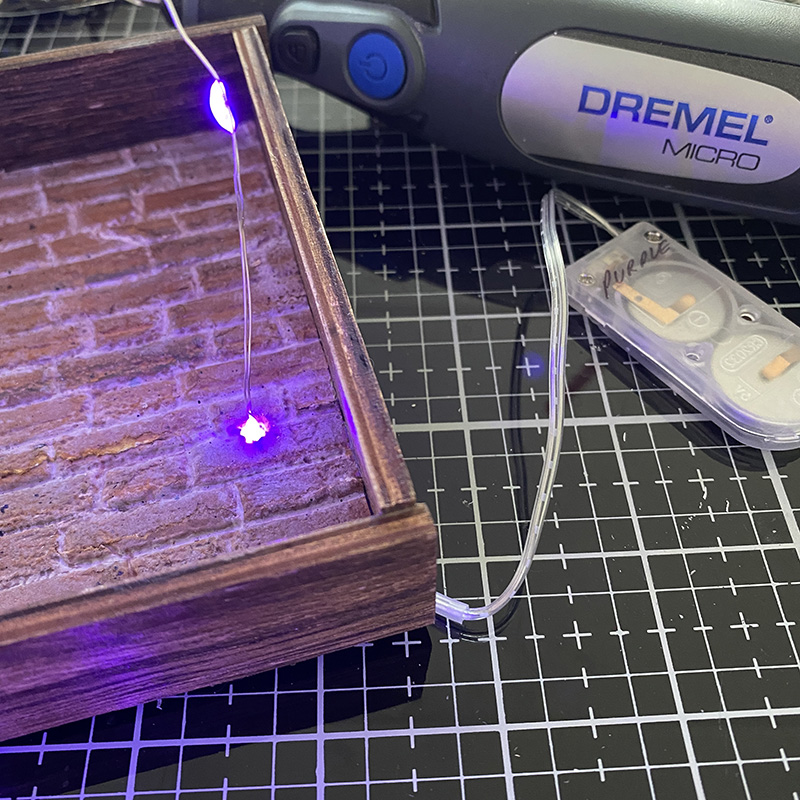
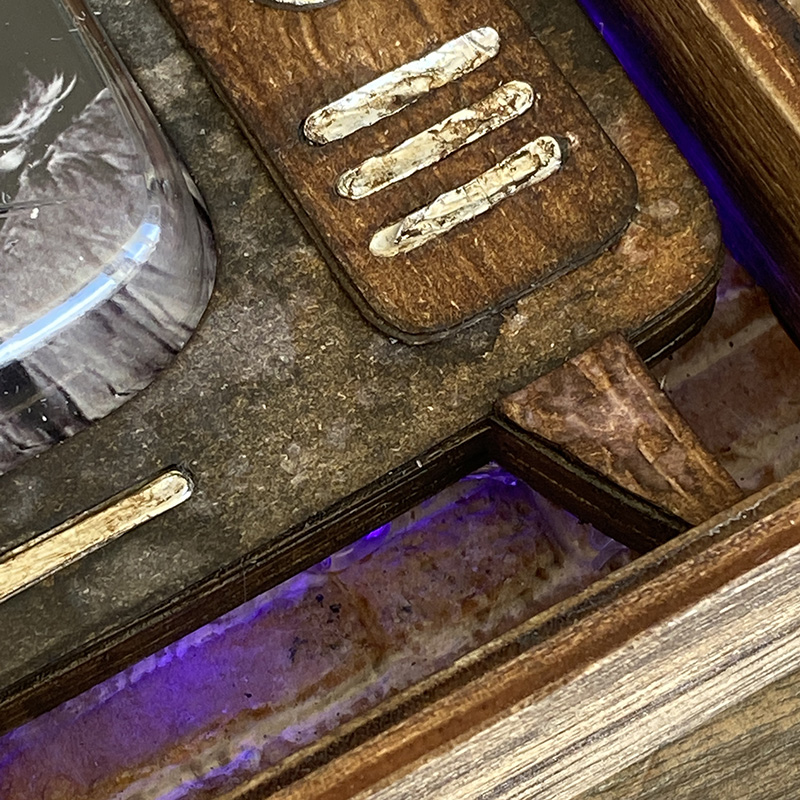
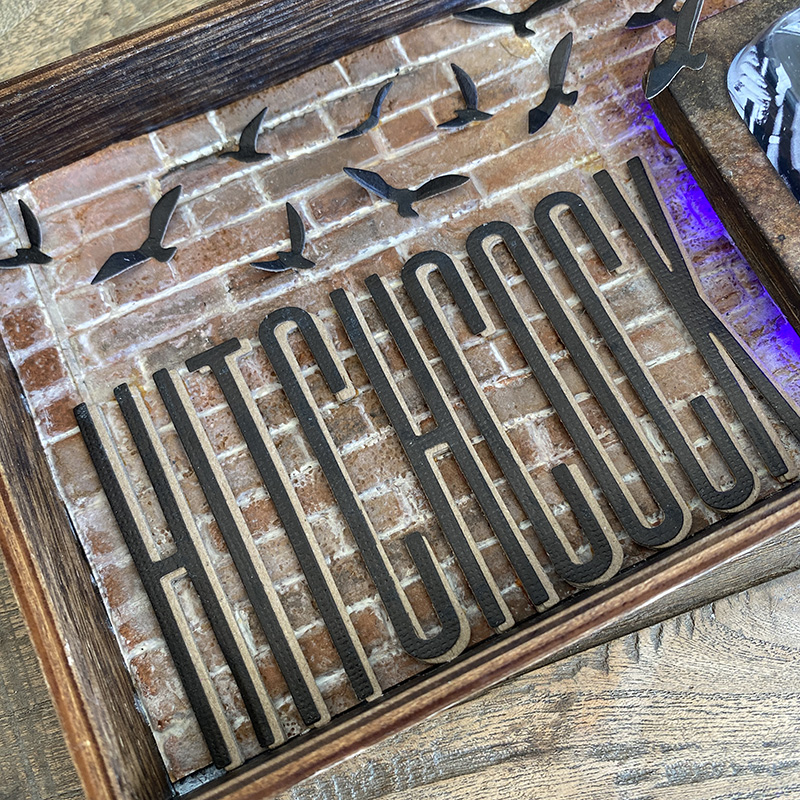
    I covered the base of a vignette tray with the brickwork panels. I took some build photos as I see quite a lot of questions about how to use idea-ology tiny lights with vignette boxes and trays. I use a dremel mirco with the drill bit accessory set and thread the lights through from the back.

    igirlzoe: tim holtz sizzix retro tv alphanumeric stretch upper 3D brickwork
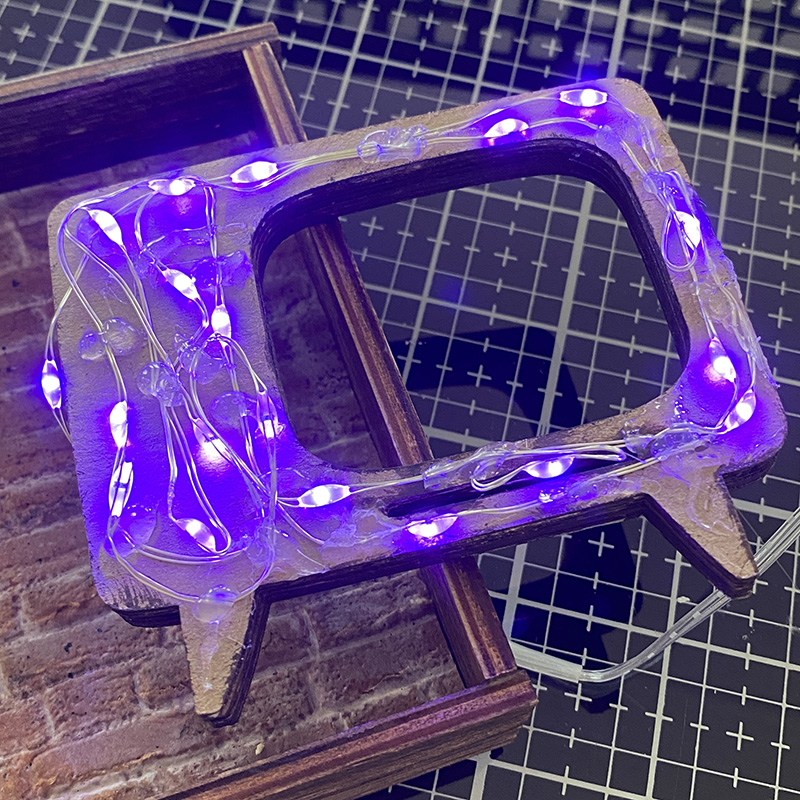
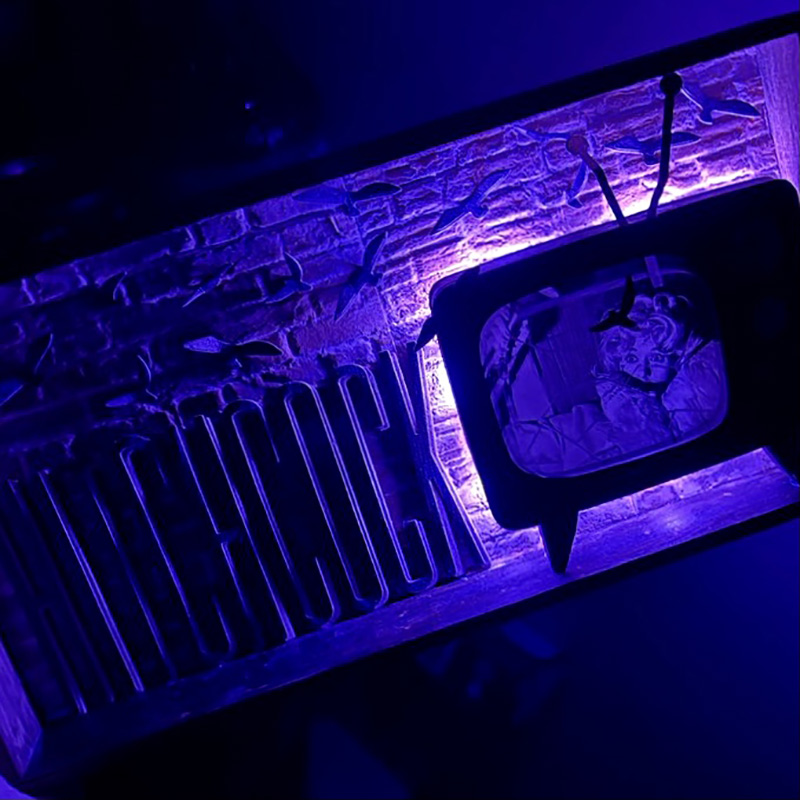
    I added a set of idea-ology tiny lights I hoarded from last Halloween. I LOVE the purple set because they look like black lights and was perfect for this project (see final photo). I wound them around the back of the TV die cut, securing in place with hot glue as I went. Being very careful not to touch the actual bulb with hot glue as this can short the lights. I added extra hot glue blobs to create space between the back so it would sit away from the brickwork and allow the light to escape.

    igirlzoe: tim holtz sizzix retro tv alphanumeric stretch upper 3D brickwork
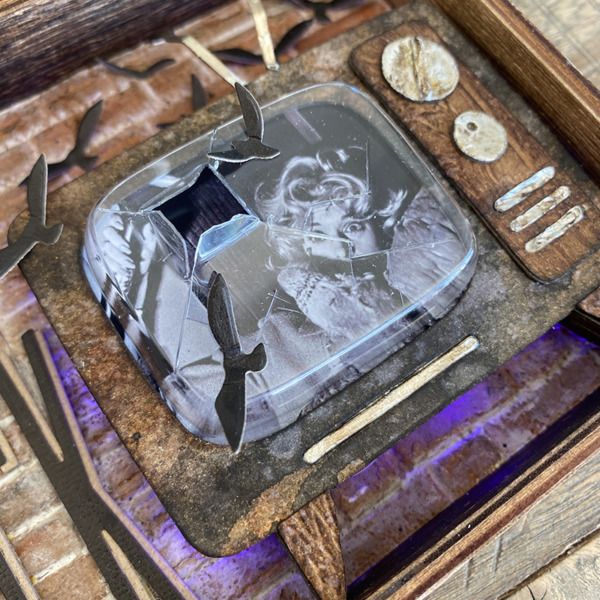
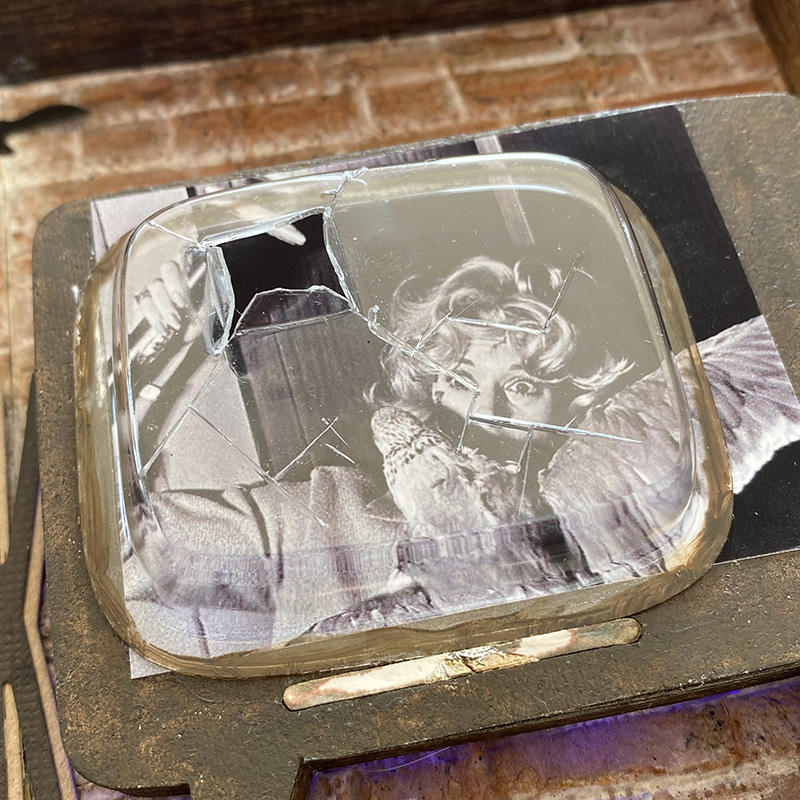
    I printed a photo from a famous scene from Hitchcock’s – The Birds movie. I painted a little ground espresso around the edges of the square dome before gluing into place ready to add the top piece.

    igirlzoe: tim holtz sizzix retro tv alphanumeric stretch upper 3D brickwork
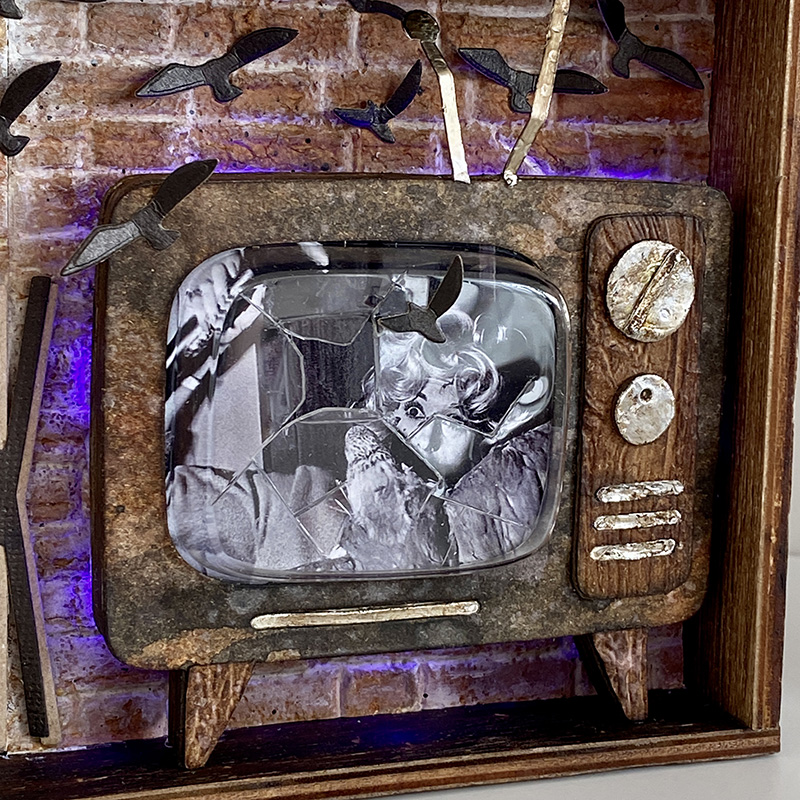
    Using a craft knife, I cut cracks in the square dome and used pliers to bend back the opening where the birds broke through and escaped. Be careful not to scratch yourself on the sharp edges of the plastic. You could lightly sand if it worries you.

    igirlzoe: tim holtz sizzix retro tv alphanumeric stretch upper 3D brickwork
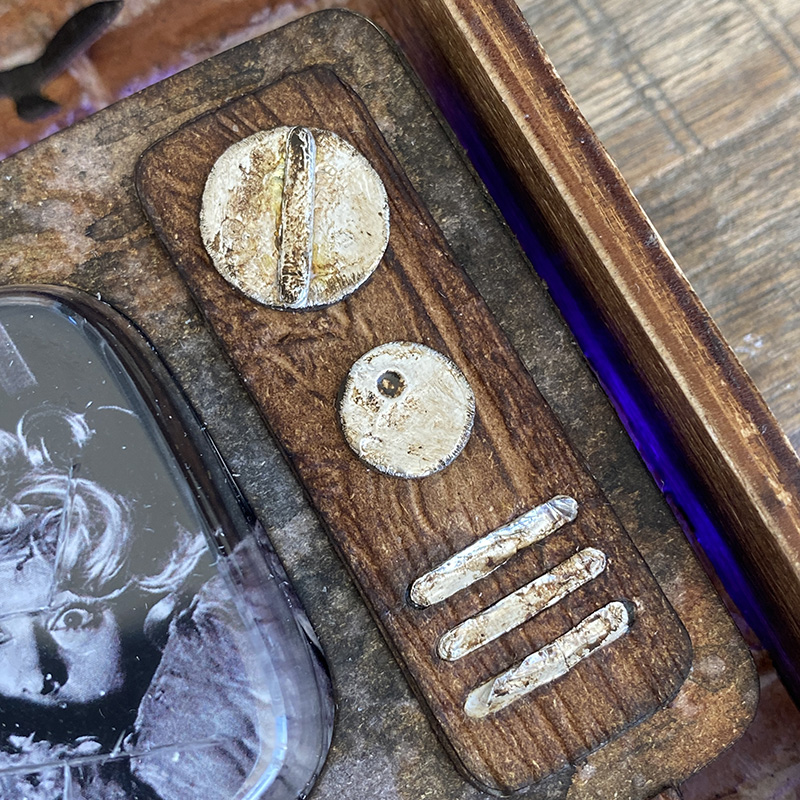
    The panel and feet are separate die cuts and I ran these through my machine with the lumber 3D embossing folder for a faux woodgrain effect. I love being able to emboss different pieces and then assemble after.

    igirlzoe: tim holtz sizzix retro tv alphanumeric stretch upper 3D brickwork
    I used alcohol ink foil tape covered with mushroom alcohol ink to create the dials and bars on the TV panel. I used the end of my paper shaping tool to emboss a circle into the smaller dial and added an extra bar I cut to the bigger dial.

    igirlzoe: tim holtz sizzix retro tv alphanumeric stretch upper 3D brickwork
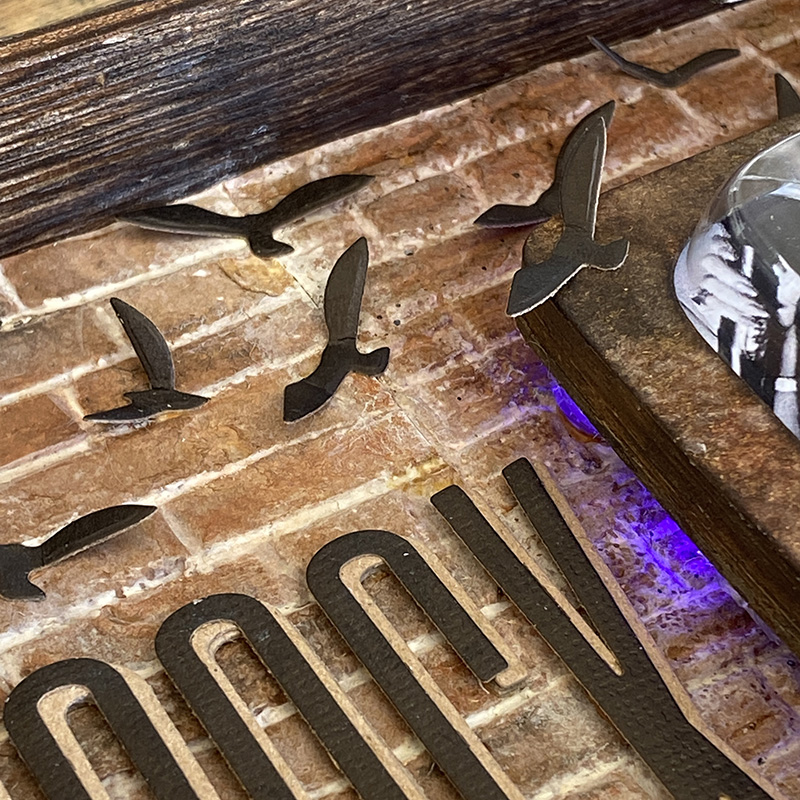
    The birds were die cut using retired scarecrow thinlits die set (662382).

    igirlzoe: tim holtz sizzix retro tv alphanumeric stretch upper 3D brickwork
    They were cut from the new idea-ology kraft-stock, which I love. It’s non textured unlike the original kraft-stock. I folded the birds wings up slightly and attached with a dot of distress collage medium added to the body of the bird.

    igirlzoe: tim holtz sizzix retro tv alphanumeric stretch upper 3D brickwork
    Cutting Hitchcock twice using the alphanumeric stretch upper thinlits dies. Once from idea-ology kraft-stock and once from distress kraft heavystock. I mounted one over the other, slightly offset to make it pop.

    igirlzoe: tim holtz sizzix retro tv alphanumeric stretch upper 3D brickwork
    Doesn’t it look cool lit up in the dark?! I hope there are idea-ology Halloween tiny lights this year! 😉 (photo credit Mario Rossi)…

    Thanks for stopping by.

    Zoe


    affiliate links used at no cost to you


  4. Varsity Moth

    30th July, 2021 by iGirlZoe

    igirlzoe: tim holtz sizzix perspective moth varsity alphanumeric

    Hello friends. I’m getting ready for a busy weekend of seasonal making. Before I head off into the inky wilderness, I thought I would stop by and share a tag I made for the Tim Holtz Sizzix Chapter 3 LIVE launch. You can check out all the launch details and inspirational makes over on Tim’s blog.

    igirlzoe: tim holtz sizzix perspective moth varsity alphanumeric
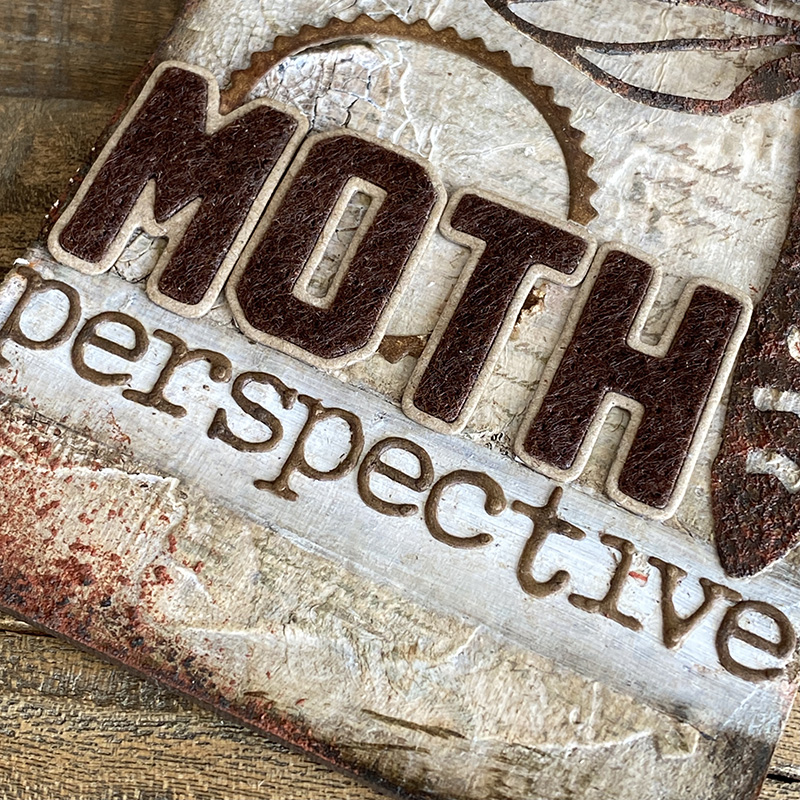
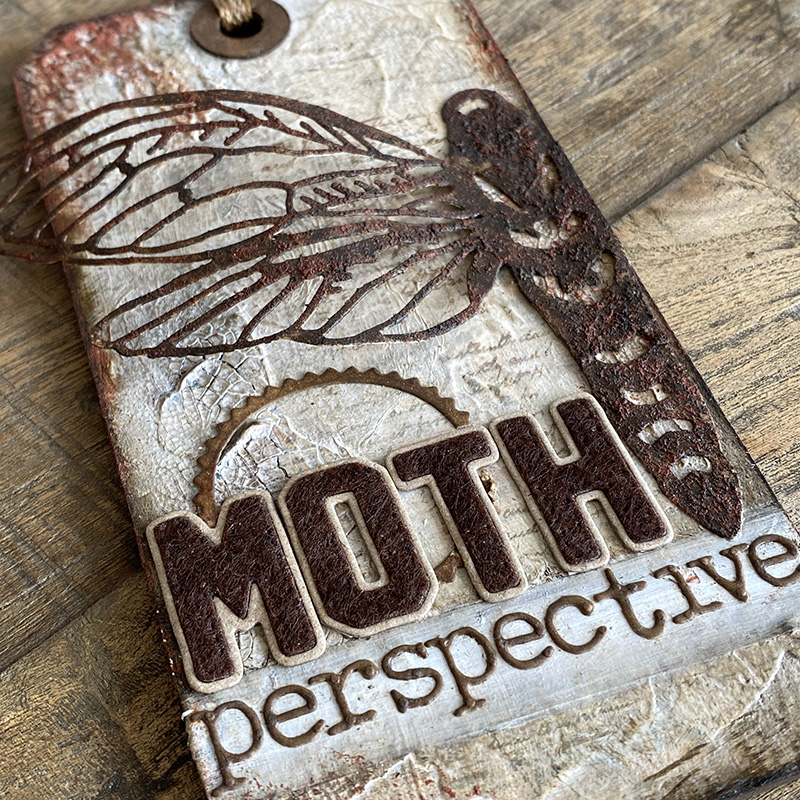
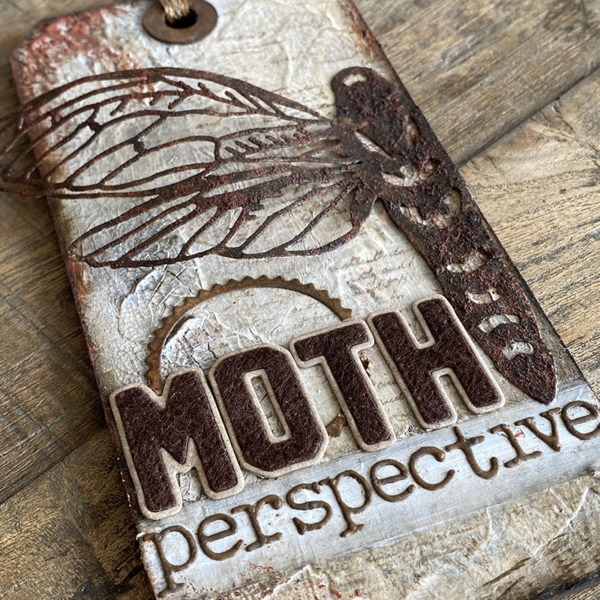
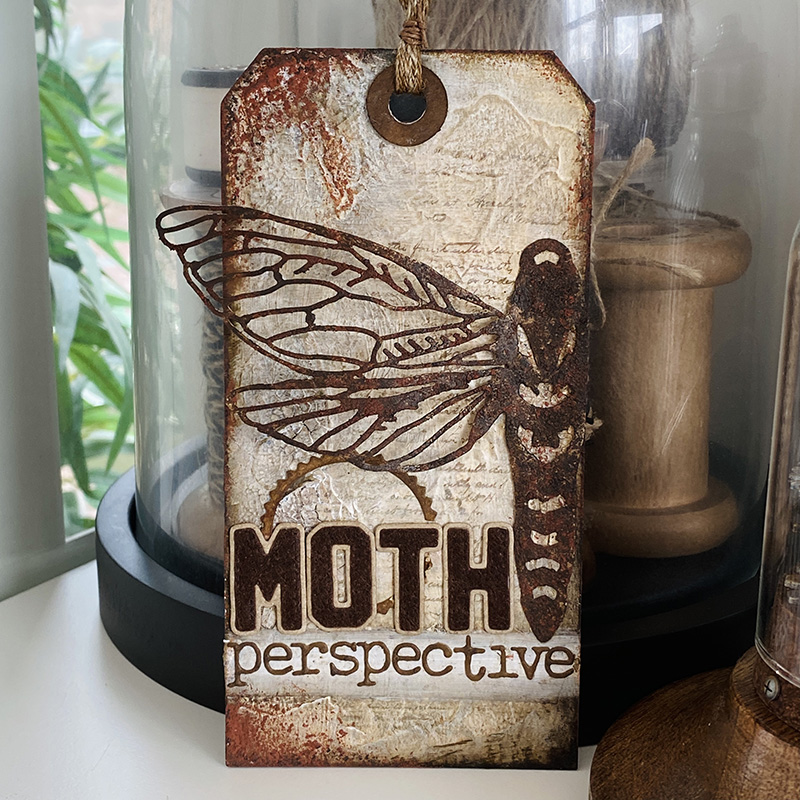
    This time I used half of the perspective moth die cut and took the varsity alphanumeric dies out for a test run and wow, it’s an alphanumeric must have set!

    igirlzoe: tim holtz sizzix perspective moth varsity alphanumeric
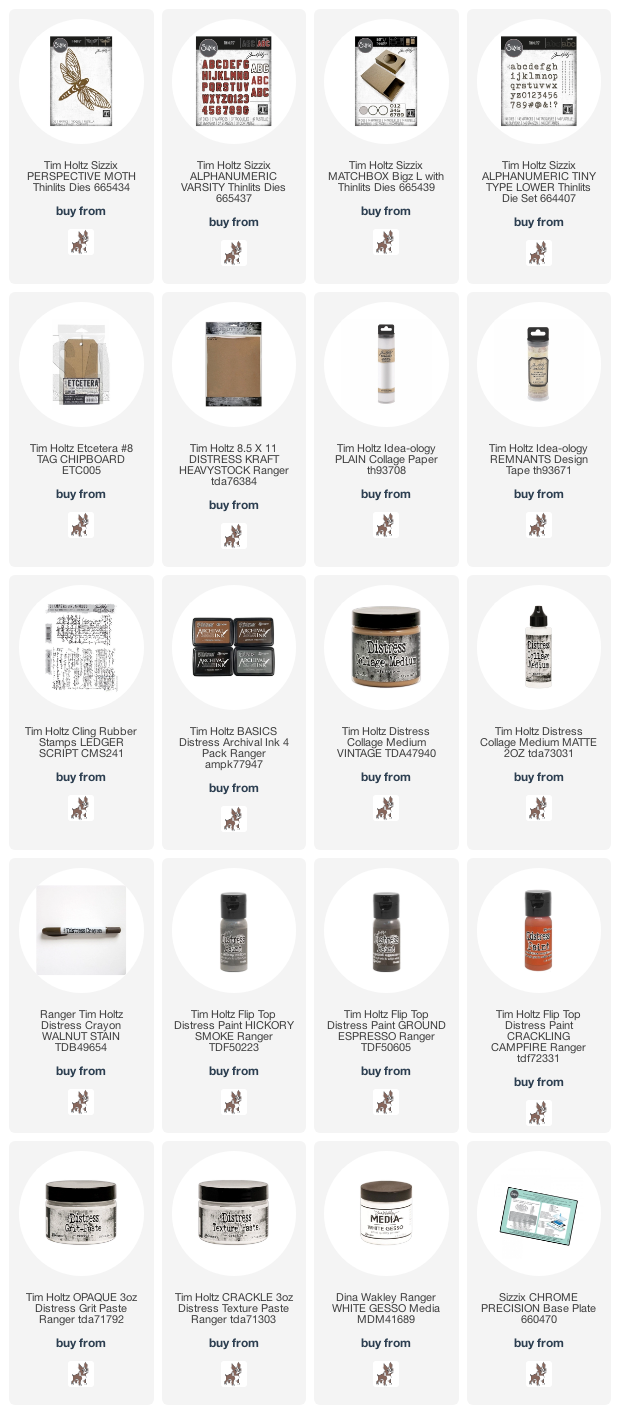
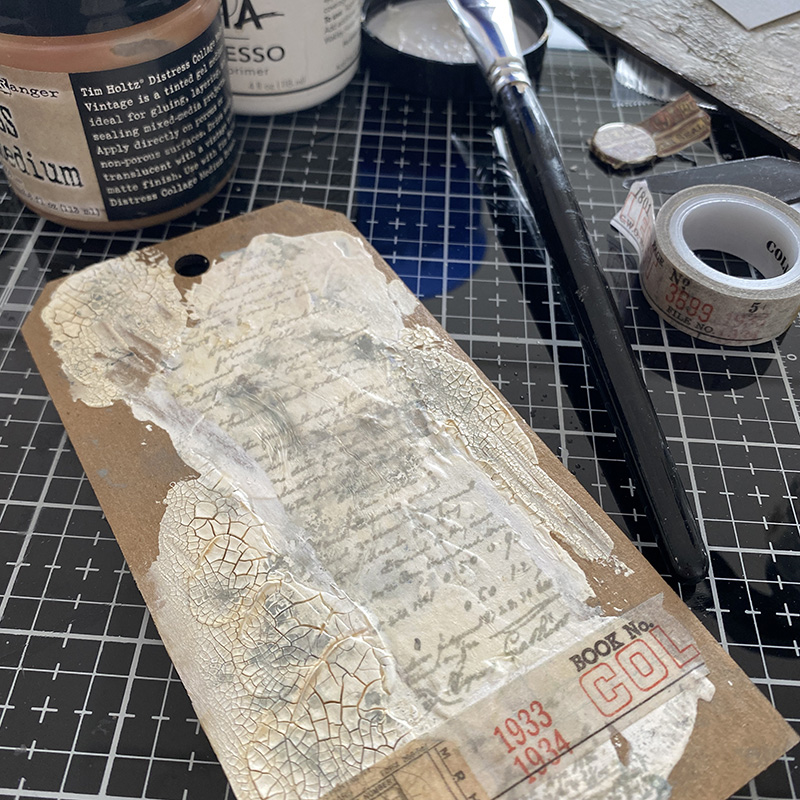
    I used a #8 etcetera tag as my base. I love these tags because they are made from thickboard and you can really load them up with paints, pastes and inks. Perfect for mixed media makes. I have a how to with tips for applying the paste on a previous blog post. For this one I added some plain collage paper which I had stamped with the ledger script stamp in hickory smoke distress archival ink. I added a piece of design tape to the bottom which eventually got covered up, but it still adds texture to the background. I added vintage collage medium to give tint before layering with gesso and distress grit-paste.

    igirlzoe: tim holtz sizzix perspective moth varsity alphanumeric
    I created the moth using the perspective moth thinlits die and rusted the same way as the brickwork moth in a previous blog post. The intricate detail of this wing is incredible. I use a foldaway to cut my intricate dies but if you find you’re having trouble cutting them and you’re not using a foldaway machine, I recommend using a Sizzix Chrome Plate. Details on how to use it and which machines it’s compatible with are on Sizzix website.

    igirlzoe: tim holtz sizzix perspective moth varsity alphanumeric
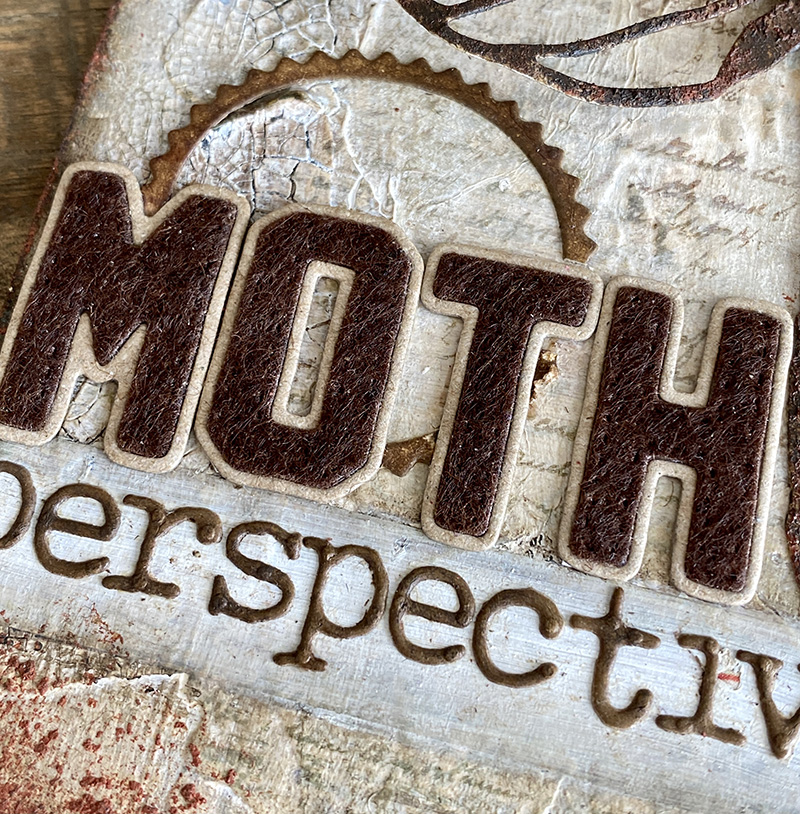
    Let’s talk about the new varsity alphanumeric thinlits dies! WOW! I LOVE THEM! They gently emboss this beautiful stitched detail around the inner die cut. You can’t see it as clearly here as I used felt for the inner piece, but trust me, it is actually there. I used some very stiff adhesive backed felt that Tim kindly sent me. It’s like jacket lettering. So so cool!

    igirlzoe: tim holtz sizzix perspective moth varsity alphanumeric
    I also used a seal outline from the thinlits set that comes with the new matchbox bigz die. I have to admit this die hasn’t been off my desk, love it. I used alphanumeric tiny type lower thinlits dies to spell out perspective.

    igirlzoe: tim holtz sizzix perspective moth varsity alphanumeric
    The perspective moth is a large die and still works perfectly on smaller surfaces by simply cutting it down. Thanks for stopping by.

    Zoe


    affiliate links used at no cost to you


  5. Perspective Moth

    16th July, 2021 by iGirlZoe

    igirlzoe: tim holtz sizzix brickwork 3D embossing folder perspective moth switchlit seal

    Hello friends! Happy Friday! I’m back today with a sample that I made for the Tim Holtz Sizzix Chapter 3 LIVE launch. If you haven’t seen it yet, you can catch up on all the fun over on Tim’s blog.

    I want to say a big thank you for the amazing response and kind comments on my brickwork post. I hope you’ll try it out and I can’t wait to see all the different combinations you come up with.

    igirlzoe: tim holtz sizzix brickwork 3D embossing folder perspective moth switchlit seal
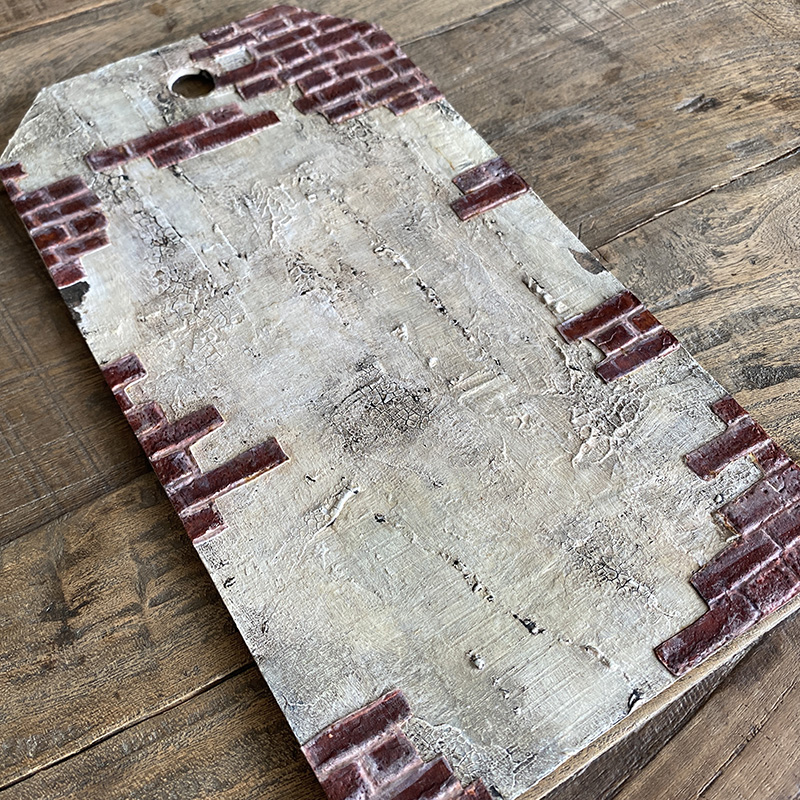
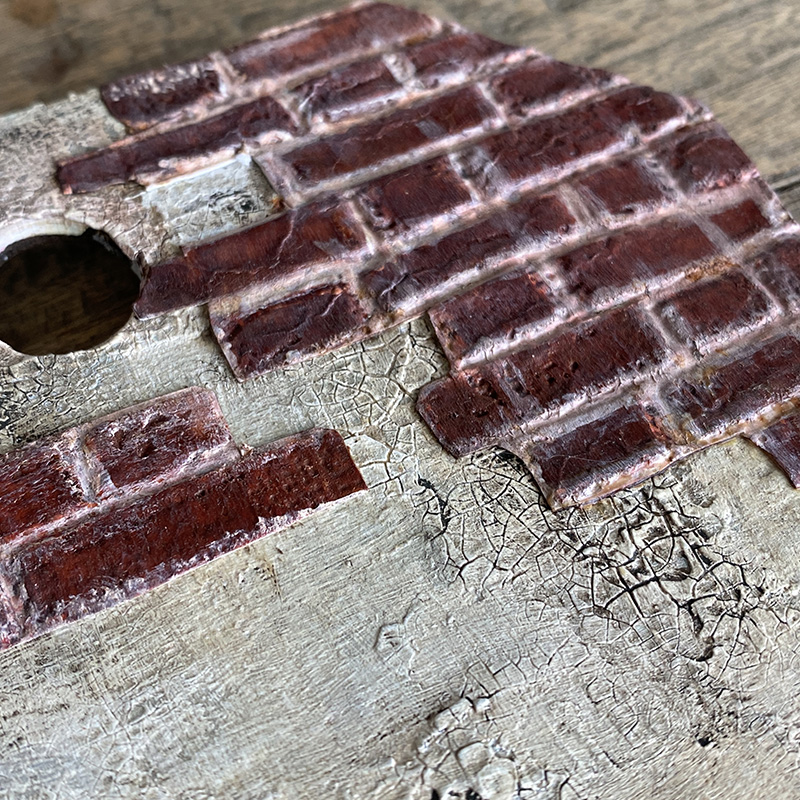
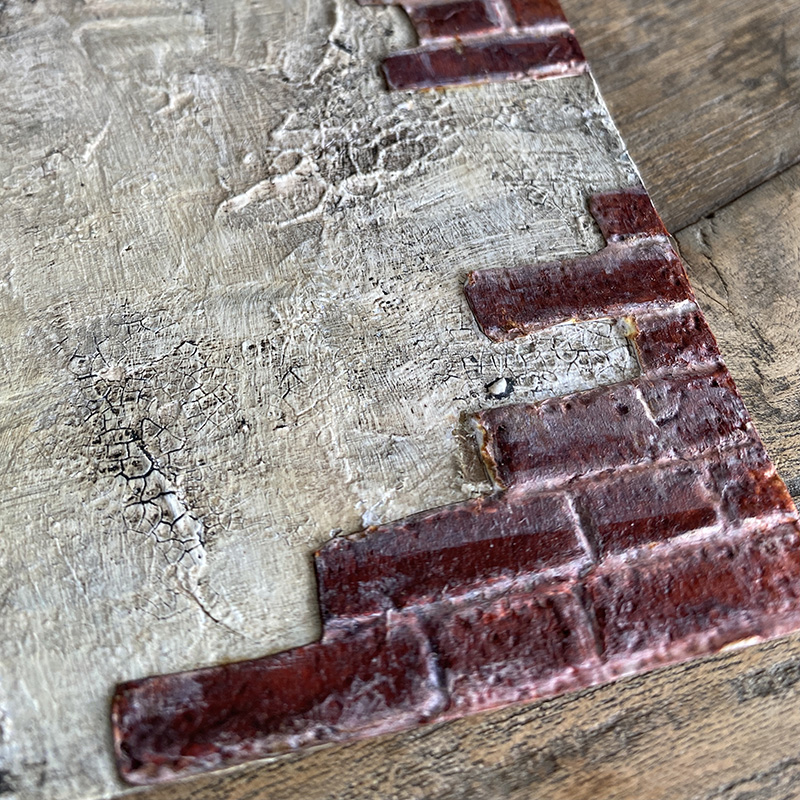
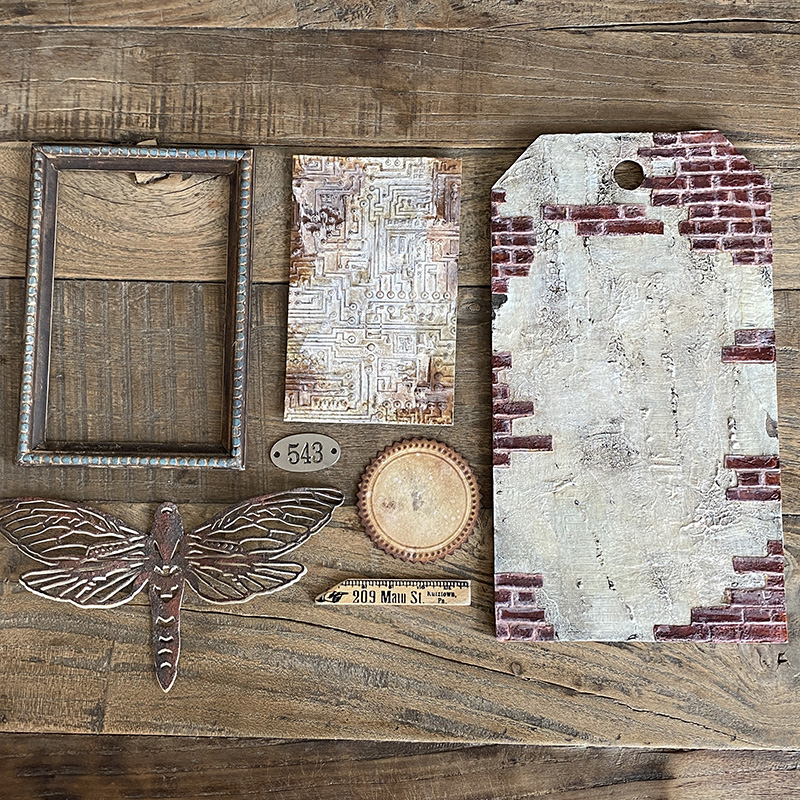
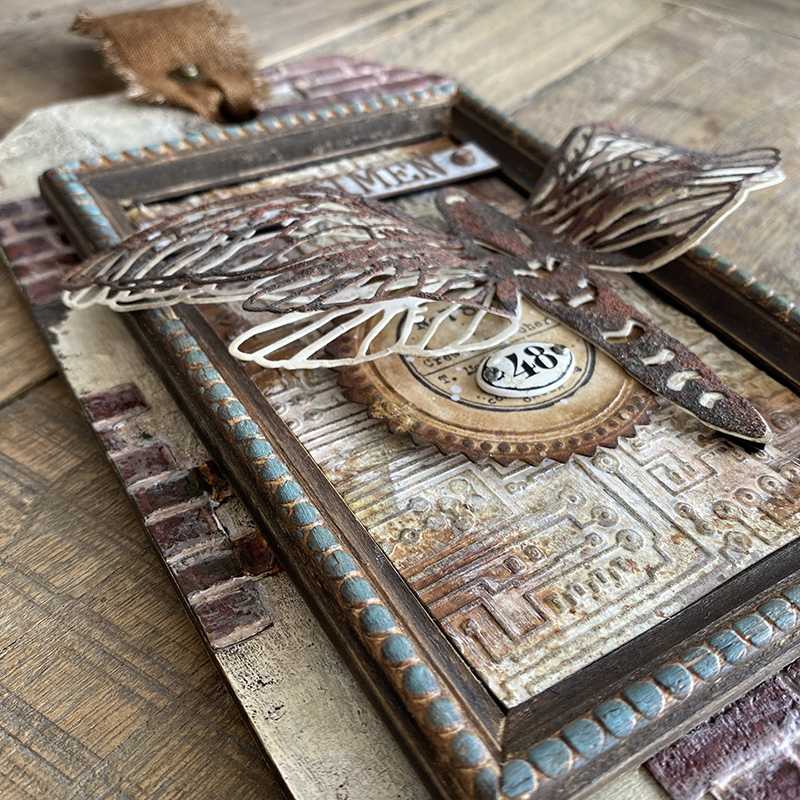
    I took a brickwork background and cut it to create this exposed brick effect. I love the industrial look of this. Let’s get into the how to…

    igirlzoe: tim holtz sizzix brickwork 3D embossing folder perspective moth switchlit seal
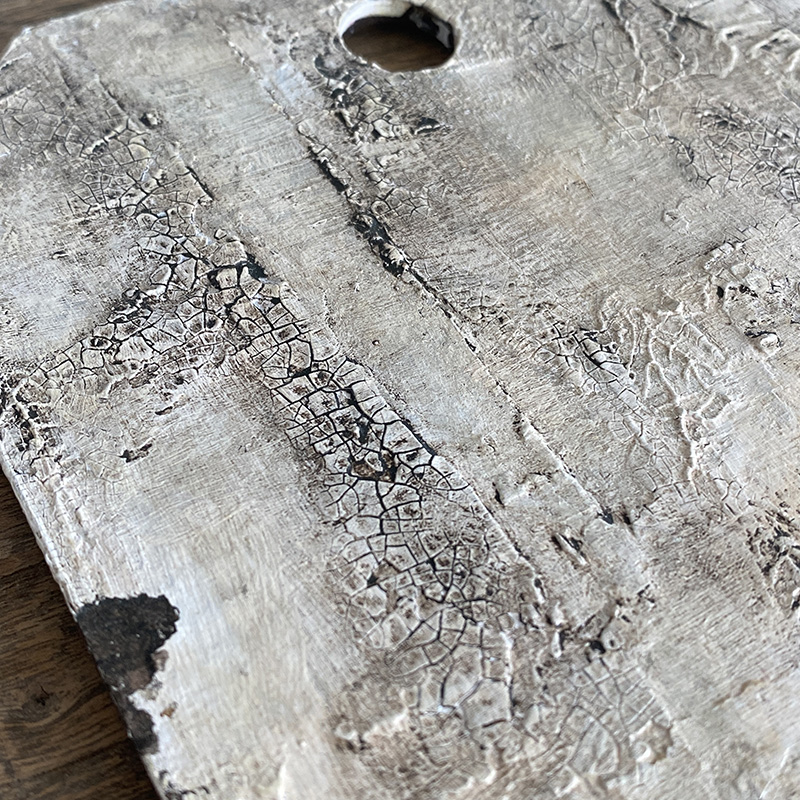
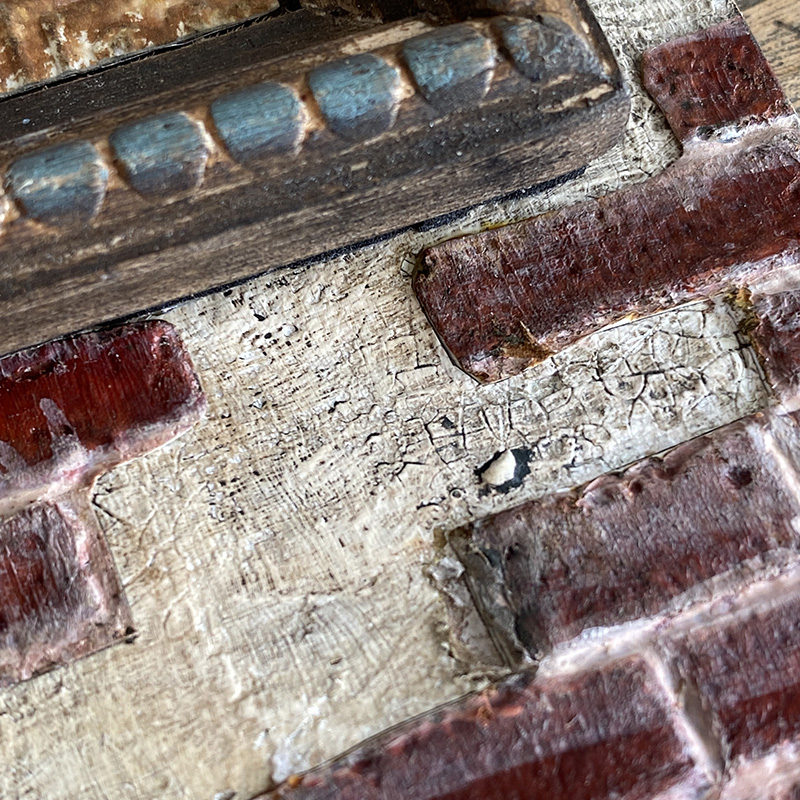
    Cover a small thickboard etcetera tag with gesso and distress crackle texture paste and set aside to dry. Sand the edges and rub walnut stain distress crayon into the cracks. I did a “how to” for this on a previous blog post.

    igirlzoe: tim holtz sizzix brickwork 3D embossing folder perspective moth switchlit seal
    Once you are happy with your grunged up background, it’s time to add the brickwork pieces. Tutorial below…

    igirlzoe: tim holtz sizzix brickwork 3D embossing folder perspective moth switchlit seal
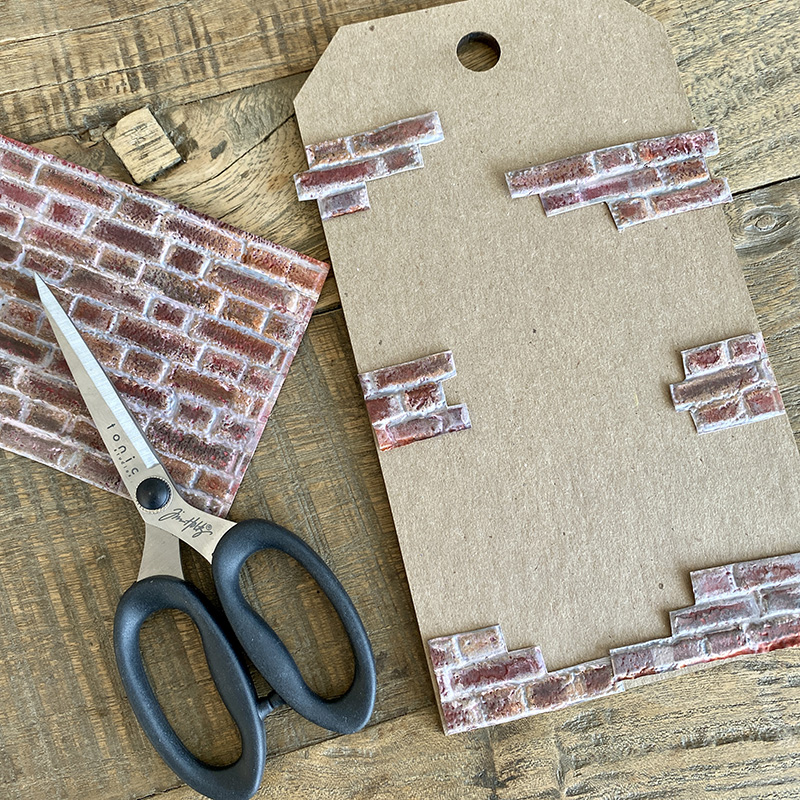
    Follow the brickwork post to create a brickwork background. Cut pieces and strips with scissors and glue them onto your tag.

    This concludes the cut brickwork tutorial. 😉

    igirlzoe: tim holtz sizzix brickwork 3D embossing folder perspective moth switchlit seal
    igirlzoe: tim holtz sizzix brickwork 3D embossing folder perspective moth switchlit seal
    igirlzoe: tim holtz sizzix brickwork 3D embossing folder perspective moth switchlit seal
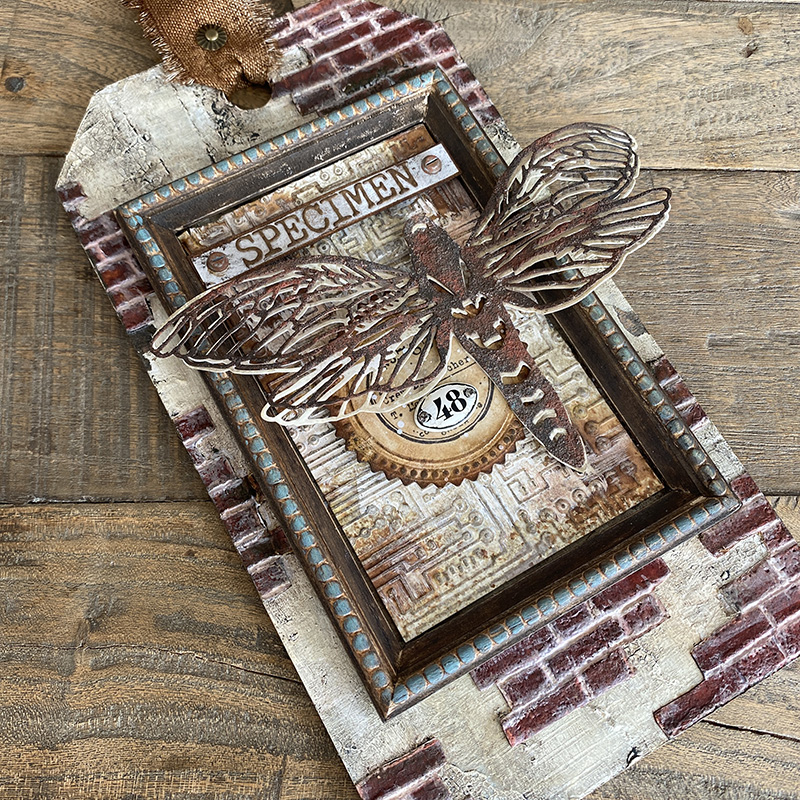
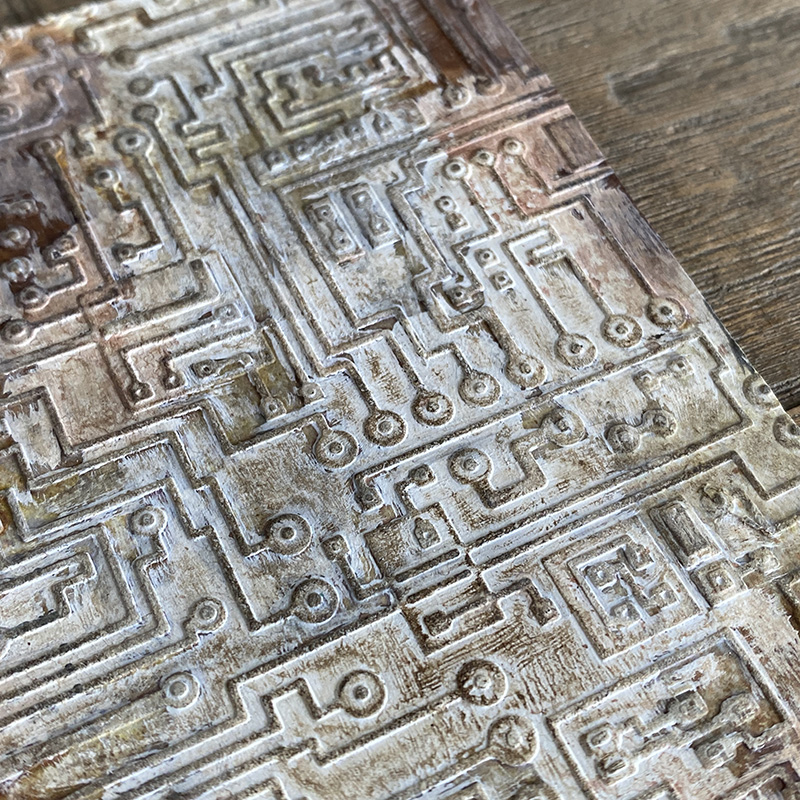
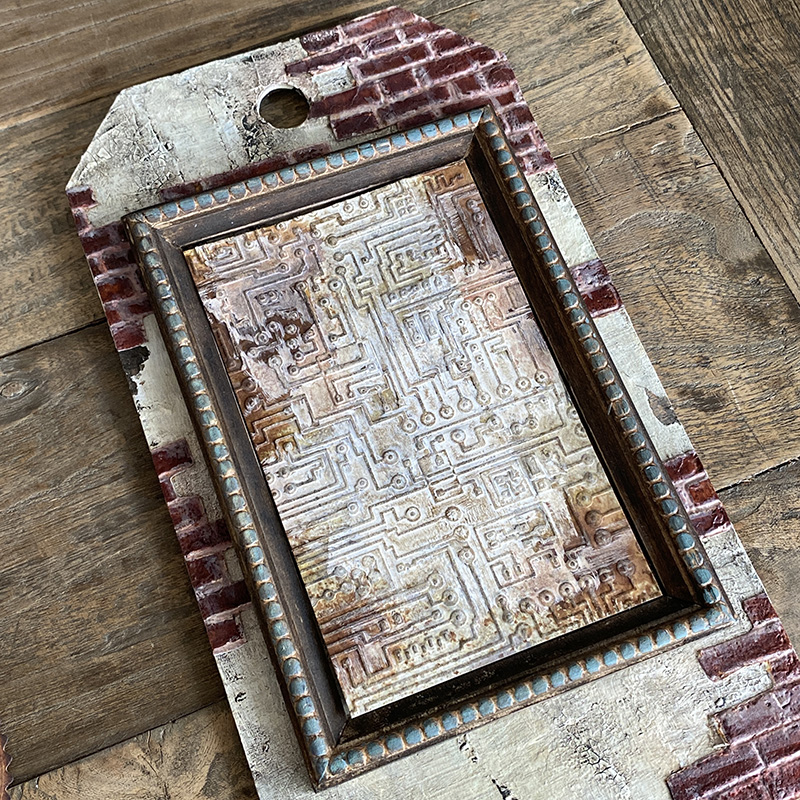
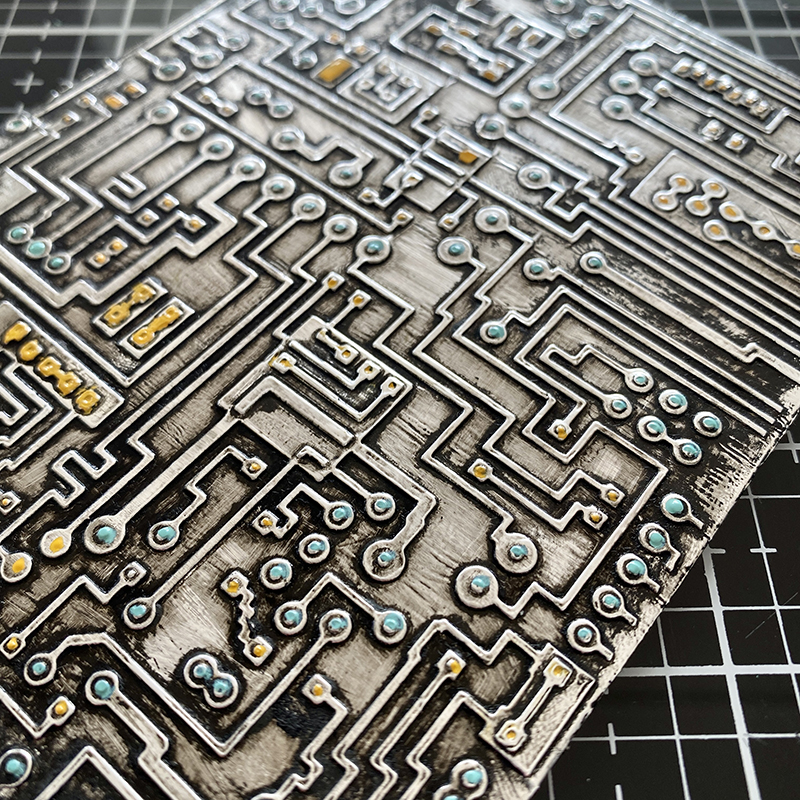
    Using the circuit 3D embossing folder I embossed distress watercolor cardstock and covered with a layer of watered down white gesso. I dry brushed ground espresso distress paint over the top and added some distress spray and let it wick through the embossed detail.

    igirlzoe: tim holtz sizzix brickwork 3D embossing folder perspective moth switchlit seal
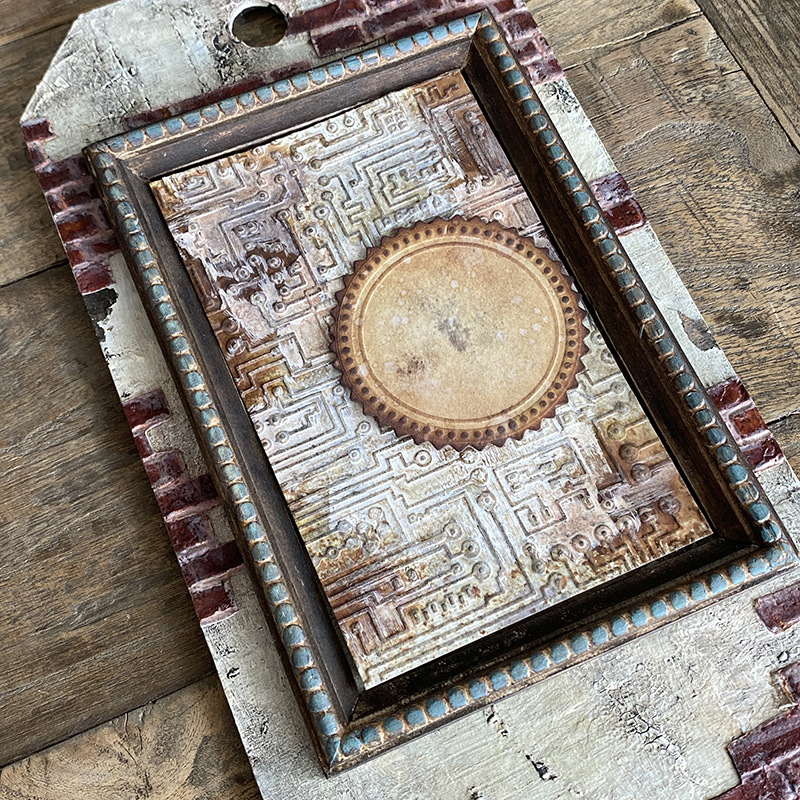
    The new switchlits seal is AWESOME! I used it as an anchor point for my moth, to see how the new switchlits work, check out Tim’s LIVE launch.

    igirlzoe: tim holtz sizzix brickwork 3D embossing folder perspective moth switchlit seal
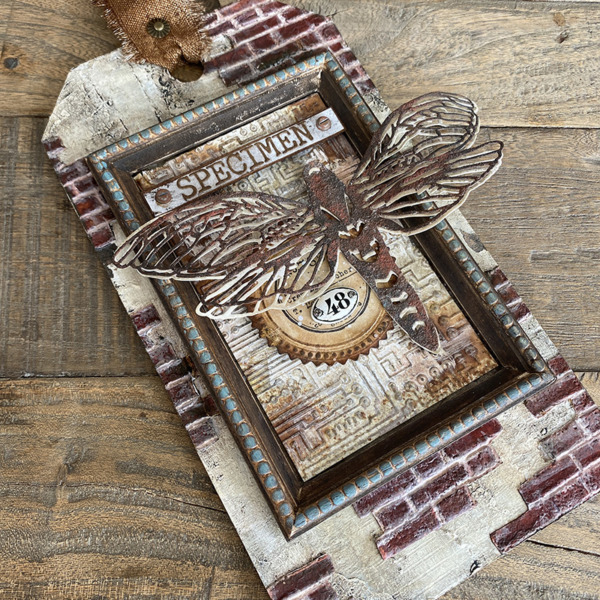
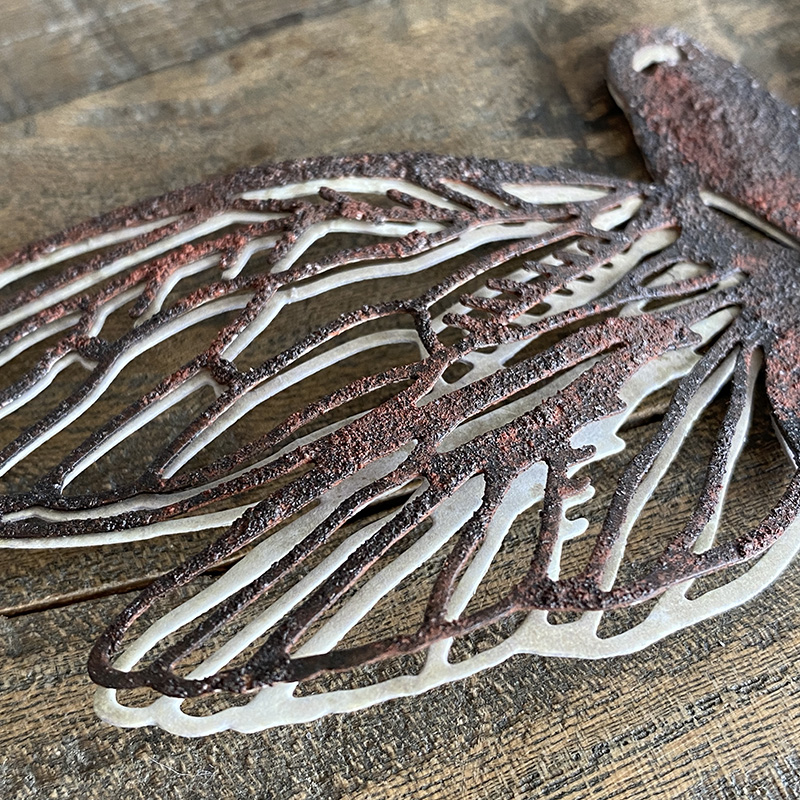
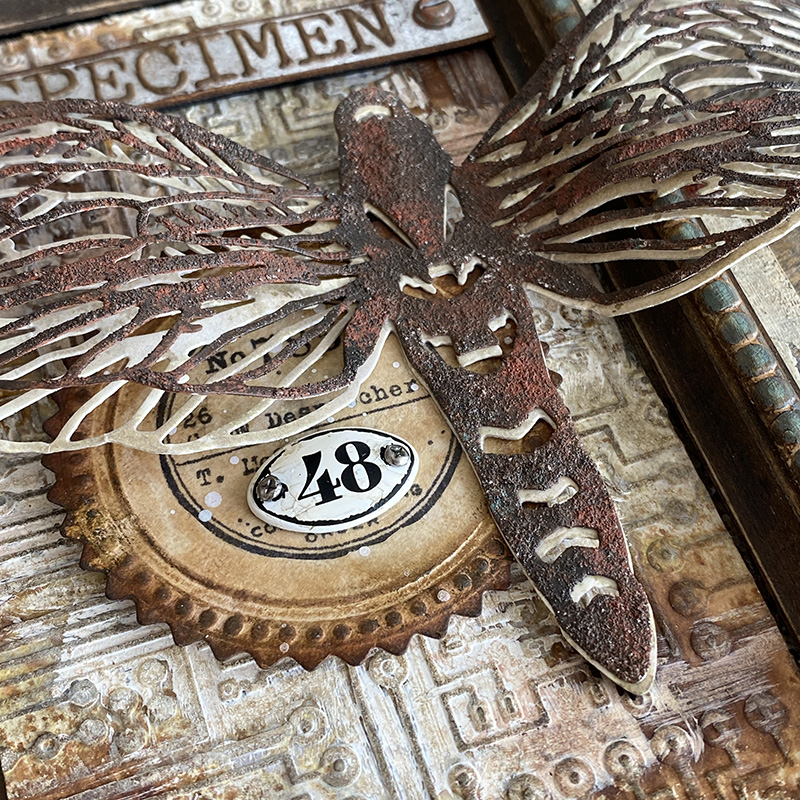
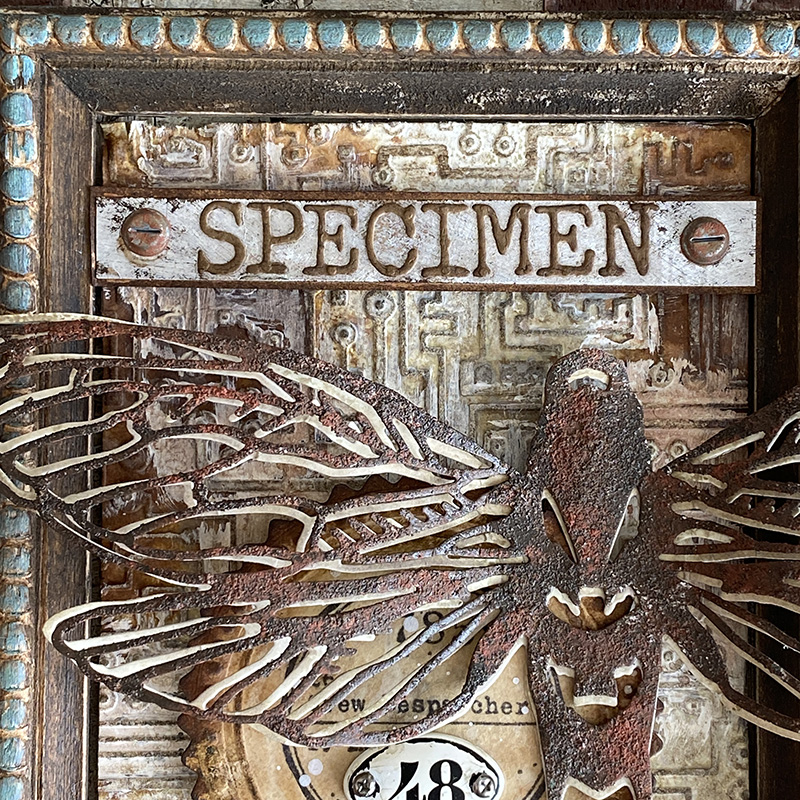
    The new perspective moth is stunning! When I received the die and cut it for the first time, I couldn’t believe how intricate the wings are. I cut it twice and covered the top layer with distress grit-paste and then painted with ground espresso distress paint and added rusty hinge distress crayon. The bottom layer I did nothing to and offset slightly from the top layer to create a drop shadow.

    igirlzoe: tim holtz sizzix brickwork 3D embossing folder perspective moth switchlit seal
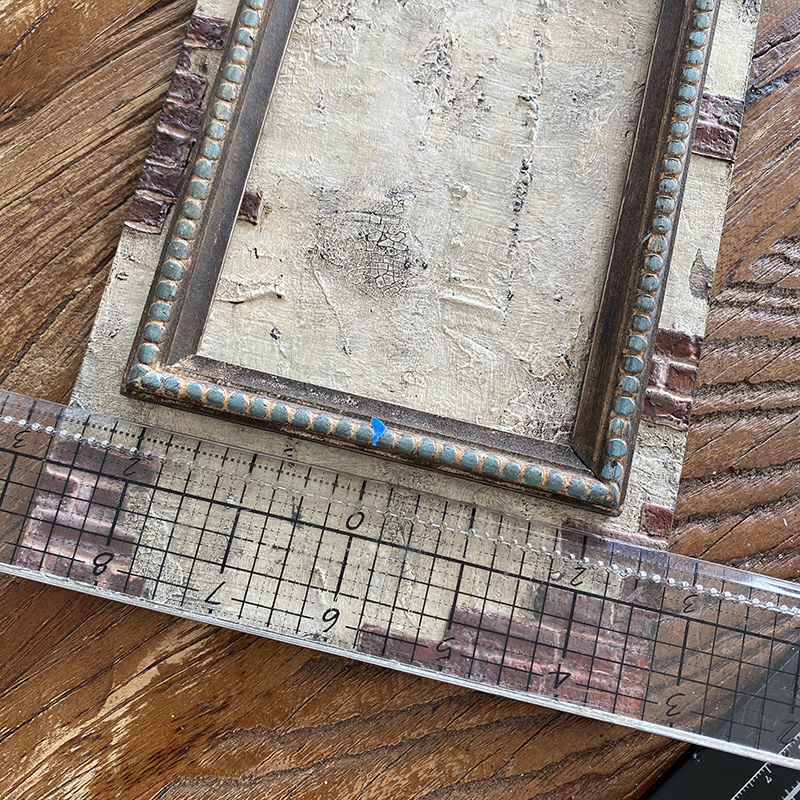
    Here is a quick run through of how I assembled the tag in case it’s helpful. The ruler didn’t make the final piece.

    igirlzoe: tim holtz sizzix brickwork 3D embossing folder perspective moth switchlit seal
    I use Tim’s design ruler to find the center of my frame and mark with a tiny piece of tape and then again to find the center of the tag. Not at all necessary, but for me it’s all in the details.

    igirlzoe: tim holtz sizzix brickwork 3D embossing folder perspective moth switchlit seal
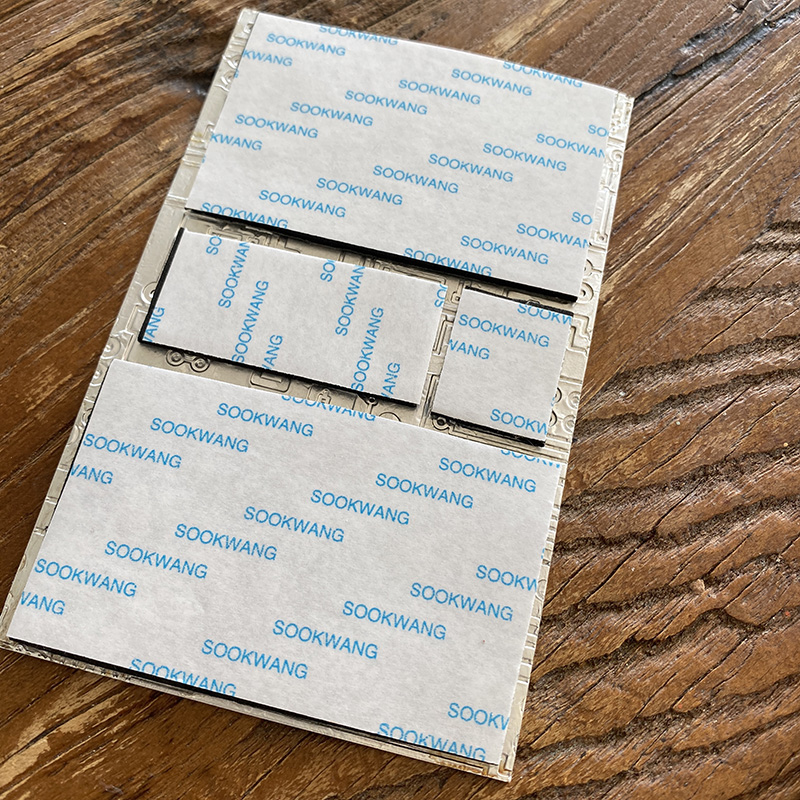
    I find adhesive backed foam really expensive and I like to customise the size so I make my own. I buy sheets of kids fun foam and cover each side in 2 inch scor-tape and then cut to size as I need it.

    igirlzoe: tim holtz sizzix brickwork 3D embossing folder perspective moth switchlit seal
    Add the foam adhesive backed circuit background to the center of the frame.

    igirlzoe: tim holtz sizzix brickwork 3D embossing folder perspective moth switchlit seal
    Next add the switchlet seal. I used a little foam backed adhesive again to lift the layer.

    igirlzoe: tim holtz sizzix brickwork 3D embossing folder perspective moth switchlit seal
    After I had added the seal I wished I’d stamped it but knew if I tried to do it whilst the seal was on my tag it would go wrong, I would try and remove the seal, that would tare the background… house of cards! So I stamped the image onto a piece of plain collage tissue wrap, fussy cut and then glued it on with distress collage medium. The glue makes the collage tissue vanish. I then got a little extra with the paint brush and ripped the bottom piece of the stamp, so added an idea-ology plaquette to cover the mistake. Smoke and mirrors my friends. Nothing I do is ever planned, it’s usually just accidental damage control! LOL

    igirlzoe: tim holtz sizzix brickwork 3D embossing folder perspective moth switchlit seal
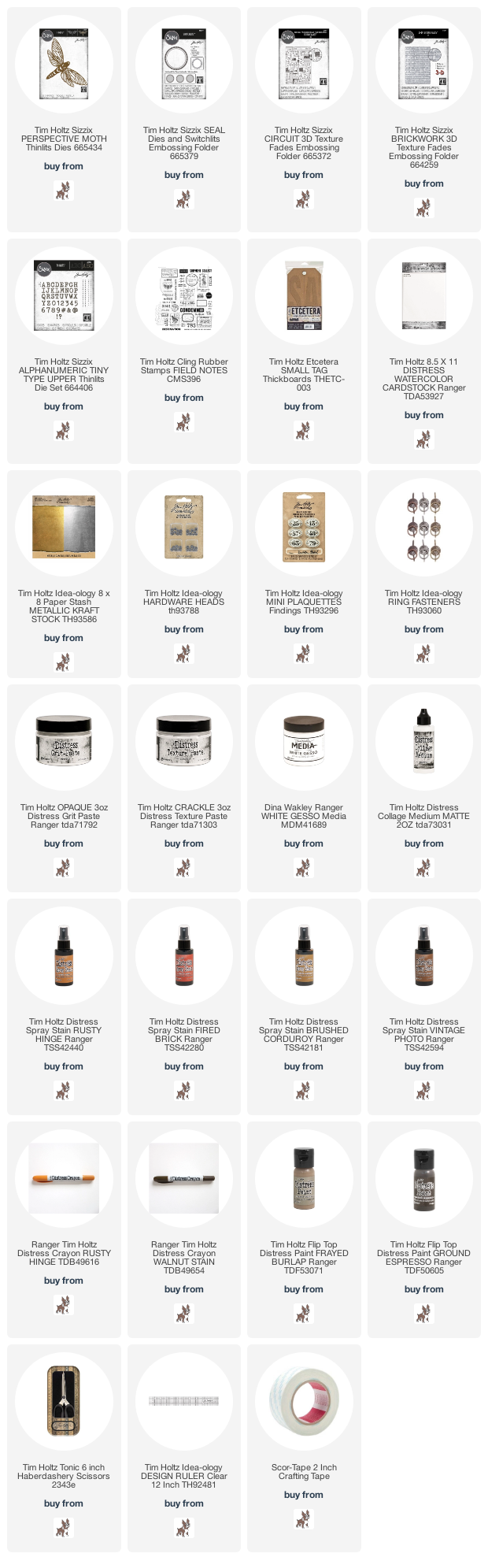
    I added the perspective moth, attaching the body but leaving the wings free and shaping them slightly with my fingers. I added a strip of idea-ology metallic kraftstock with alphanumeric tiny type letters and idea-ology hardware heads added. I rubbed my NEW FULL SIZE distress archival ink pad over the top. Sorry for the shouting, I’m still so happy that Tim and Ranger released the OG distress archival palette in full size ink pads.

    igirlzoe: tim holtz sizzix brickwork 3D embossing folder perspective moth switchlit seal
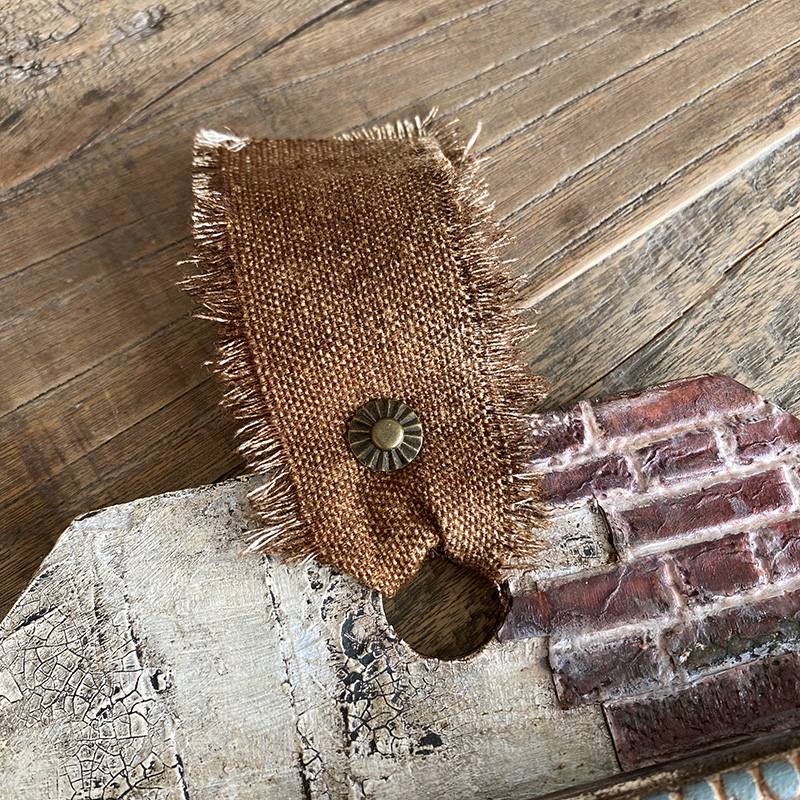
    I added a piece of linen that I dyed with distress spray stain and secured in place with an idea-ology fastener.

    igirlzoe: tim holtz sizzix brickwork 3D embossing folder perspective moth switchlit seal

    igirlzoe: tim holtz sizzix brickwork 3D embossing folder perspective moth switchlit seal
    Thanks for stopping by and let me know if you have any questions and set your alarms for tomorrows new distress color reveal. I’m so excited, you’re going to need snacks.

    Zoe


  6. Tim Holtz Brickwork

    14th July, 2021 by iGirlZoe

    igirlzoe: tim holtz sizzix brickwork 3D embossing folder 664259

    Hello Friends! I’ve finally got myself organized and have a walk through of the brickwork backgrounds I’ve been using for my makes recently.

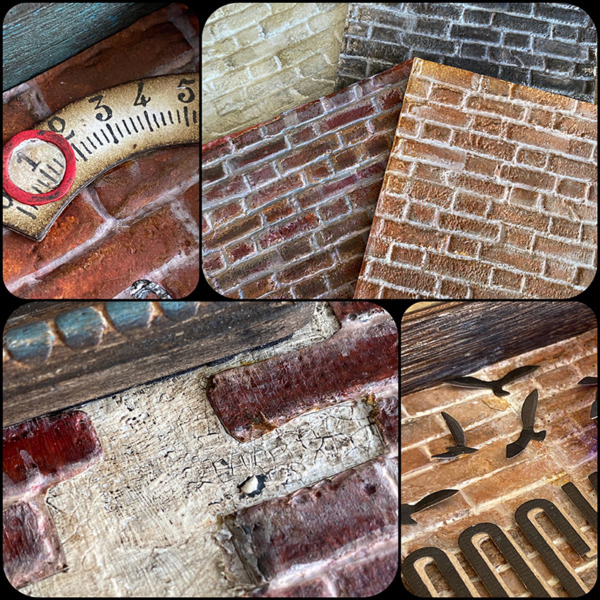
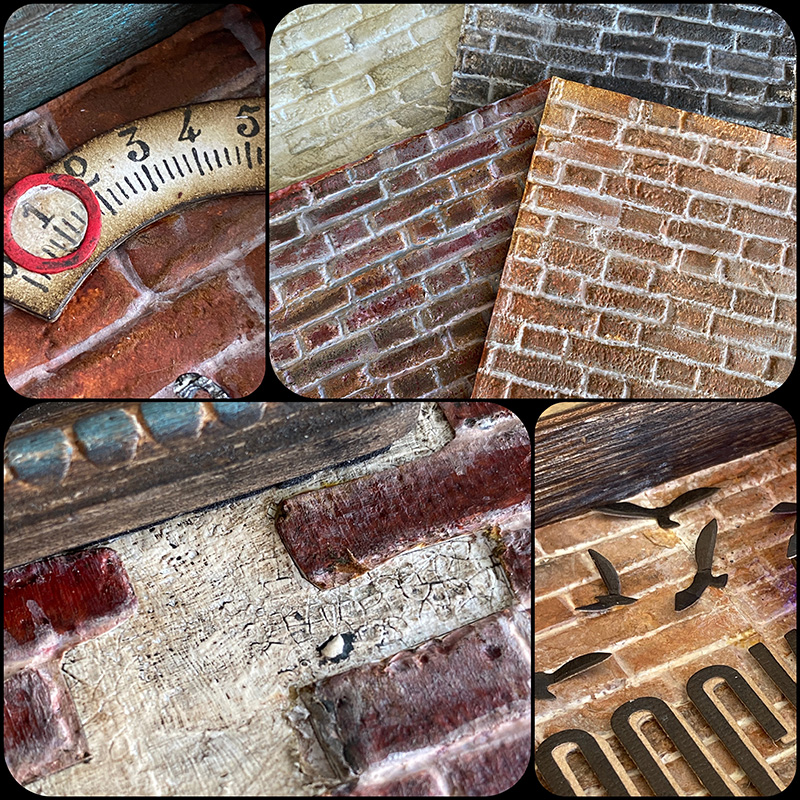
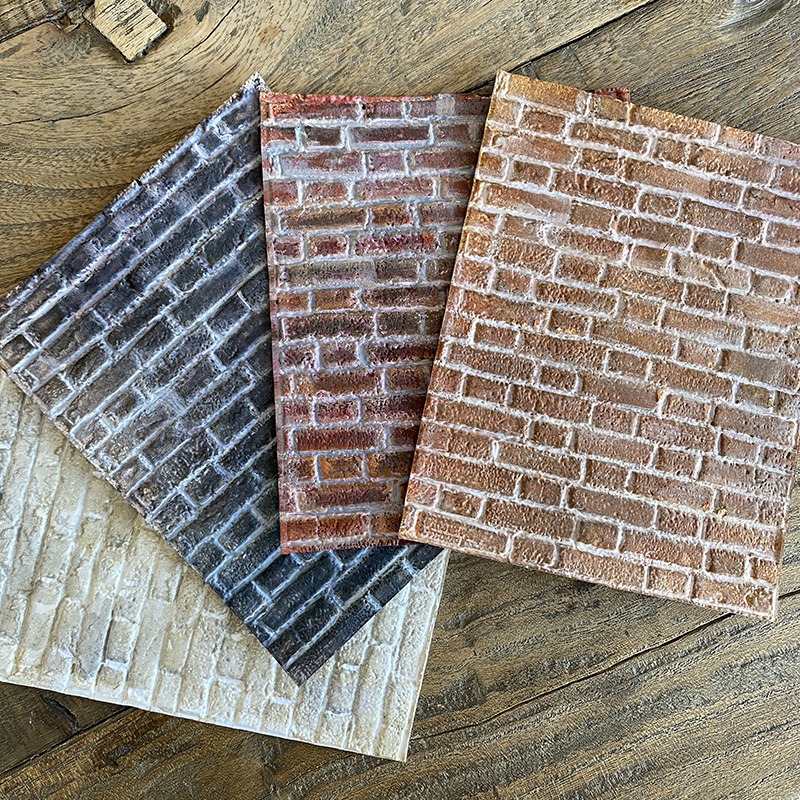
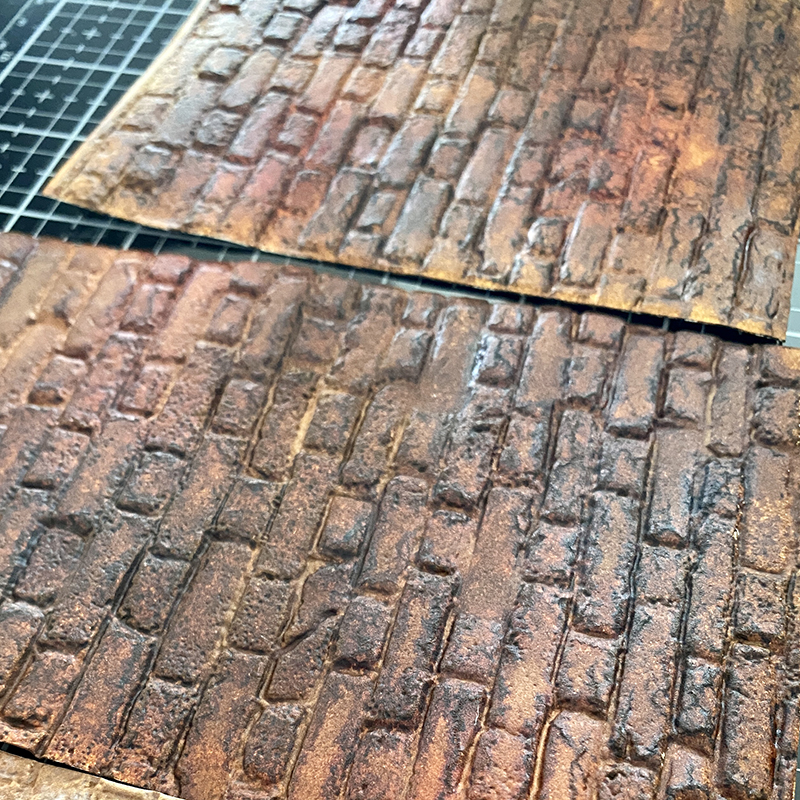
    The Tim Holtz Sizzix Brickwork 3D embossing folder is incredibly detailed and does all of the heavy lifting when creating brickwork from paper. It’s the brick pitting detail that makes it look like it should be rough to the touch when it’s not.

    igirlzoe: tim holtz sizzix brickwork 3D embossing folder 664259
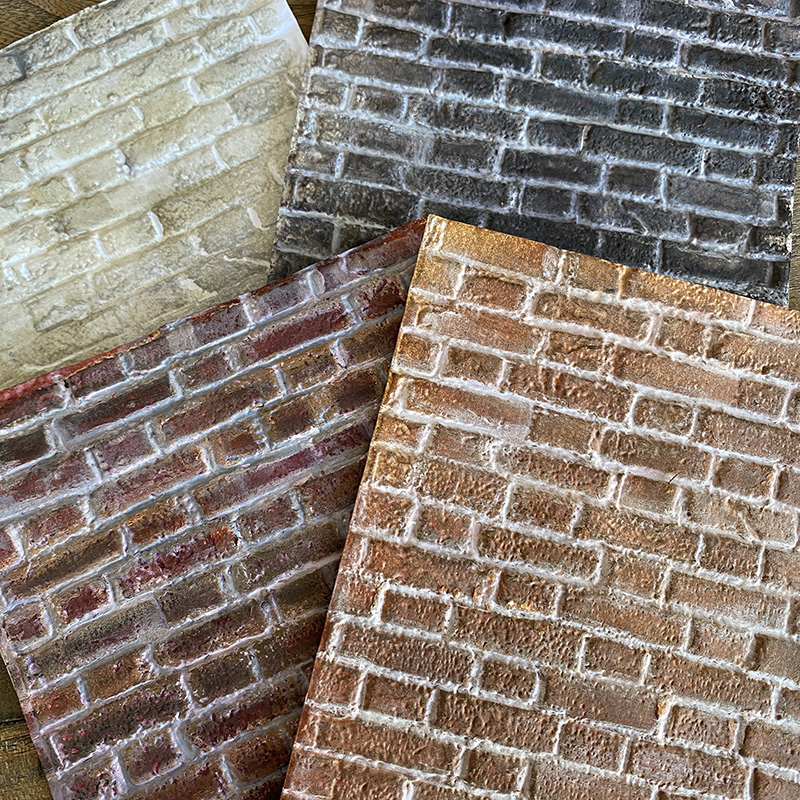
    Above are a few examples of brickwork used in my makes. For the walk through I haven’t listed specific colours, but if you scroll down there are some different brickwork combinations with colours listed to get you started, but first, let’s get into how to make your own…

    igirlzoe: tim holtz sizzix brickwork 3D embossing folder 664259
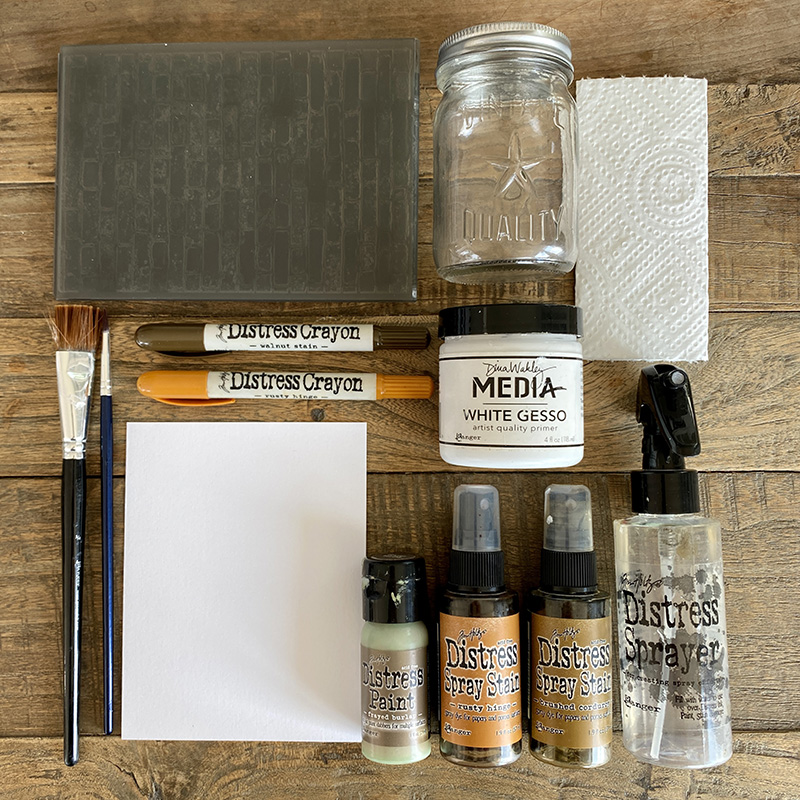
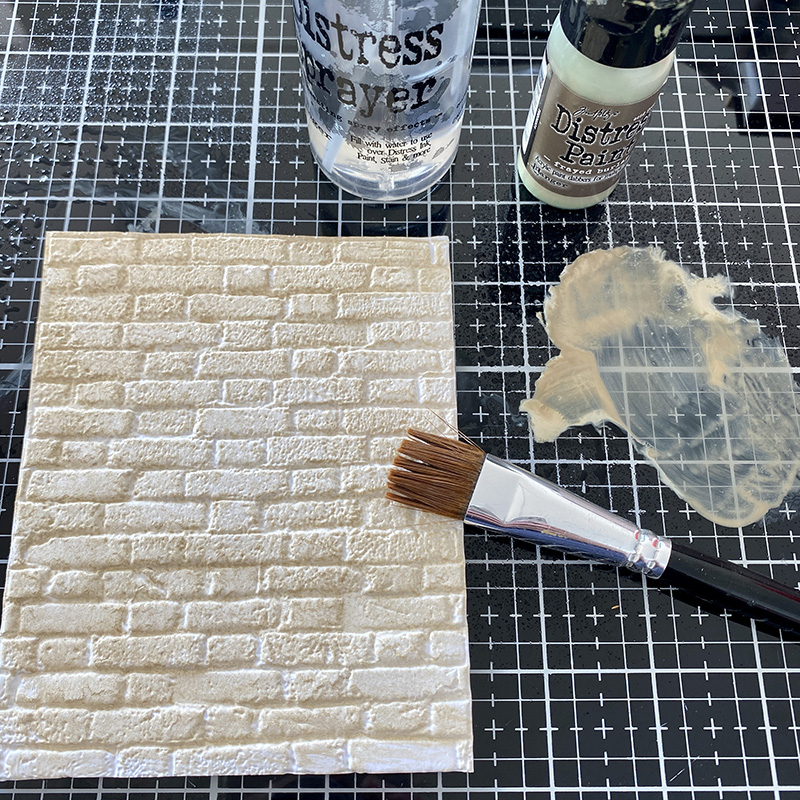
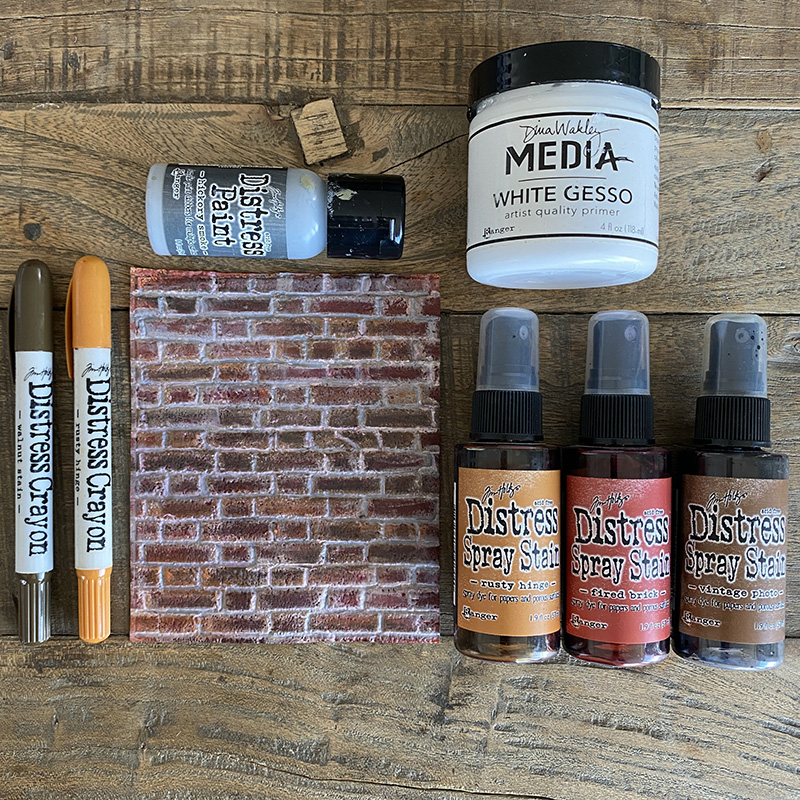
    Gather these supplies: distress watercolor cardstock, brickwork 3D embossing folder, jar of water, paper towel, white gesso, distress water sprayer bottle, large and detail paint brushes, distress crayons, distress paint and distress sprays.

    igirlzoe: tim holtz sizzix brickwork 3D embossing folder 664259
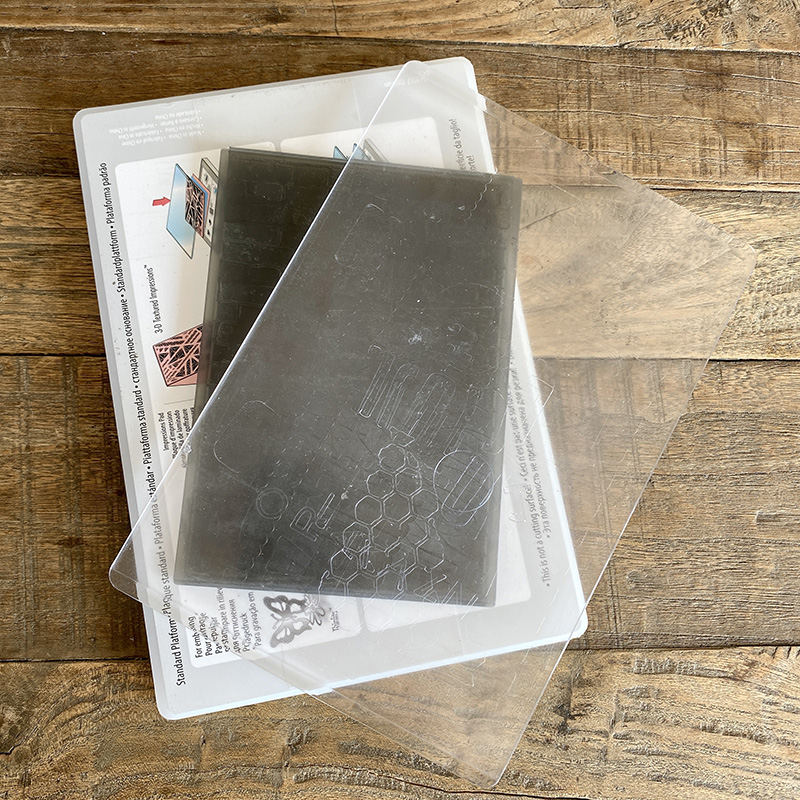
    Emboss distress watercolor cardstock with the 3D brickwork embossing folder. You only need your base platform and one cutting plate when running 3D embossing folders through your Sizzix machine. Lightly mist your cardstock and then roll your embossing folder through 3 times. Remember 3D – 3 passes.

    igirlzoe: tim holtz sizzix brickwork 3D embossing folder 664259
    Make a paint wash with distress paint and water and paint over the embossed brickwork background and set aside to dry.

    igirlzoe: tim holtz sizzix brickwork 3D embossing folder 664259
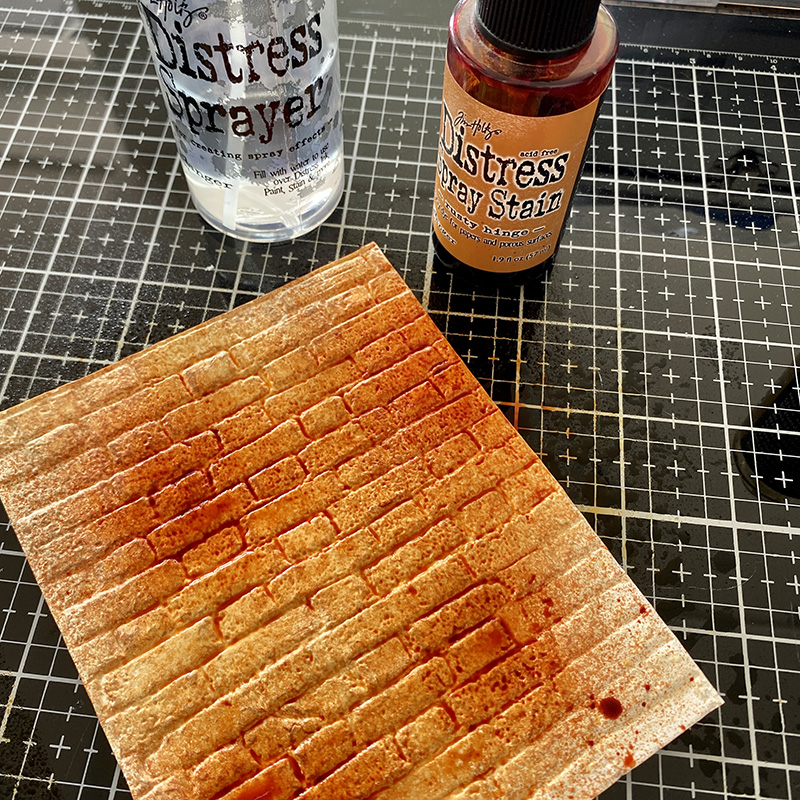
    Give the background a light mist and spray with distress spray and dry with a heat tool.

    igirlzoe: tim holtz sizzix brickwork 3D embossing folder 664259
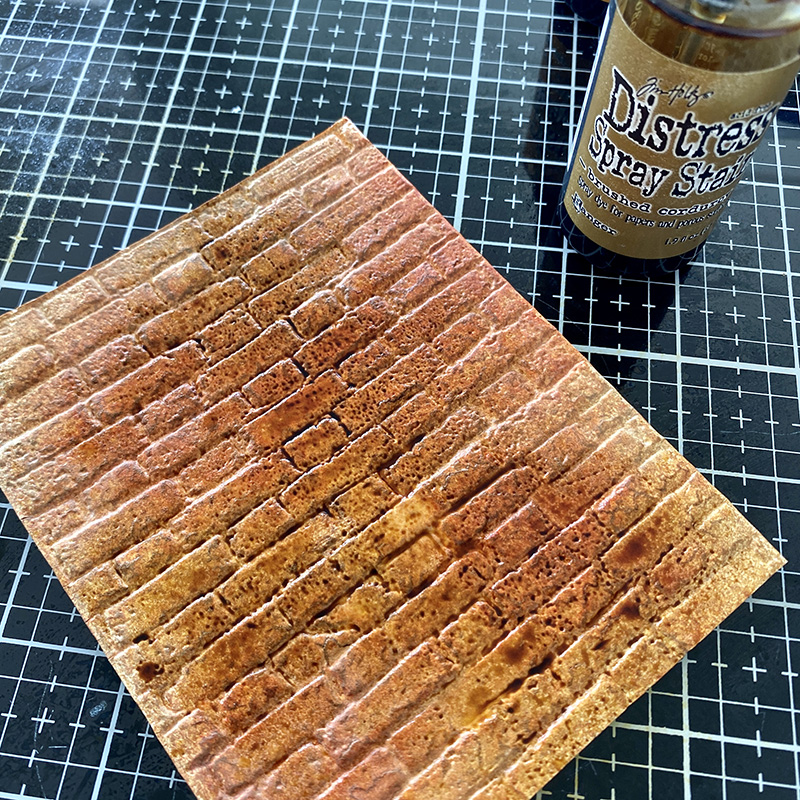
    Give the background a light mist and spray with another distress spray and dry with a heat tool.

    igirlzoe: tim holtz sizzix brickwork 3D embossing folder 664259
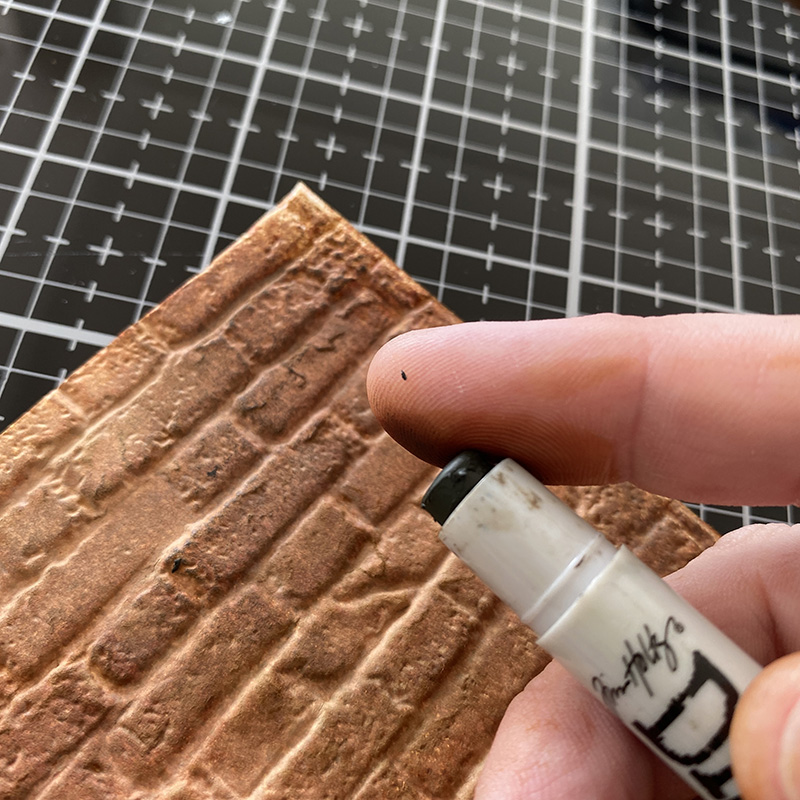
    Rub distress crayon onto your finger and rub over portions of the brickwork. Dry with a heat tool.

    igirlzoe: tim holtz sizzix brickwork 3D embossing folder 664259
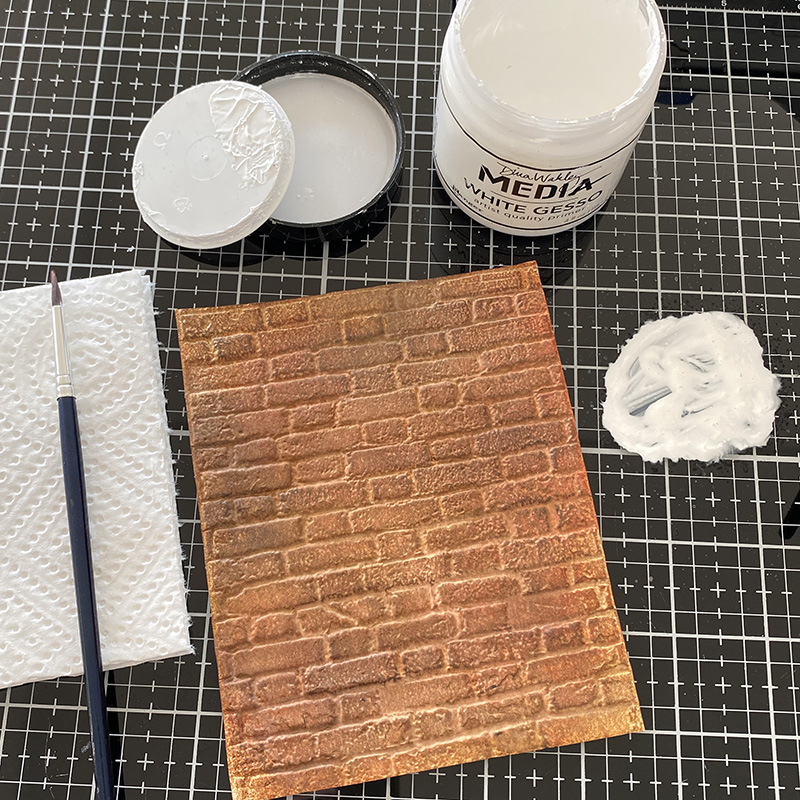
    Once the background is dry, really dry. Go ahead and dry it once more just to be sure and gather white gesso, water spray bottle, detail paint brush and paper towel. Put a little gesso onto your glass media mat or non stick craft mat and add a little water and mix.

    igirlzoe: tim holtz sizzix brickwork 3D embossing folder 664259
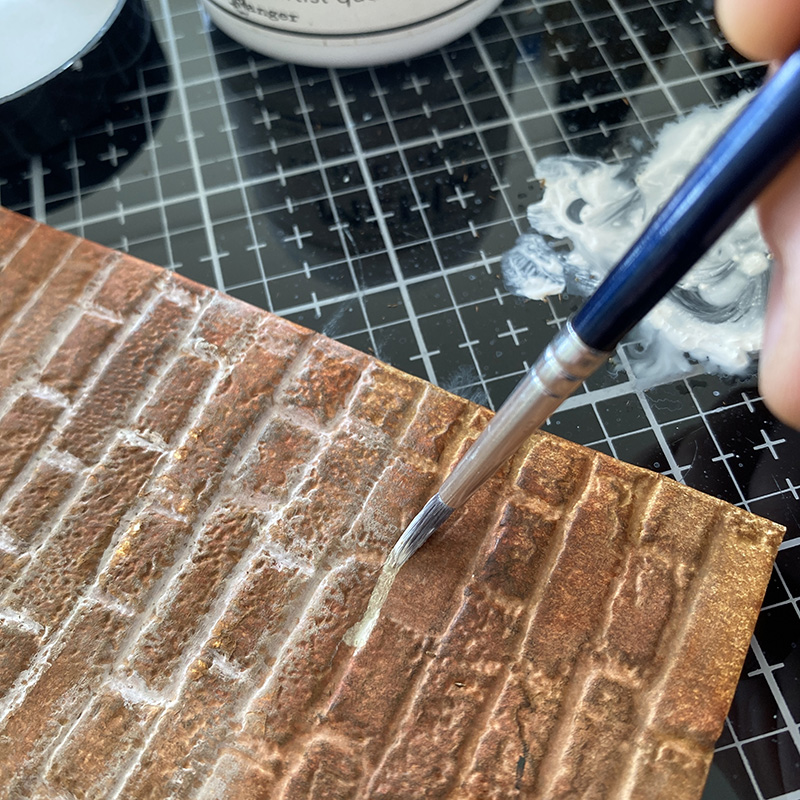
    Paint lines of gesso into the grooves of the brickwork and then gently rub with your finger. Between each line dip your brush in water to clean and dry with the paper towel. You are getting rid of any crayon or ink your brush picks up before dipping it back into your gesso puddle. If you don’t do this, you will end up with orange gesso. Dry the brush between each line so the gesso is not too wet as it will reduce the amount of ink and crayon you pick up. Don’t worry about going over the lines, it works for you here. Have a second pass if you need to, but dry first. A little practice goes a long way.

    igirlzoe: tim holtz sizzix brickwork 3D embossing folder 664259
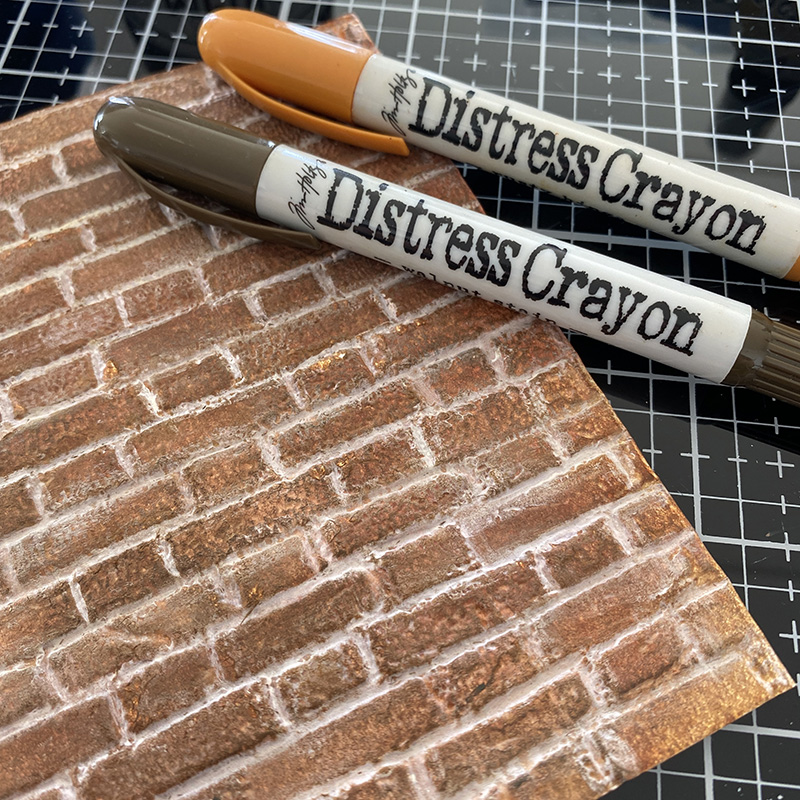
    Once finished, dry dry dry and the use a finger to add distress crayon to random bricks to create the imperfection of real bricks.

    igirlzoe: tim holtz sizzix brickwork 3D embossing folder 664259

    igirlzoe: tim holtz sizzix brickwork 3D embossing folder 664259
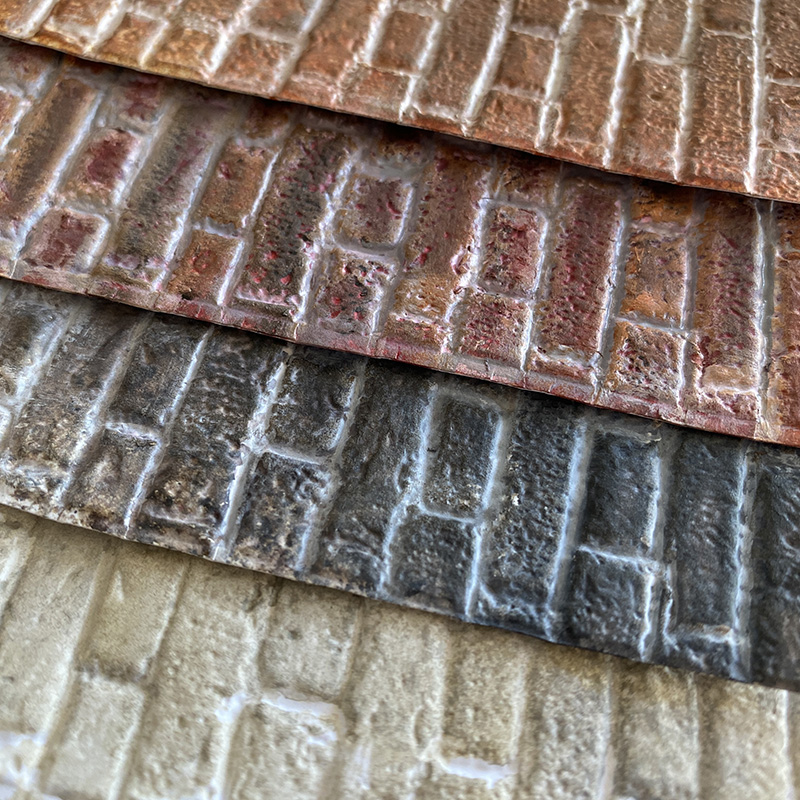
    Here are some other combinations for different brickwork…

    igirlzoe: tim holtz sizzix brickwork 3D embossing folder 664259
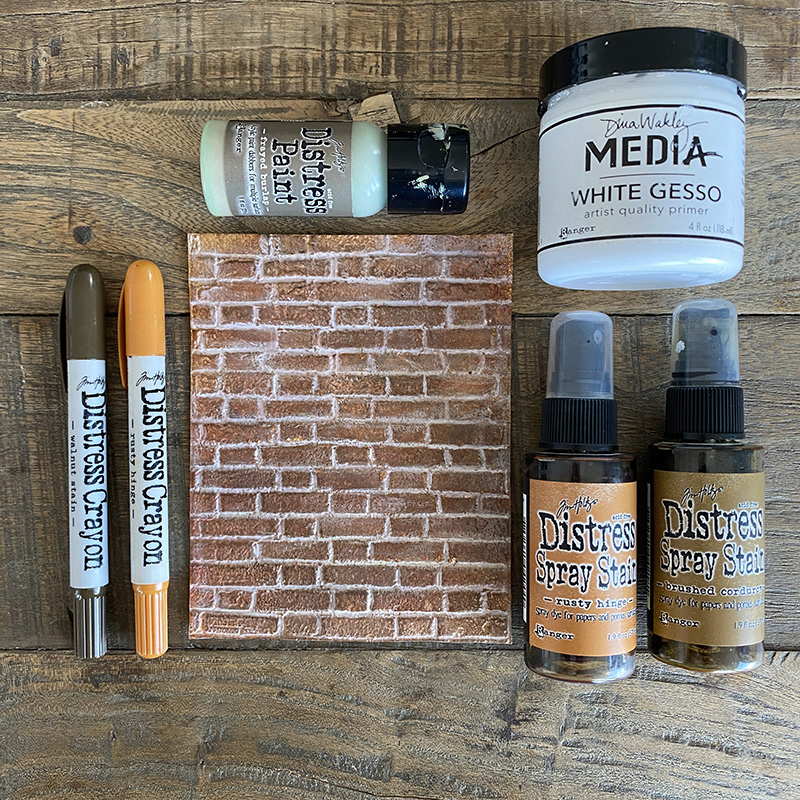
    COMBINATION #1: frayed burlap distress paint, rusty hinge + brushed corduroy distress spray stains, rusty hinge + walnut stain distress crayon, white gesso

    igirlzoe: tim holtz sizzix brickwork 3D embossing folder 664259
    COMBINATION #1

    igirlzoe: tim holtz sizzix brickwork 3D embossing folder 664259
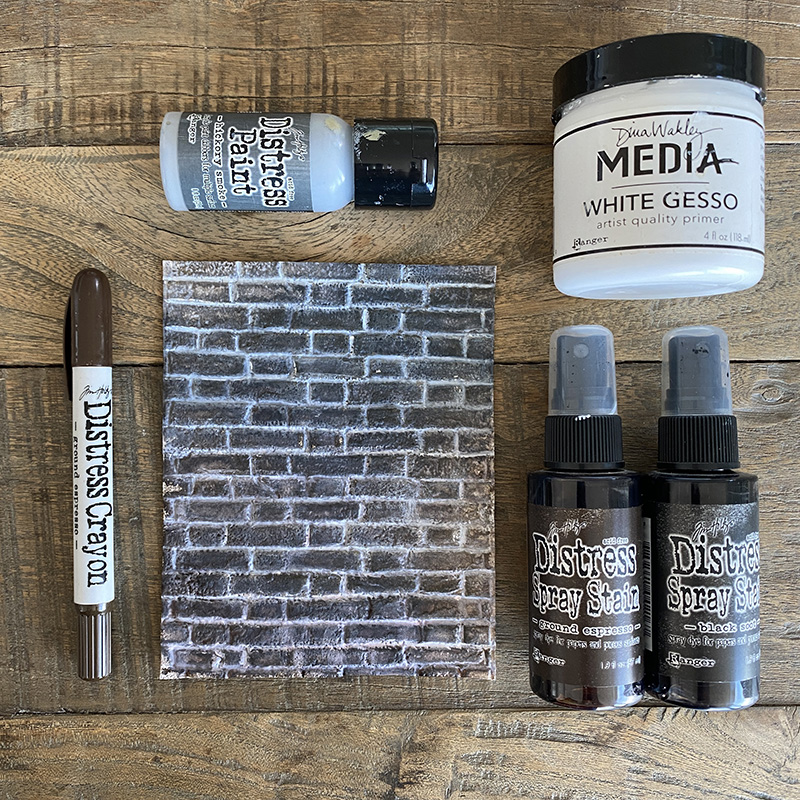
    COMBINATION #2: hickory smoke distress paint, ground espresso + black soot distress spray stains, ground espresso distress crayon, white gesso

    igirlzoe: tim holtz sizzix brickwork 3D embossing folder 664259
    COMBINATION #2

    igirlzoe: tim holtz sizzix brickwork 3D embossing folder 664259
    COMBINATION #3: hickory smoke distress paint, rusty hinge + fired brick + vintage photo distress spray stains, rusty hinge + walnut stain distress crayons, white gesso

    igirlzoe: tim holtz sizzix brickwork 3D embossing folder 664259
    COMBINATION #3

    igirlzoe: tim holtz sizzix brickwork 3D embossing folder 664259
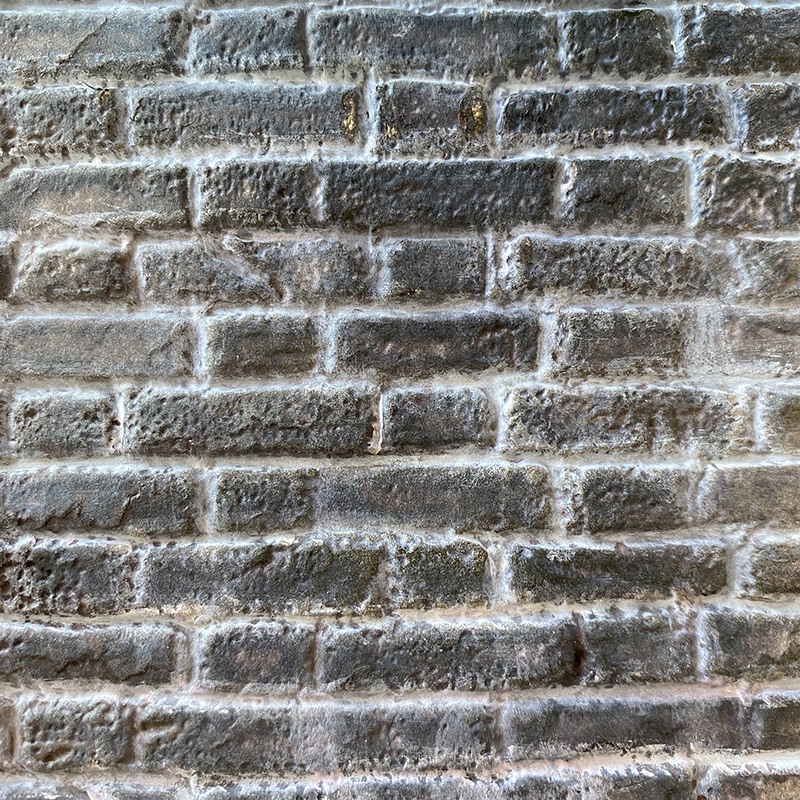
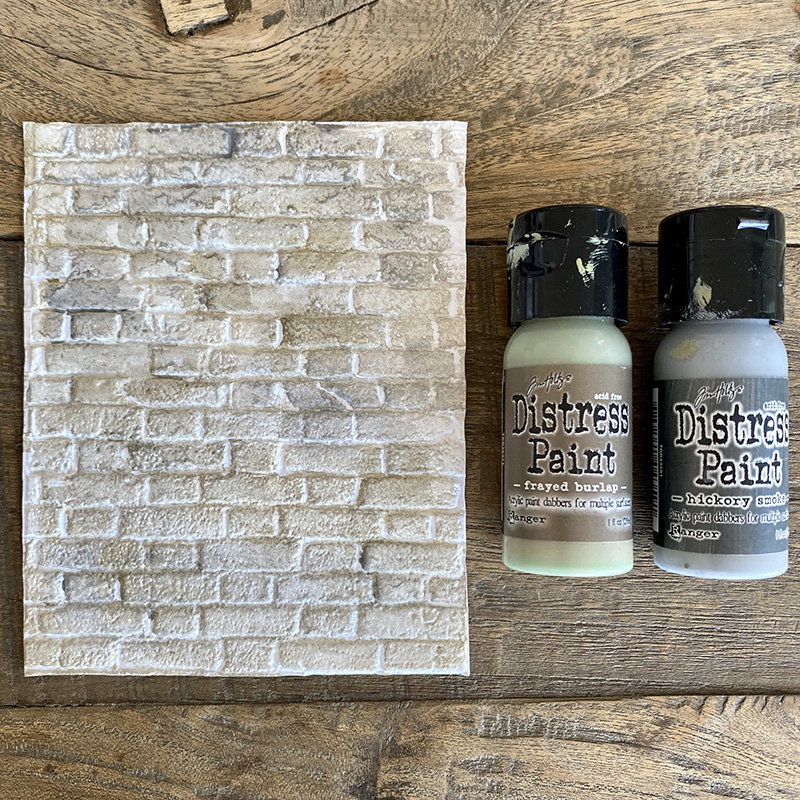
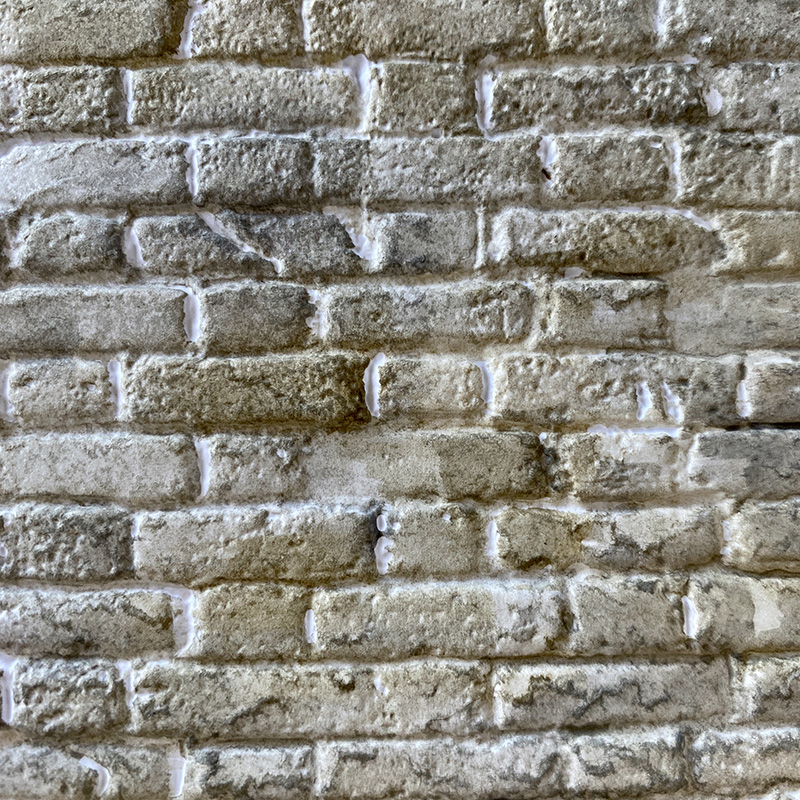
    COMBINATION #4: frayed burlap + hickory smoke distress paint
    This is the easiest combination and does not require gesso and works great behind flowers as a garden wall.

    igirlzoe: tim holtz sizzix brickwork 3D embossing folder 664259
    COMBINATION #4

    igirlzoe: tim holtz sizzix brickwork 3D embossing folder 664259
    Thanks for stopping by. I’ll be back soon to share a couple of makes using this brickwork. I encourage you to experiment with other combinations. Try embossing small strips of cardstock to make brickwork swatches…

    Zoe

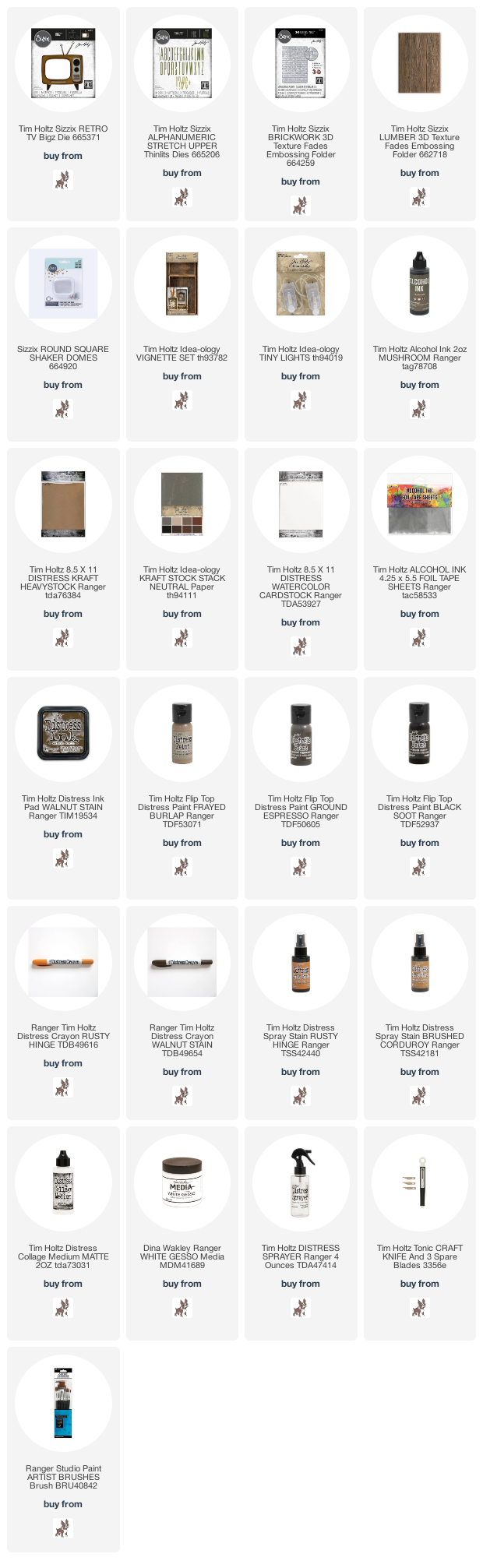
    The products used to create this project are listed below. Thank you for supporting me by using my affiliate links to shop, at no cost to you. I really appreciate it.


  7. Happy 4th of July

    4th July, 2021 by iGirlZoe

    igirlzoe: tim holtz stampers anonymous inquisitive CMS432

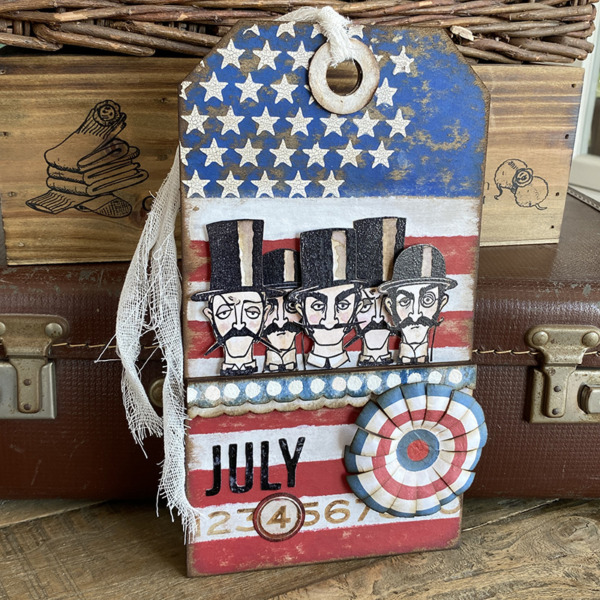
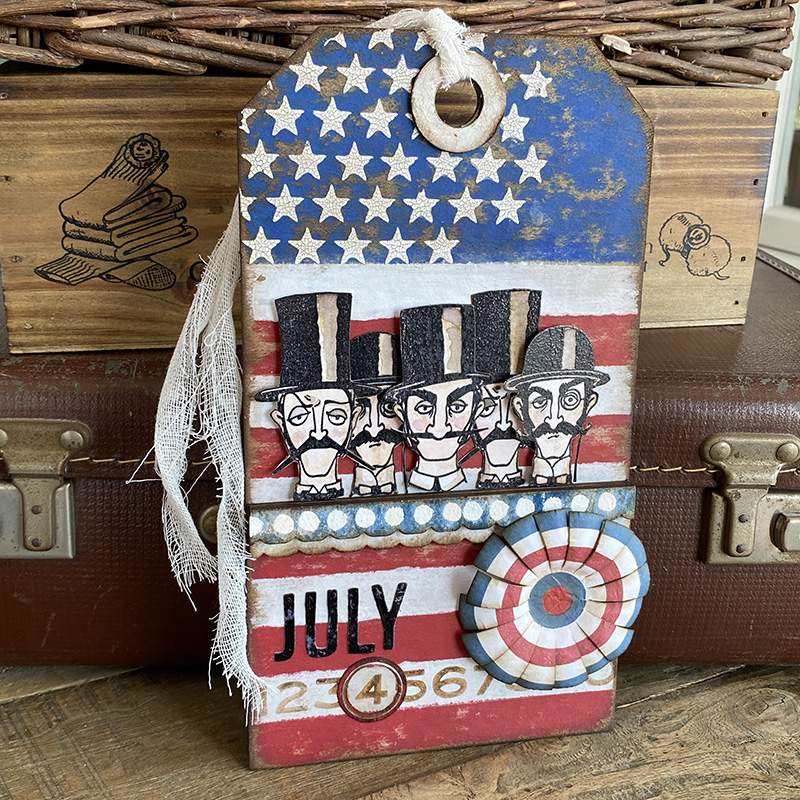
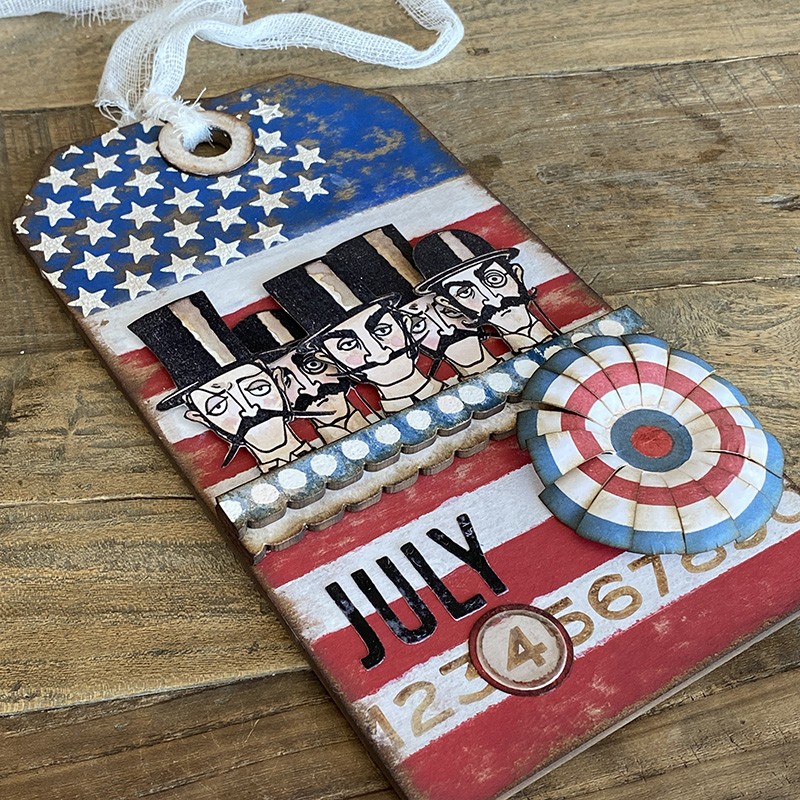
    Hello friends and Happy July 4th to my family and friends across the pond. To celebrate with you I’m sharing this July 4th inspired tag that I made for the Tim Holtz Stampers Anonymous LIVE launch. If you missed the LIVE, you can catch up on all the fun over on Tim’s blog.

    igirlzoe: tim holtz stampers anonymous inquisitive CMS432
    Tim definitely had me at hats with this awesome new inquisitive CMS432 stamp set. I immediately thought of Americana and this background tag I made last year was the perfect base for this stamp set. Here’s how I made it…

    igirlzoe: tim holtz stampers anonymous inquisitive CMS432
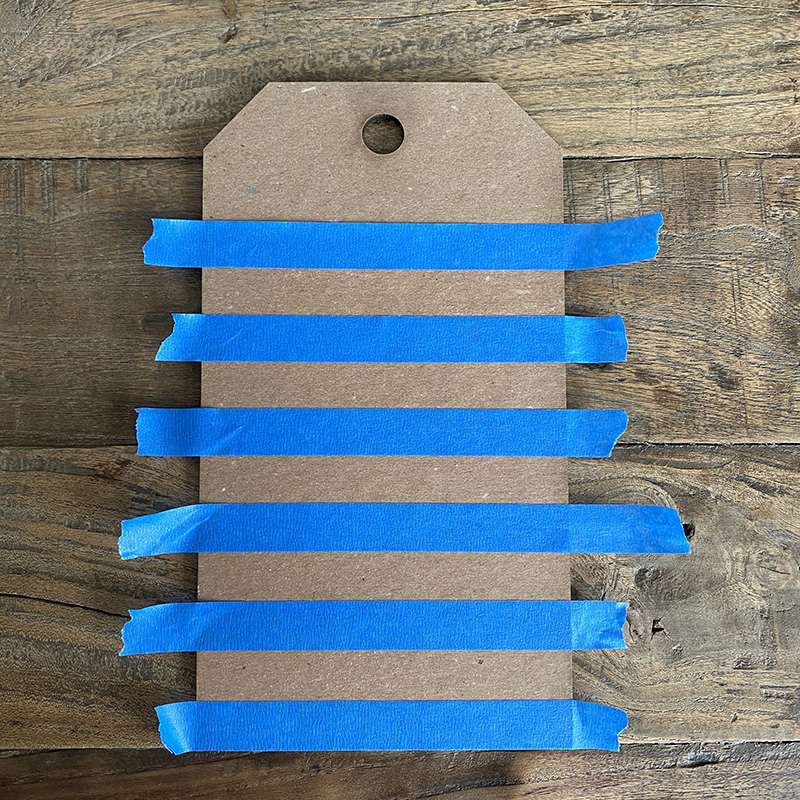
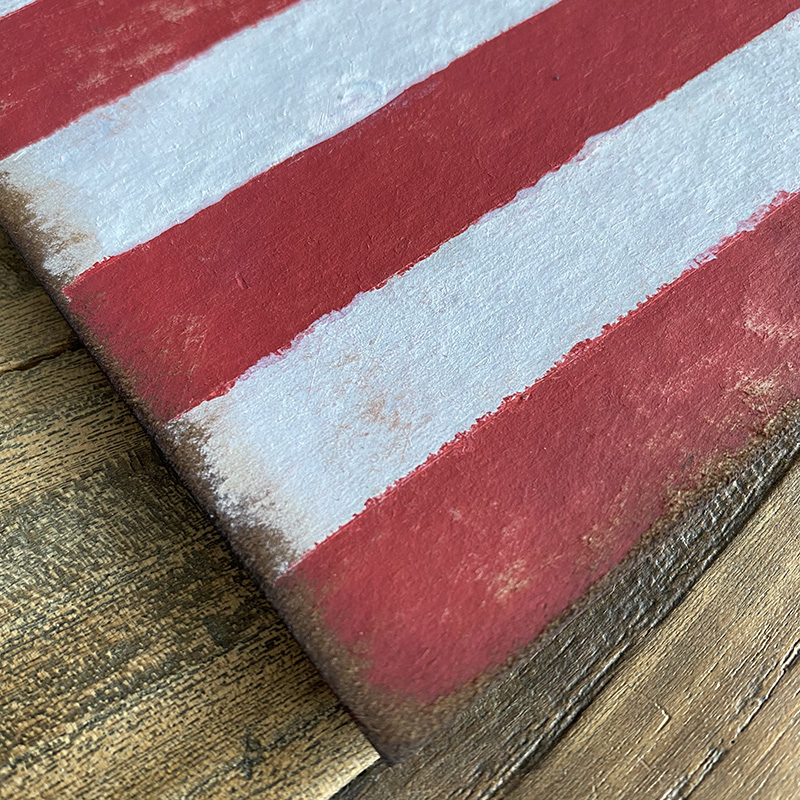
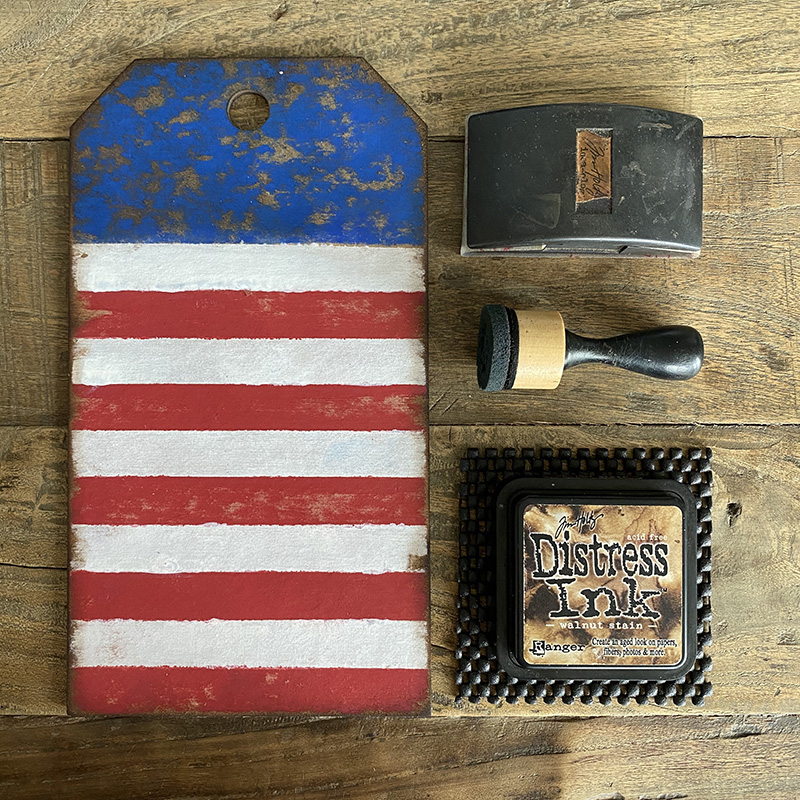
    Add painters tape to a small etcetera thickboard tag and paint between the tape with picket fence distress paint. Once the paint is dry, remove the tape and mask the painted area with clean tape, mix candied apple, fired brick and aged mahogany distress paints together and paint. Finally paint the top of the tag with blueprint sketch distress paint and set aside to dry.

    igirlzoe: tim holtz stampers anonymous inquisitive CMS432

    igirlzoe: tim holtz stampers anonymous inquisitive CMS432
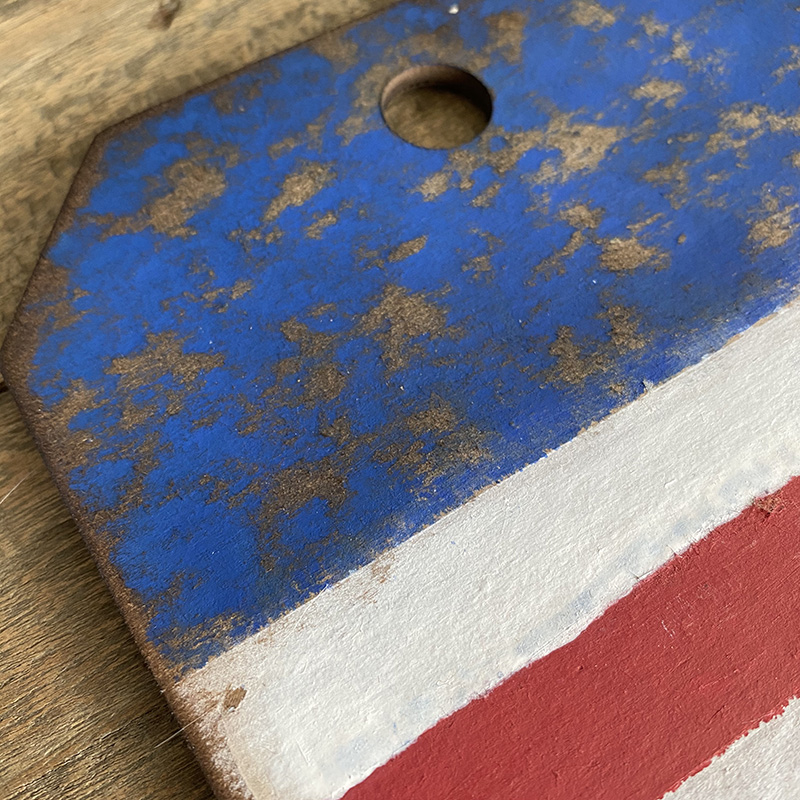
    Once completely dry, lightly sand and blend in walnut stain distress ink to the edges and blue section of the tag using a mini blending tool.

    igirlzoe: tim holtz stampers anonymous inquisitive CMS432

    igirlzoe: tim holtz stampers anonymous inquisitive CMS432
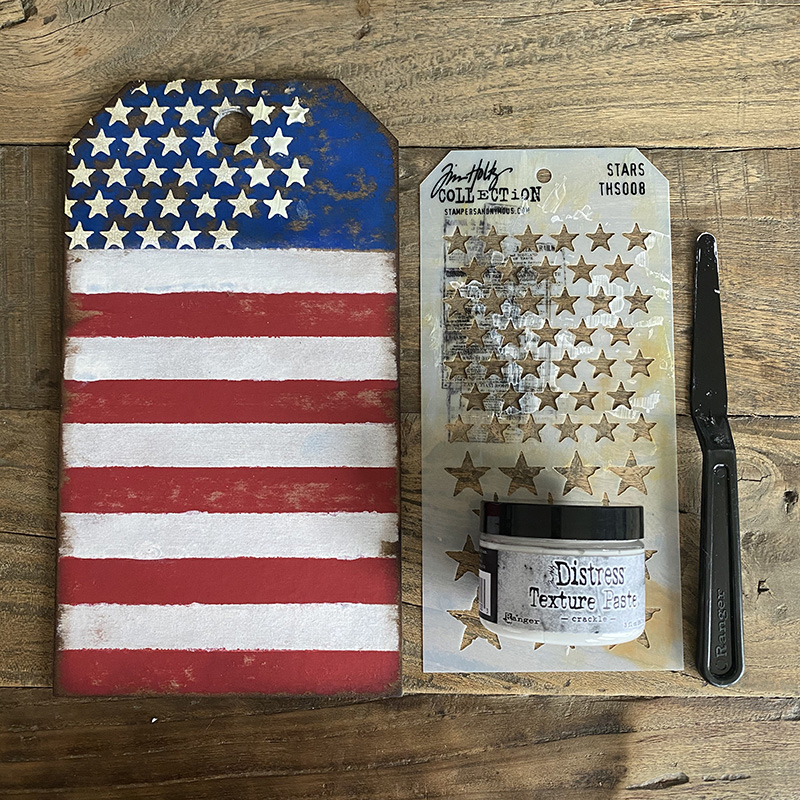
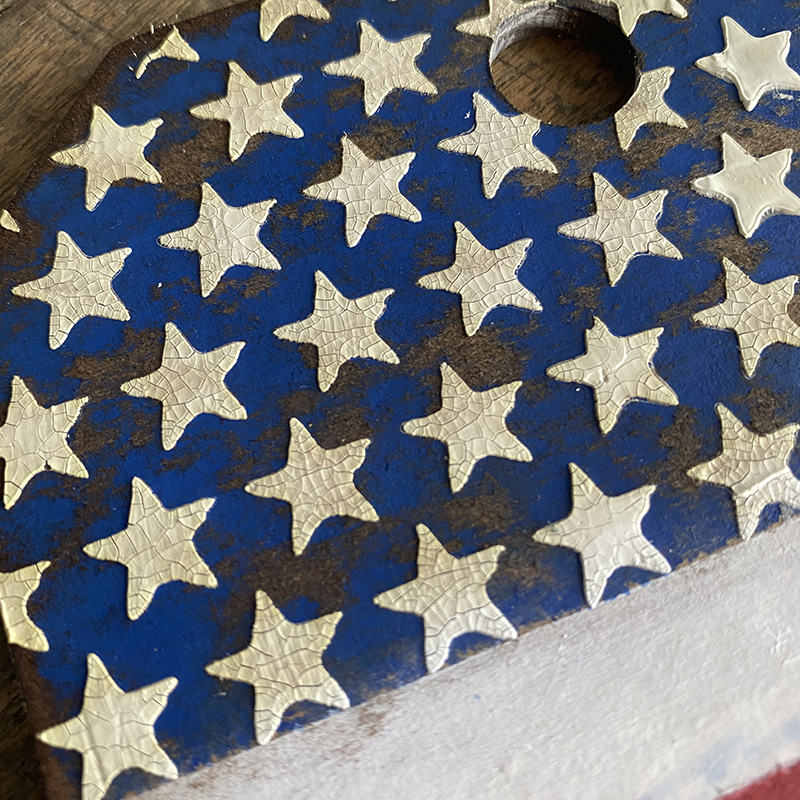
    Apply distress crackle texture paste through a stencil (stars THS008) with a palette knife and set aside to dry. Your tag is ready to decorate.

    igirlzoe: tim holtz stampers anonymous inquisitive CMS432

    igirlzoe: tim holtz stampers anonymous inquisitive CMS432
    I stamped the larger “hat dudes” from inquisitive set onto distress watercolor cardstock in black soot distress archival ink… Using the newly released full size ink pads!! I embossed with clear embossing powder and fussy cut. I used 3D adhesive foam to create lift for some of the hat dudes and added some etcetera thickboard trims which I decorated using another stamp from the inquisitive set, for them to rest on.

    igirlzoe: tim holtz stampers anonymous inquisitive CMS432
    I used the bullseye stamp from the inquisitive stamp set and stamped in archival ink. I cut equal sections and then used the awesome Tim Holtz shaping kit from Sizzix to create this Americana bunting rosette.

    igirlzoe: tim holtz stampers anonymous inquisitive CMS432
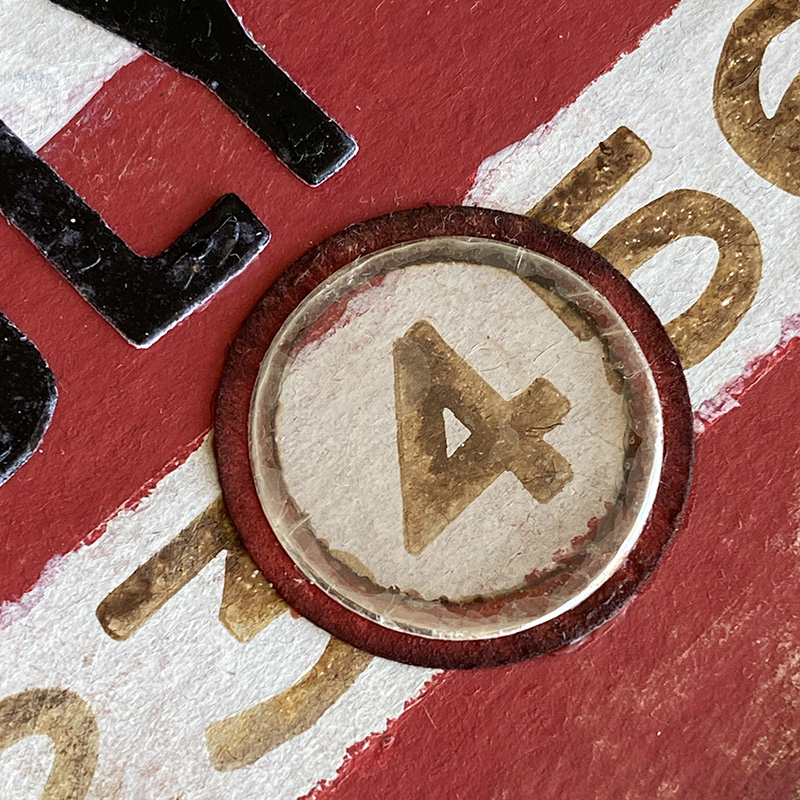
    I stamped the numbers, again from the inquisitive stamp set and used a circle punch and some mica to create a little token to highlight the 4.

    igirlzoe: tim holtz stampers anonymous inquisitive CMS432
    Lastly I added July cut from alphanumeric thinlits dies and added some mummy cloth to the top of the tag.

    Thanks for stopping by and have a happy and safe 4th of July.

    Zoe


  8. Insect Charging Station

    1st June, 2021 by iGirlZoe

    igirlzoe: tim holtz sizzix chapter 2 funky insects

    Hello Friends. Hope you had a nice weekend. I wanted to share a sample that I made for the Tim Holtz Sizzix Chapter 2 launch. You can see all of the details on Tim’s blog.

    igirlzoe: tim holtz sizzix chapter 2 funky insects
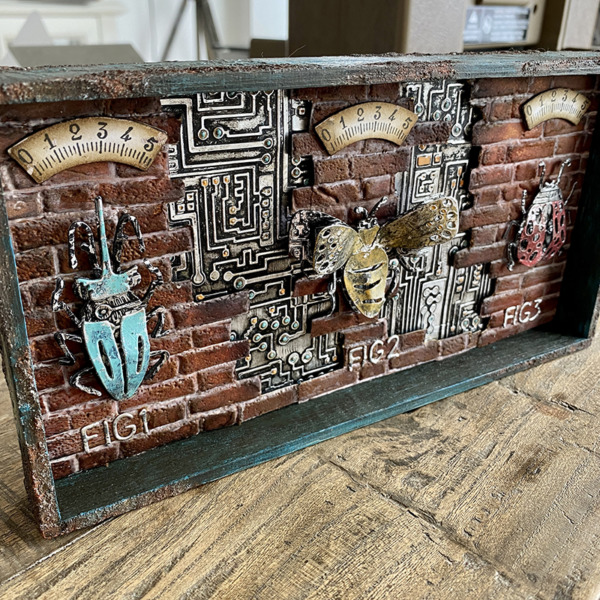
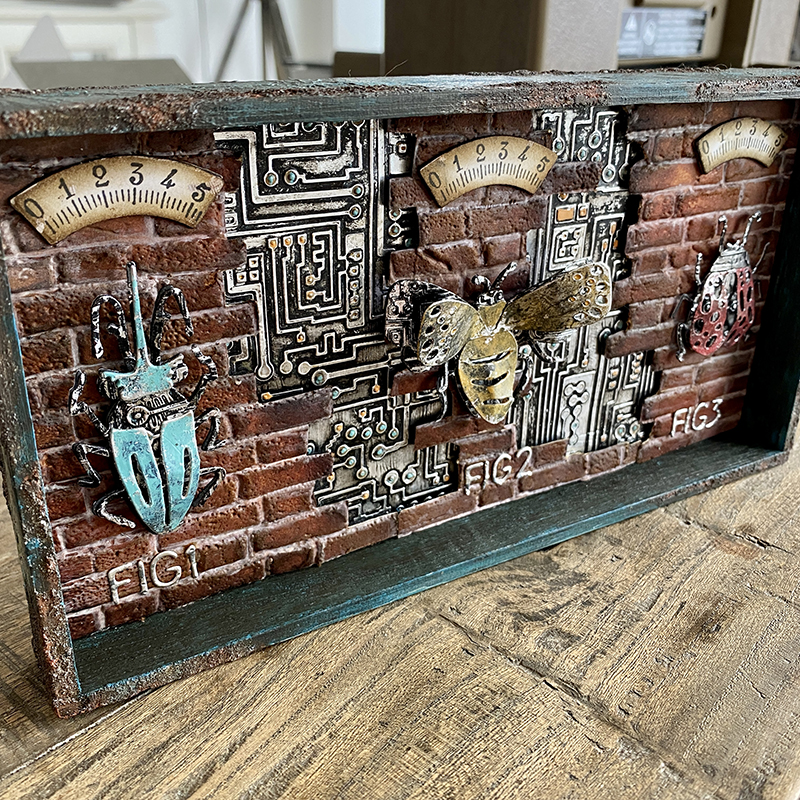
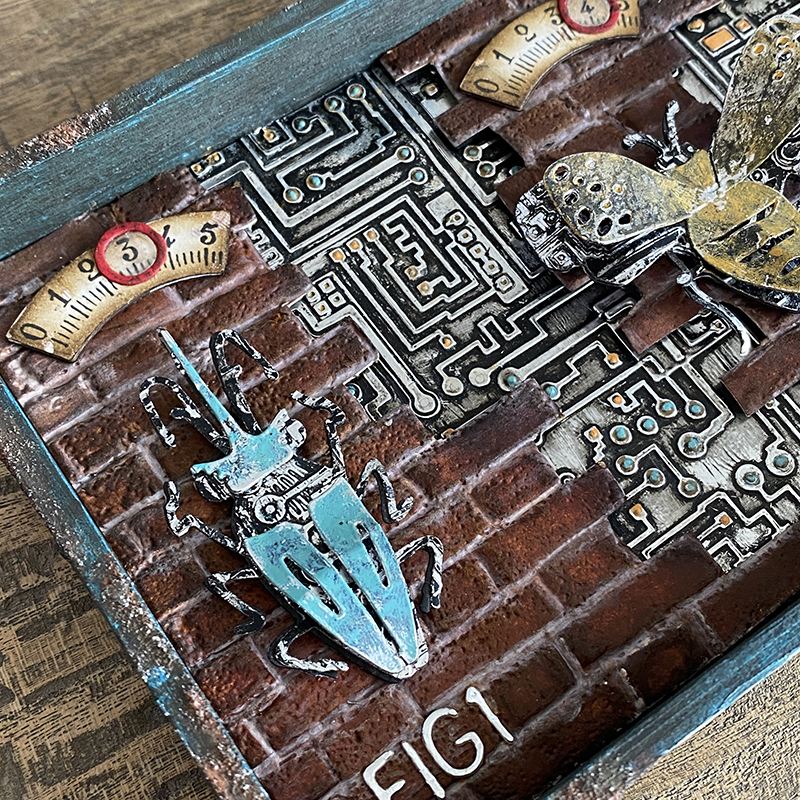
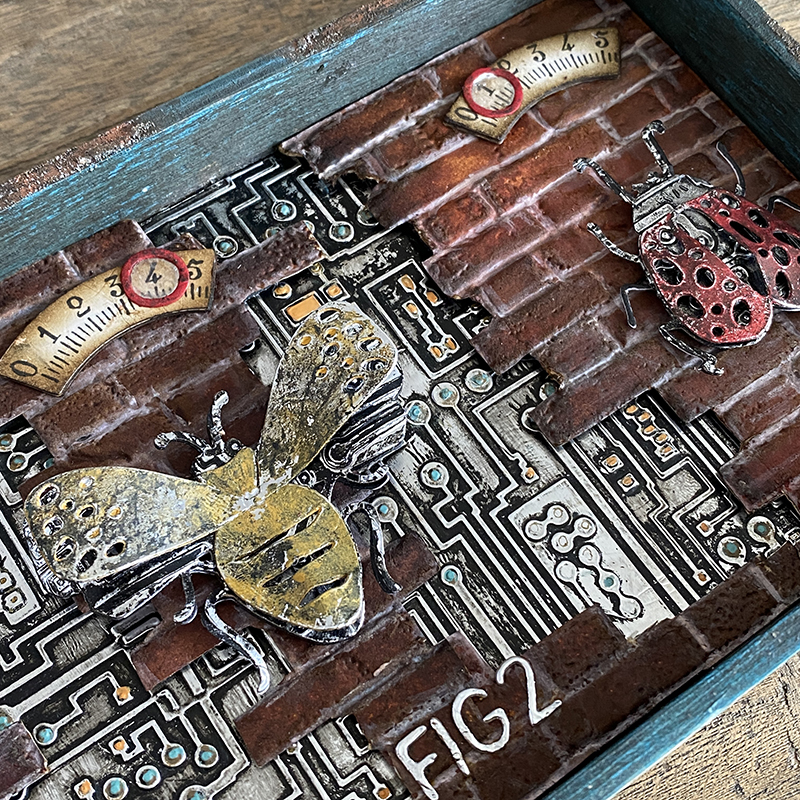
    Welcome to the funky insect charging station. This is a little tongue in cheek because to know me is to know that I never have a charged battery and often plug my charger in without it being connected to the wall outlet! I know I know… life on the edge LOL! A funny conversation I had in a group chat about my phone battery “sparked” the inspiration for this project (thanks me perps). Funnier still, I forgot to add the indicator circles on the gauges to show where the insects are at in their charging cycle, so you’ll see these red indicator circles appear in photos further down the post.

    igirlzoe: tim holtz sizzix chapter 2 funky insects
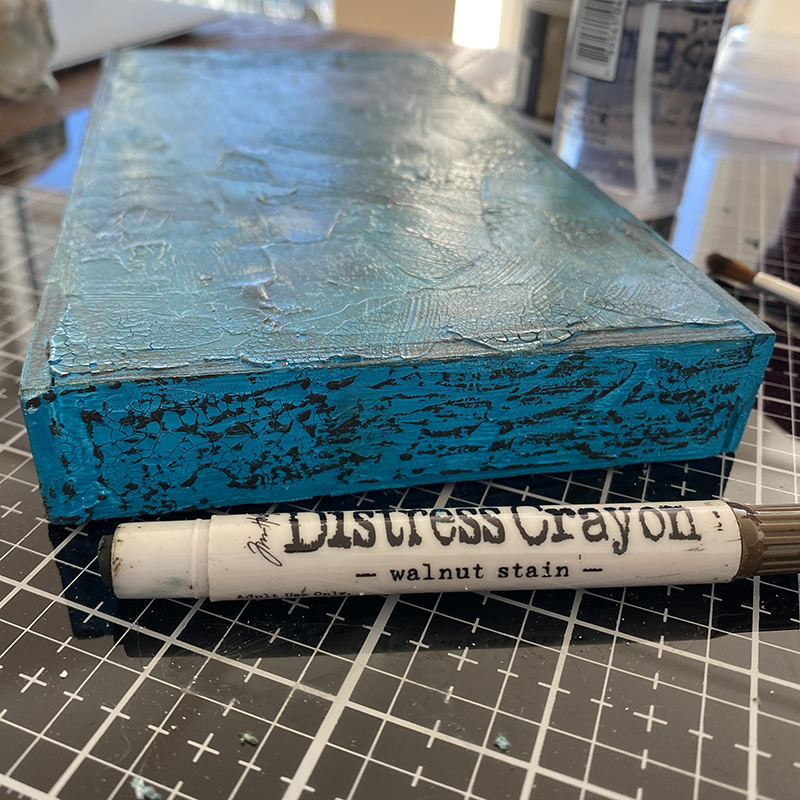
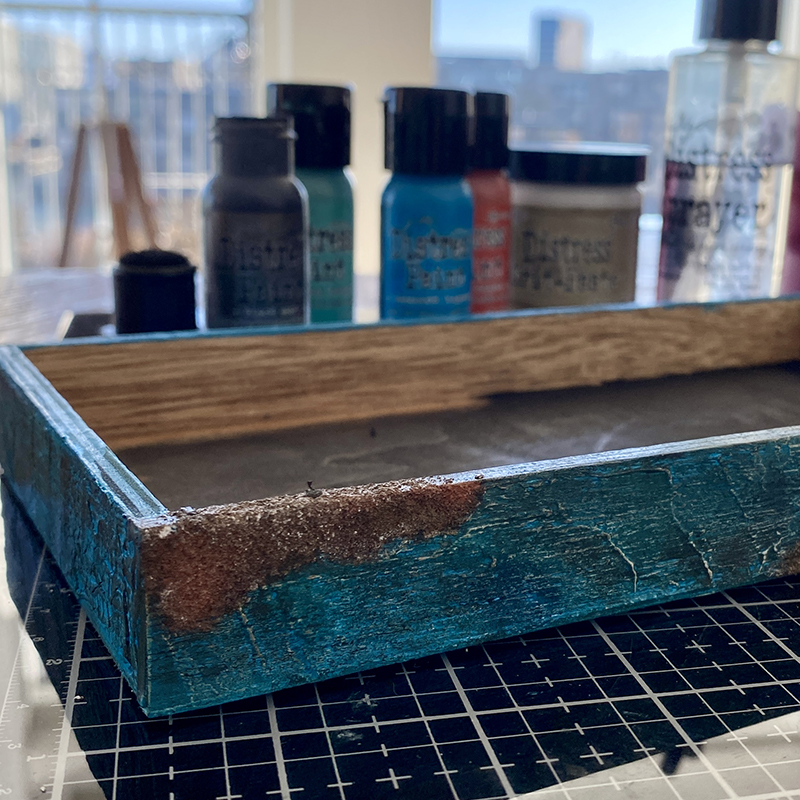
    Cover an idea-ology vignette tray in gesso and distress texture crackle paste and allow to dry. I covered in a layer of mermaid lagoon distress paint and once dry, scribbled walnut stain distress crayon over the top and blended in with my finger to highlight the texture.

    igirlzoe: tim holtz sizzix chapter 2 funky insects
    I added distress opaque grit-pate and covered with distress paint to create rust. You don’t need to paint the base of the tray as it will be covered in brickwork. I painted it when it was going to be used for another project and I changed my mind last minute, I do that a lot, but it’s ok, it’s just craft, there are no rules! 😉

    igirlzoe: tim holtz sizzix chapter 2 funky insects
    Using the AWESOME brickwork 3D embossing folder and distress sprays to create the background. Check back this week for a tutorial on this, it’s so incredibly easy and the brickwork looks real because of the pitted detail that the folder creates. I can’t praise this enough, the 3D technology in embossing is just so cool. There’s also a brickwork tutorial on my friend Stacy’s blog Tattered Nest Designs, which is a different method and effect to mine, so definitely check that out.

    igirlzoe: tim holtz sizzix chapter 2 funky insects
    Speaking of 3D embossing folders, the circuit folder was a new edition in Chapter 2 and I am obsessed with it. I’m starting to wonder if I can make anything without using it, even a tiny (how tiny) bit! 😉

    igirlzoe: tim holtz sizzix chapter 2 funky insects
    The circuit folder looks fantastic when you emboss alcohol ink foil tape and cover with a layer of black soot distress paint and wipe away. I added paint dots with distress paint and a fine tip paintbrush. It takes a couple of minutes and is really relaxing.

    igirlzoe: tim holtz sizzix chapter 2 funky insects
    I love the funky insect thinlits dies. They are so simple to assemble, just 2 or 3 pieces and you’re done.

    igirlzoe: tim holtz sizzix chapter 2 funky insects
    I cut them from alcohol ink foil tape backed with cardstock to make them sturdy and painted with a layer of black soot distress paint, wiping away the excess and then painting the insect body with another colour of distress paint.

    igirlzoe: tim holtz sizzix chapter 2 funky insects
    The base layers were all embossed with the circuit 3D embossing folder and mounted on adhesive foam.

    igirlzoe: tim holtz sizzix chapter 2 funky insects
    I used the letter “O” from the alphanumeric thin thinlits dies (662226), cut from distress watercolor cardstock and covered with candied apple distress paint and a little walnut stain distress crayons to grunge. Using the same letter to die cut mica, I used the inner piece to give the appearance of glass. The gauge dial is cut from the Bigz voltage die and the numbers stamped with the professor 2 stamp set CMS373. You would think that Tim designed this stuff to go together or something. 😉

    igirlzoe: tim holtz sizzix chapter 2 funky insects
    I included this photo so you could see the texture that distress opaque grit-paste makes. You have to apply it with your finger to get the really crusty look, but don’t panic!! it comes off with water or a baby wipe.
    igirlzoe: tim holtz sizzix chapter 2 funky insects
    I mounted the circuit background to the base of the vignette tray with distress collage medium. Cutting sections of the brickwork, I mounted them with adhesive foam to give a little dimension and show peeks of the circuit background. Adding the insects and gauges to indicate where they are in their charging cycle.

    igirlzoe: tim holtz sizzix chapter 2 funky insects
    Thanks for stopping by. I will be back with a step by step tutorial for this and some other styles of brickwork using the 3D brickwork embossing folder so clear some space on your desk ready to make bricks with me.

    Zoe


  9. Funky Insects

    6th May, 2021 by iGirlZoe

    igirlzoe: tim holtz funky insects

    Hello friends. Hope you’re doing well and having a nice week in your part of the world. I’m sharing a make that I created for the Tim Holtz Sizzix Chapter 2 LIVE launch. You can see all the details, makes and LIVE over on Tim’s blog.

    igirlzoe: tim holtz funky insects
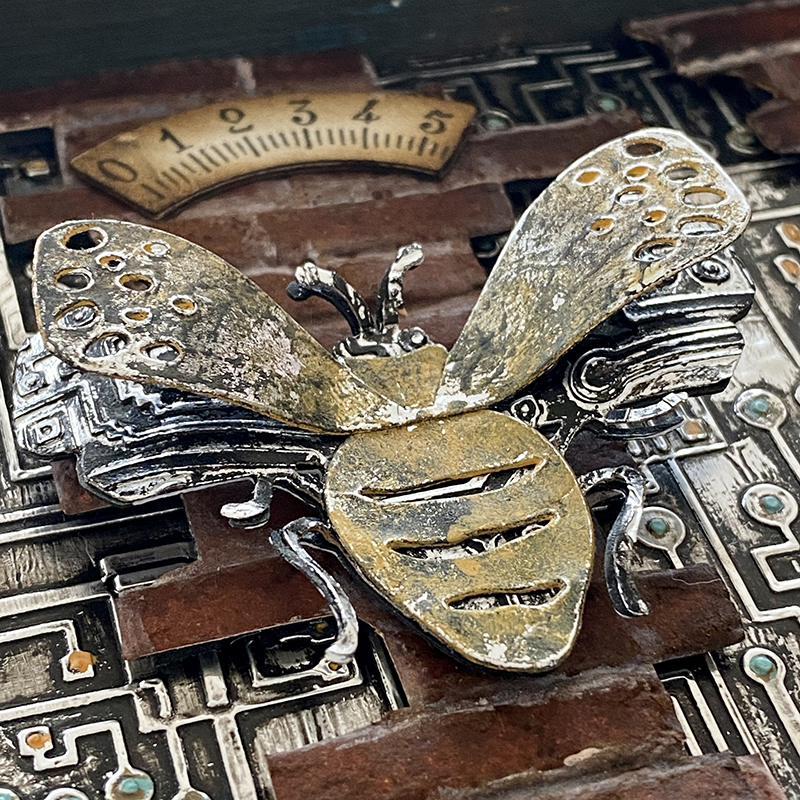
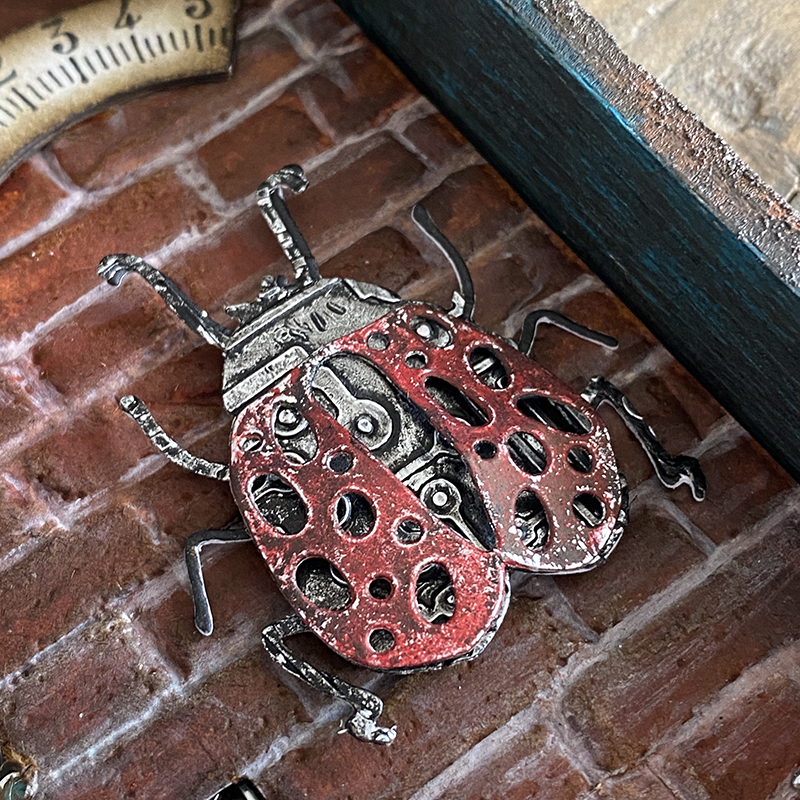
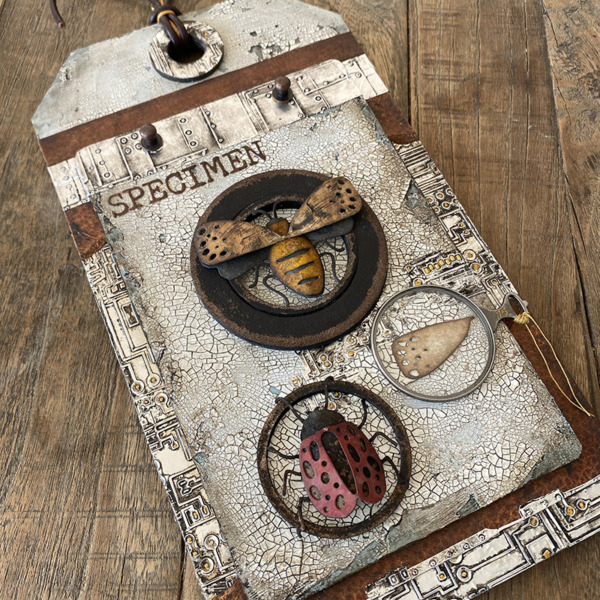
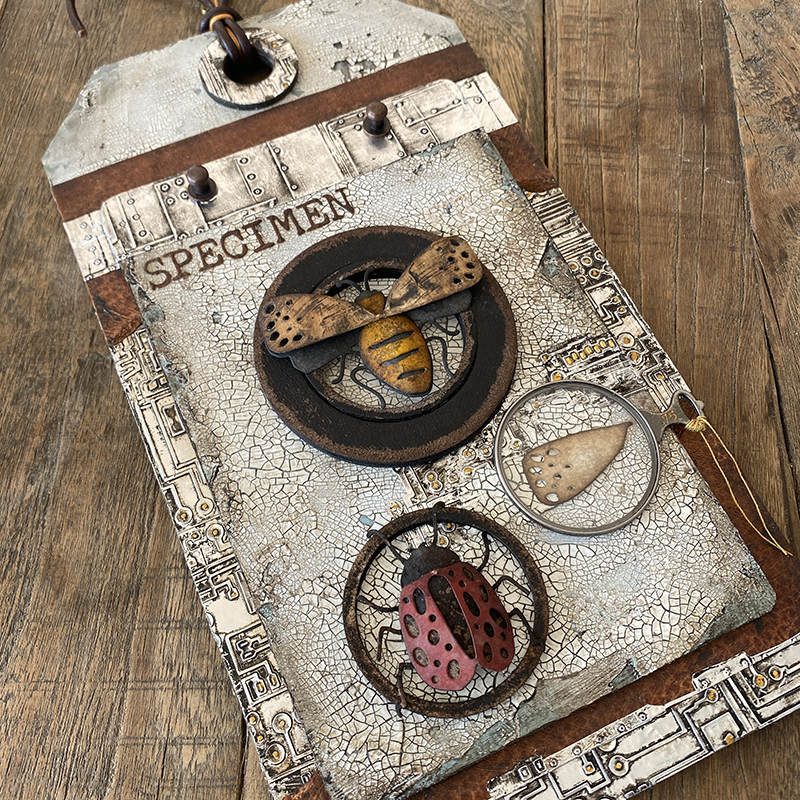
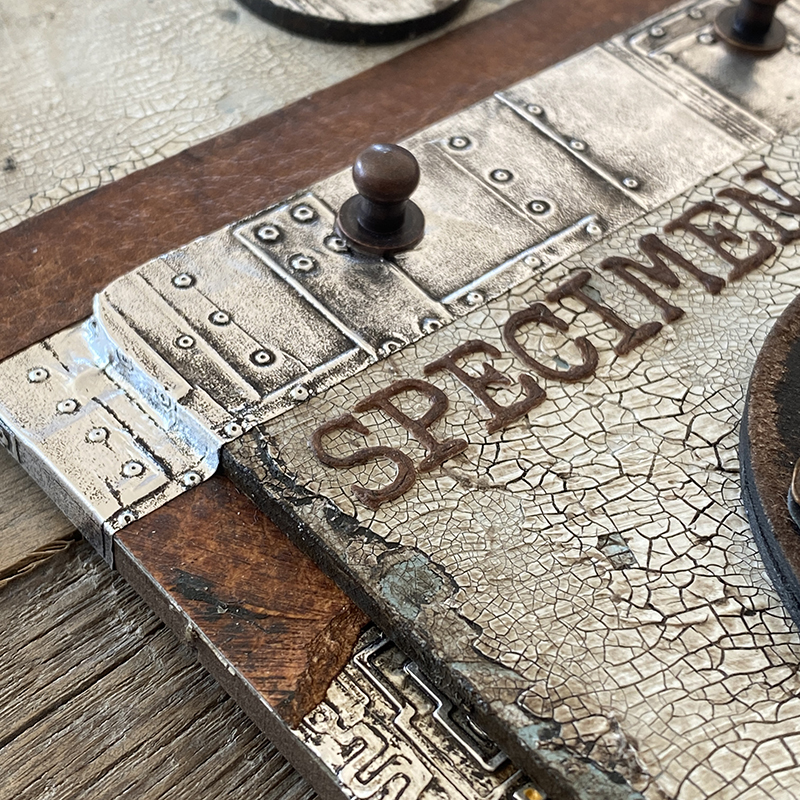
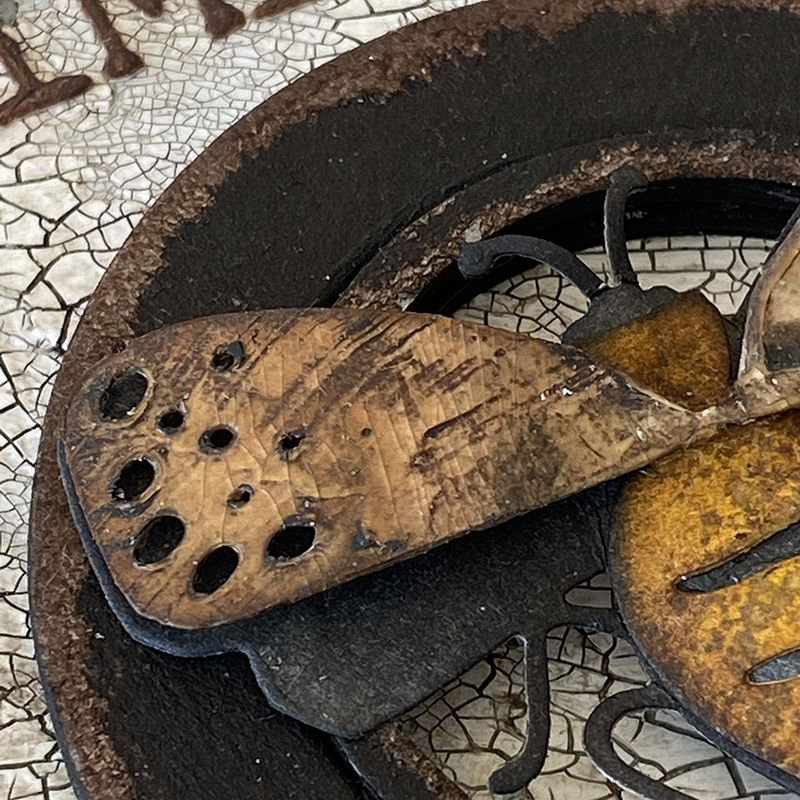
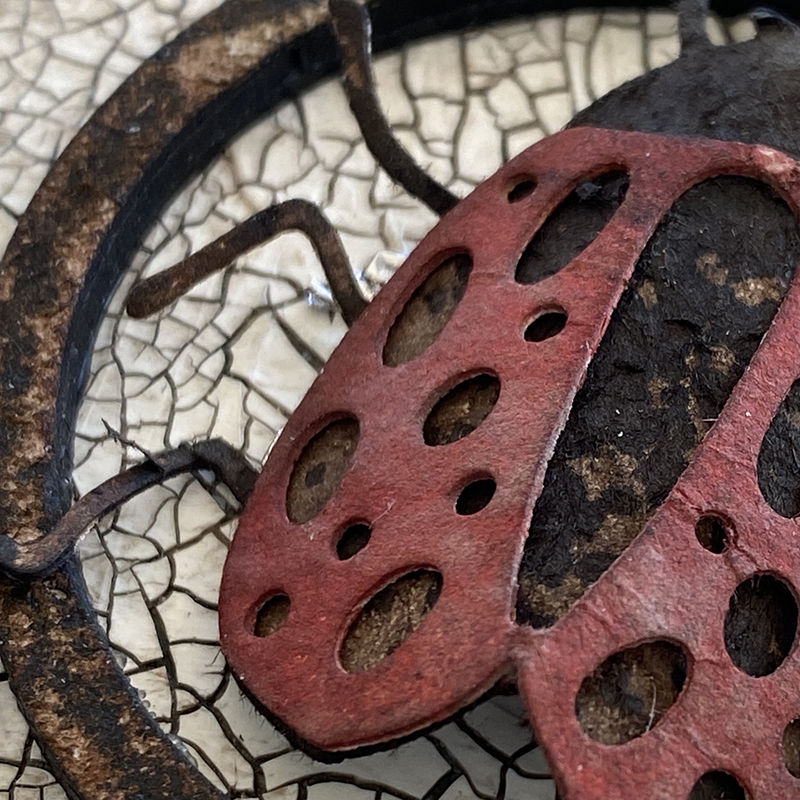
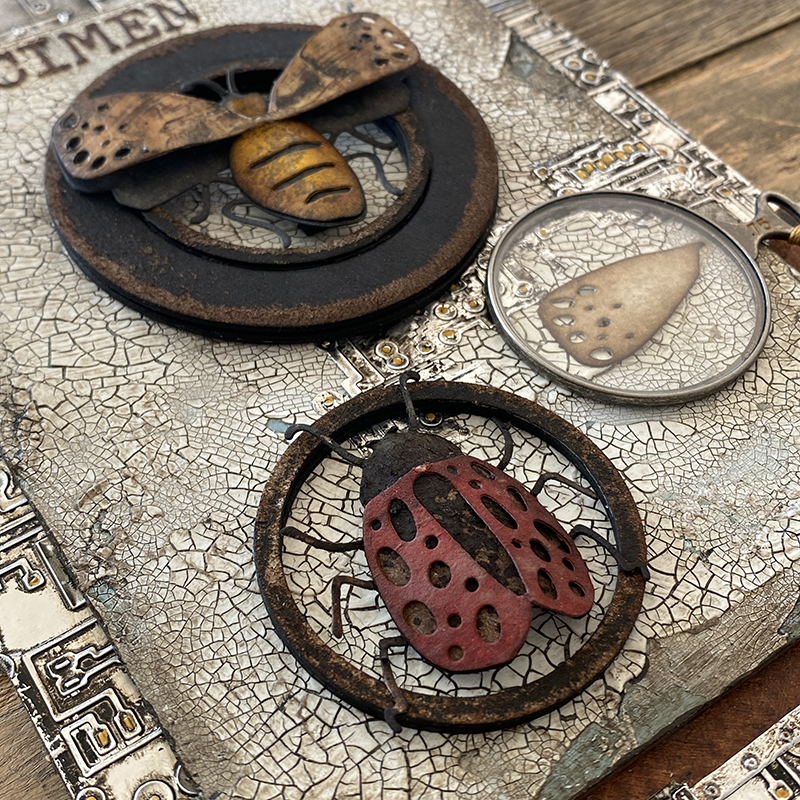
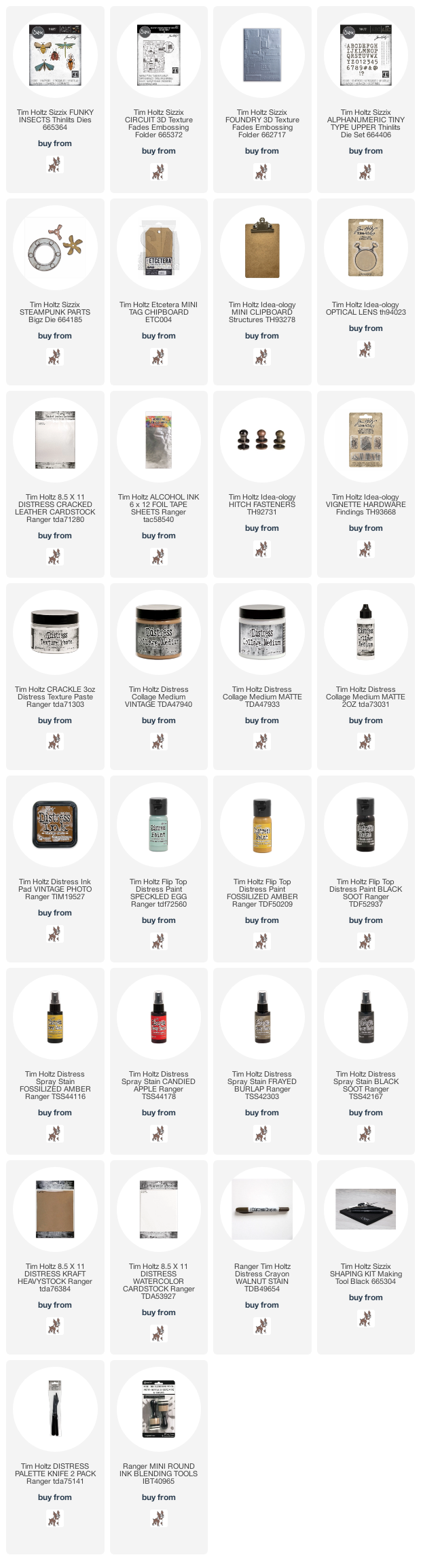
    I love the new funky insect (665364) thinlits dies. I used 2 of the 5 bugs on this specimen tag. I went full crackle background with this piece, scroll down to see a crackle texture paste how to…

    igirlzoe: tim holtz funky insects
    igirlzoe: tim holtz funky insects
    igirlzoe: tim holtz funky insects
    igirlzoe: tim holtz funky insects
    I used a mini etcetera thickboard tag and idea-ology clipboard for this project.

    igirlzoe: tim holtz funky insects
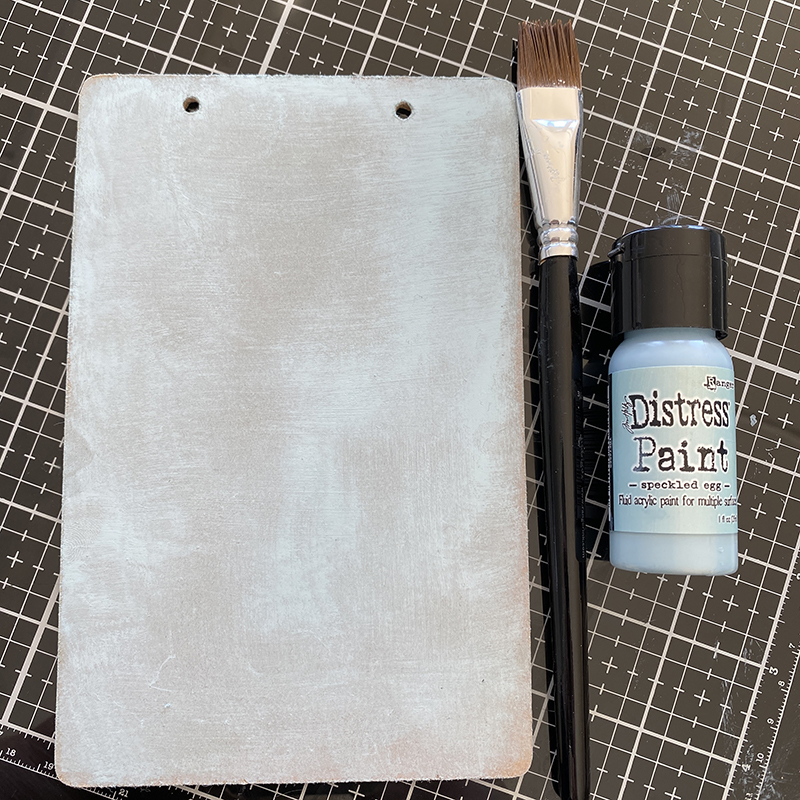
    Cover the idea-0logy clipboard and etcetera tag (not pictured) with a layer of speckled egg distress paint and set aside to dry.

    igirlzoe: tim holtz funky insects
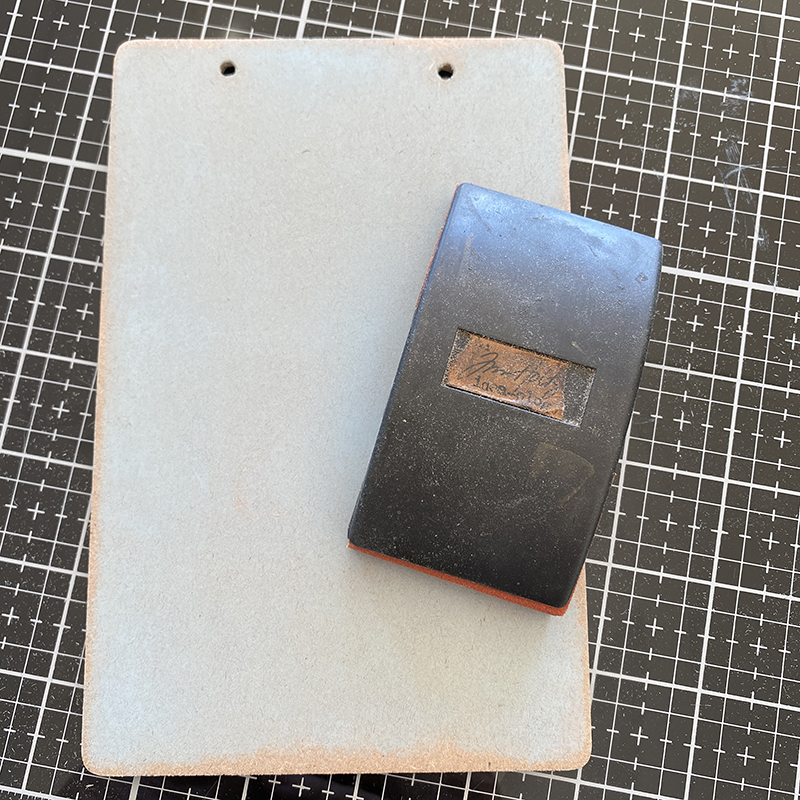
    Once dry, lightly sand, especially at the edges.

    igirlzoe: tim holtz funky insects
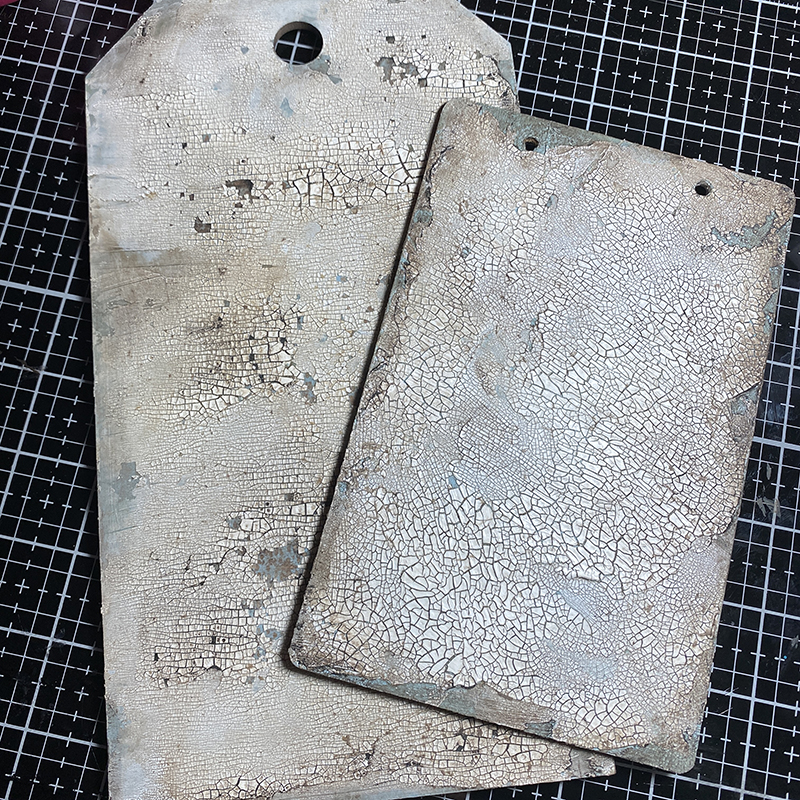
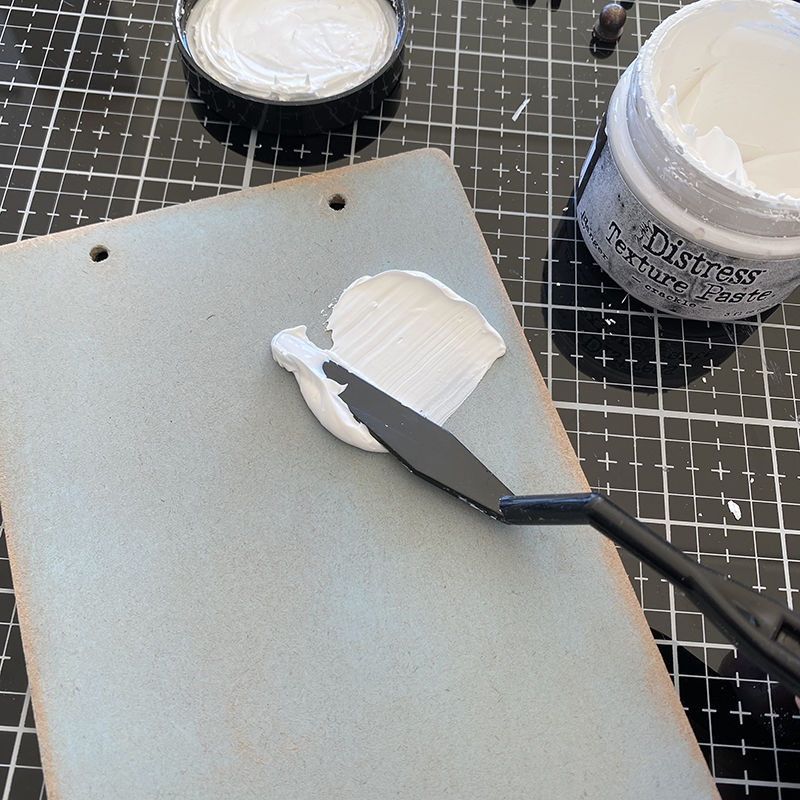
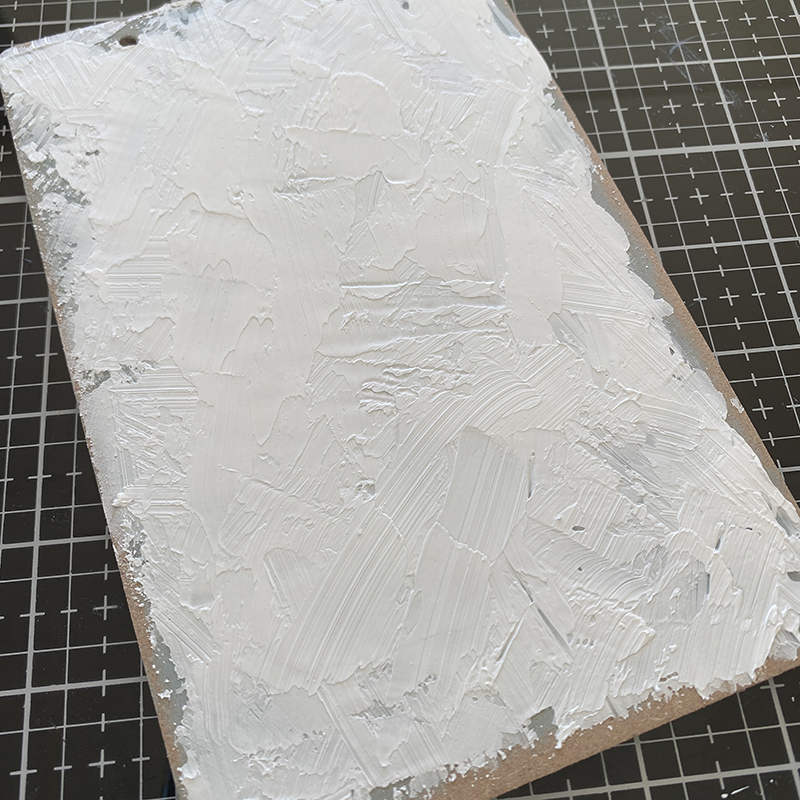
    Using a palette knife, add a generous layer of distress crackle texture paste.

    igirlzoe: tim holtz funky insects
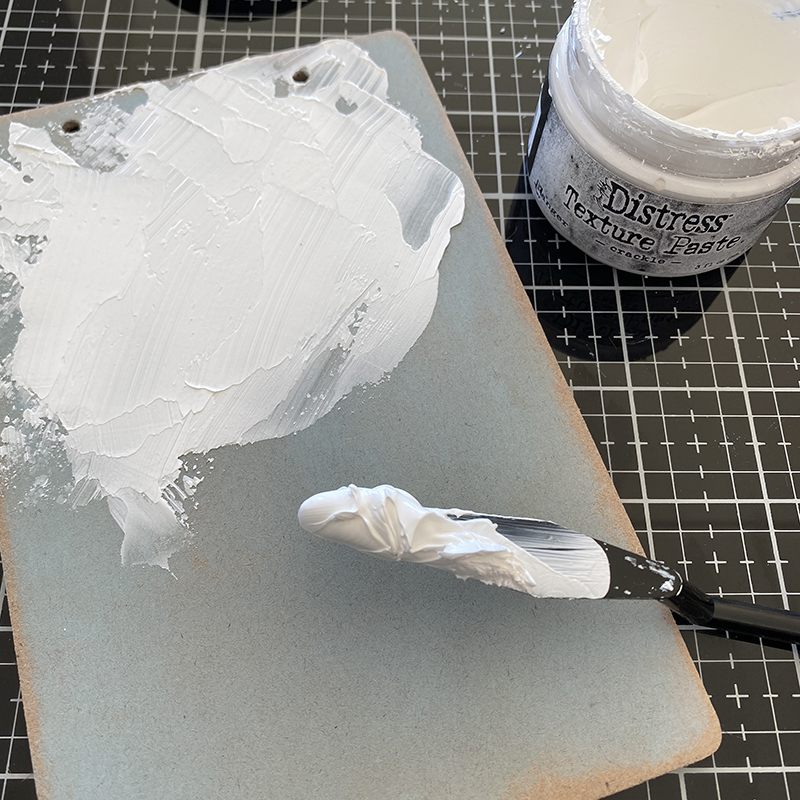
    Continue adding paste until the background is mostly covered and set aside to dry.

    igirlzoe: tim holtz funky insects
    Before…

    igirlzoe: tim holtz funky insects
    After…

    igirlzoe: tim holtz funky insects
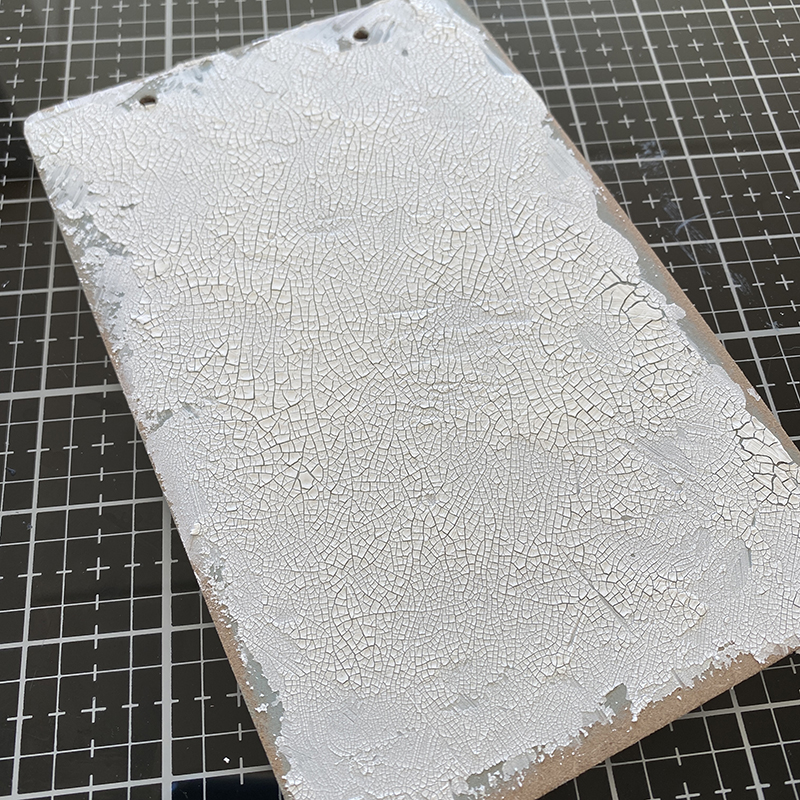
    Rub walnut stain distress crayon into the background with your finger, working it into the cracks and wipe excess from the surface with a damp cloth. The cracked paste may flake off and to that I say “thank you!” You can paint a layer of distress collage medium matte or vintage on top to stop further flaking. The vintage distress collage medium will give a nice vintage tint.

    igirlzoe: tim holtz funky insects
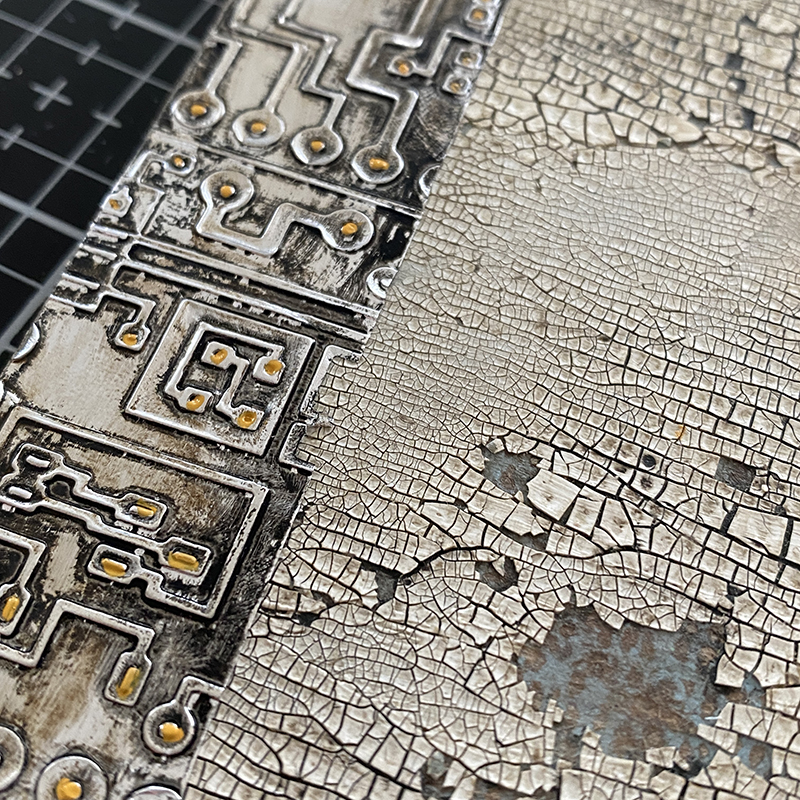
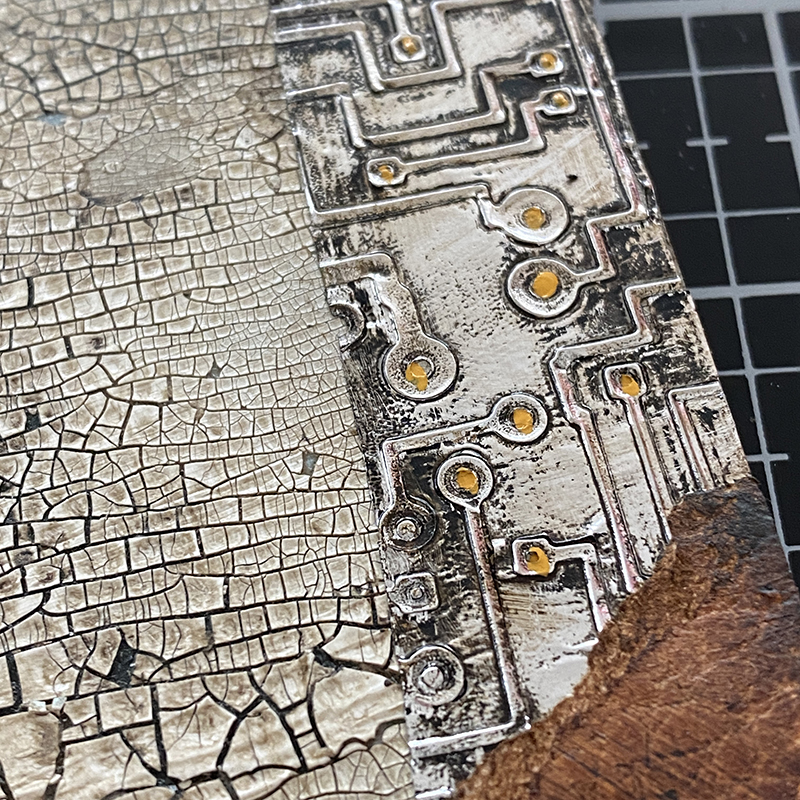
    Run alcohol foil tape through your machine with the new 3D circuit embossing folder (665372), adding fossilized amber distress paint to portions of the embossed circuit background. Blend vintage photo distress ink into distress cracked leather cardstock ready to add to the etcetera tag.

    igirlzoe: tim holtz funky insects
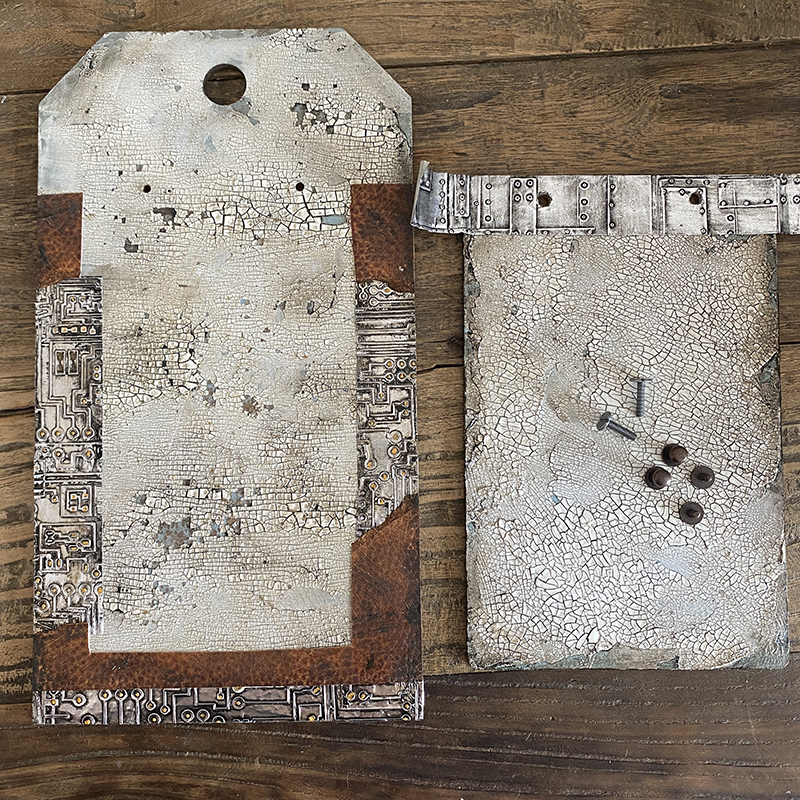
    Cover the edges of the etcetera thickboard tag with the alcohol foil and cracked leather. I ran more alcohol foil tape through the foundry 3D embossing folder (662717) and added this to the top of the idea-ology clipboard so it had a welded look.

    igirlzoe: tim holtz funky insects
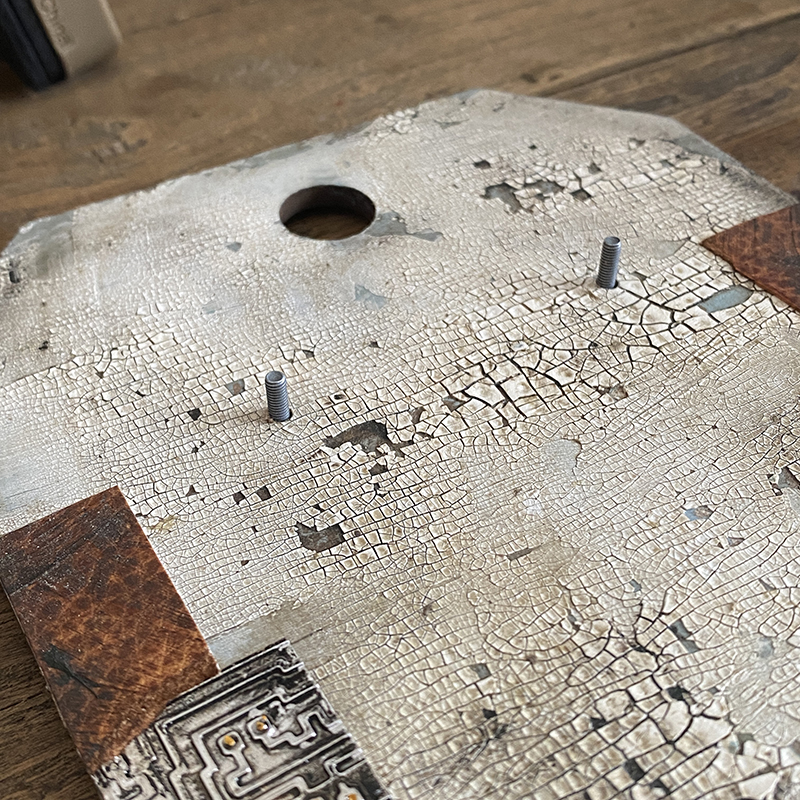
    Drill holes where the clipboard will sit and push the long screws from the idea-ology vignette hardware set in through from the back and idea-ology hitch fasteners added to the top.

    igirlzoe: tim holtz funky insects
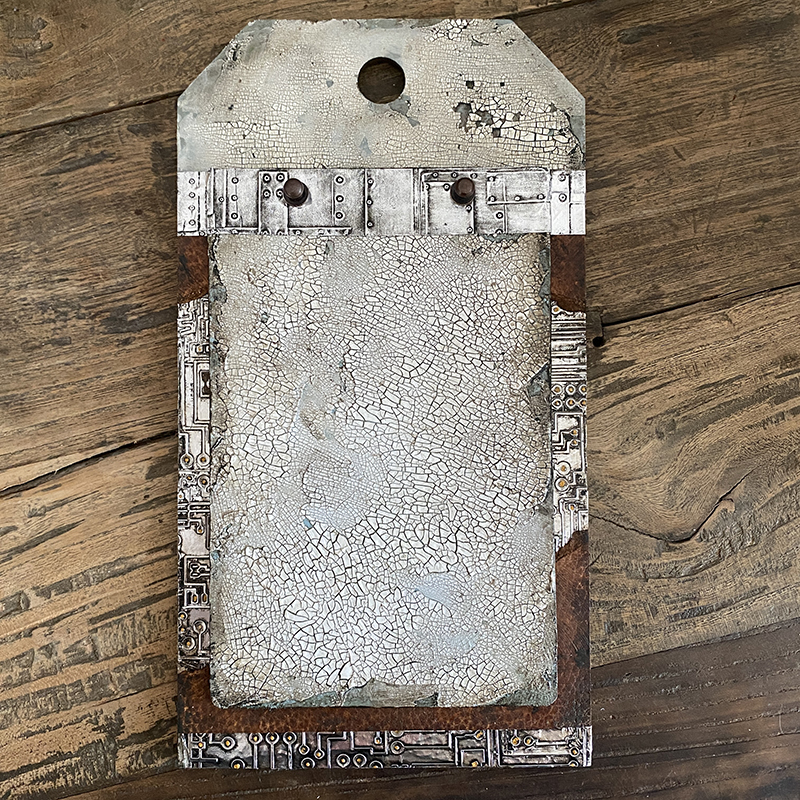
    This is how your base will look, ready to add your funky insects.

    igirlzoe: tim holtz funky insects
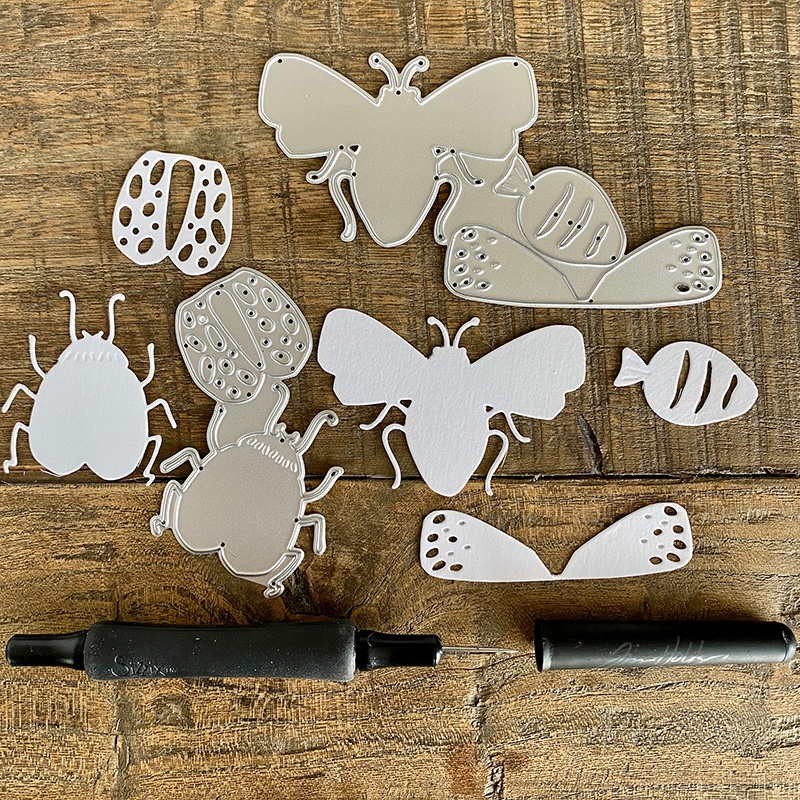
    The funky insects are very easy to put together and each comes on a separate die plate, making it even easier to see which piece goes with which insect.

    igirlzoe: tim holtz funky insects
    Die cut circles from the steampunk parts bigz die (664185) cover with distress paint and ink, sanding back and drying between layers for a grunge effect.

    igirlzoe: tim holtz funky insects
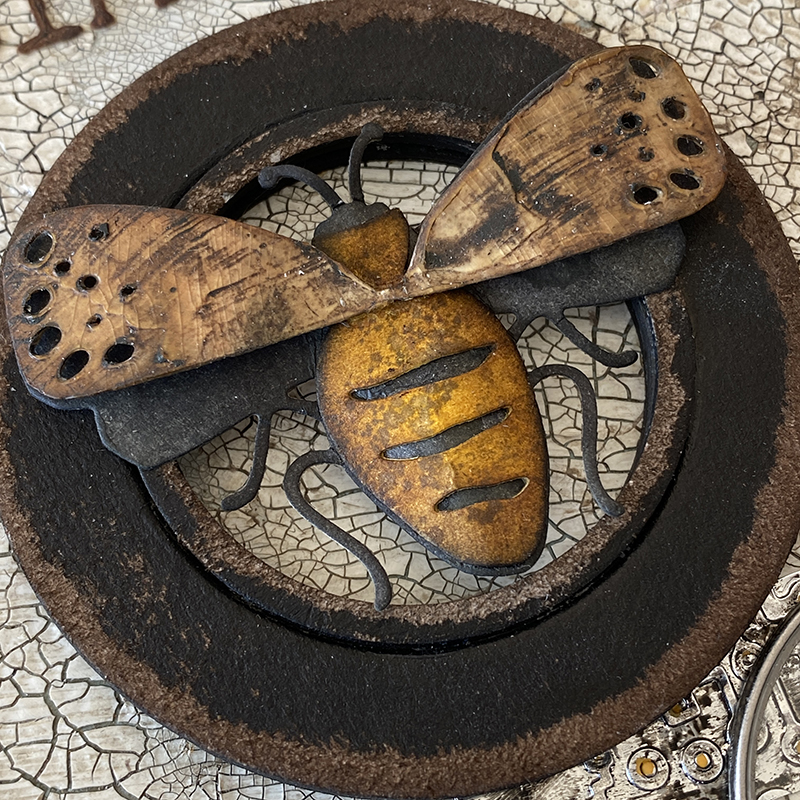
    I painted vintage distress collage medium onto the wings of the bee and once dry, rubbed walnut stain over the top to pick up the brush strokes.

    igirlzoe: tim holtz funky insects
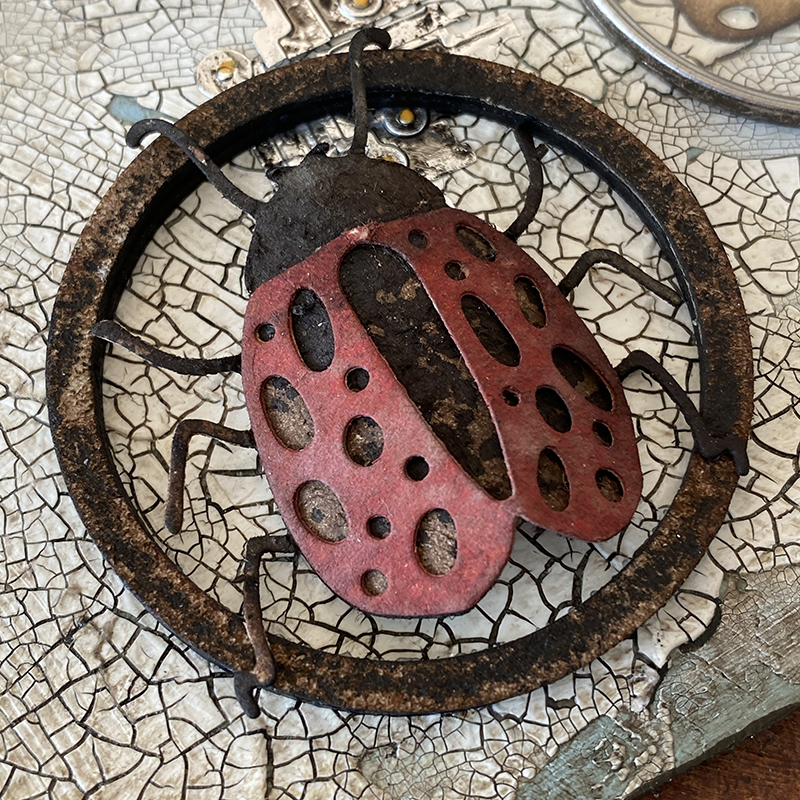
    The new Tim Holtz shaping kit to creates real dimension, as used here for this ladybug.

    igirlzoe: tim holtz funky insects
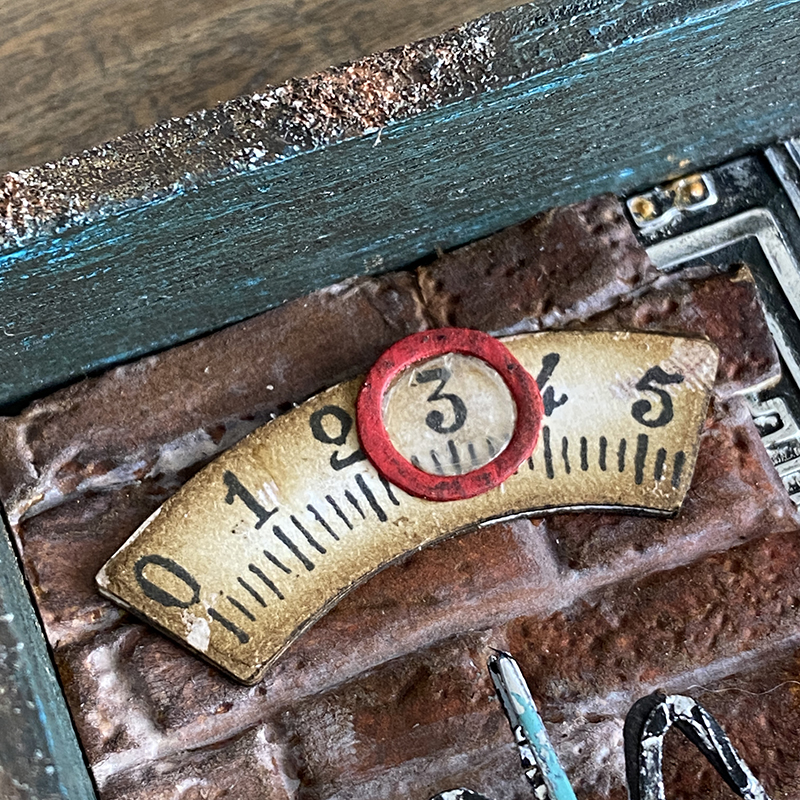
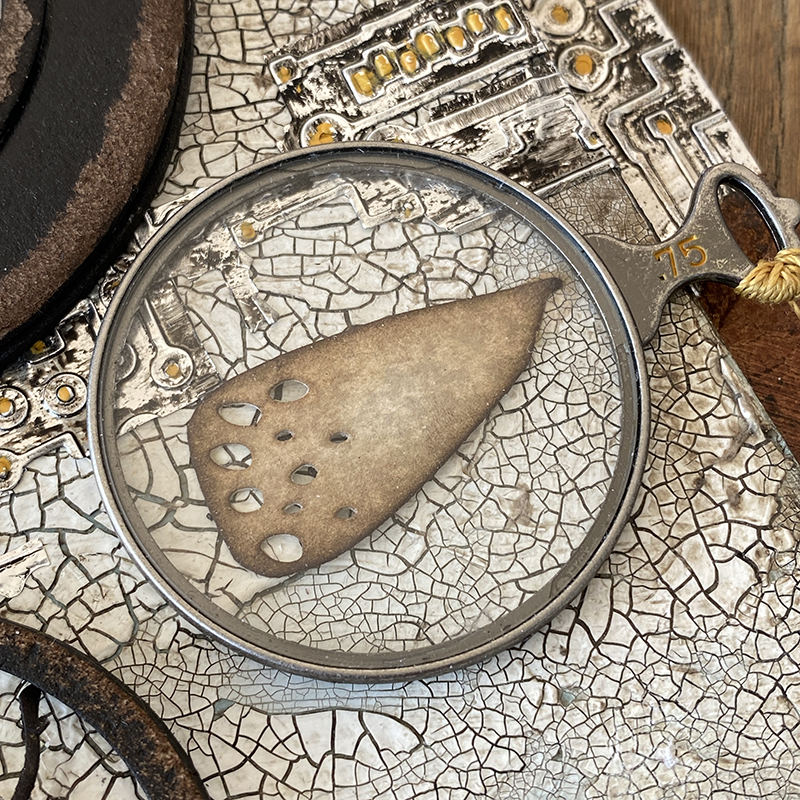
    One of the wings became detached during handling, but it worked perfectly under an idea-ology optical lens with a little frayed burlap distress to colour the solo wing.

    igirlzoe: tim holtz funky insects
    I love the alphanumeric tiny type upper thinlits dies (664406).

    igirlzoe: tim holtz funky insects
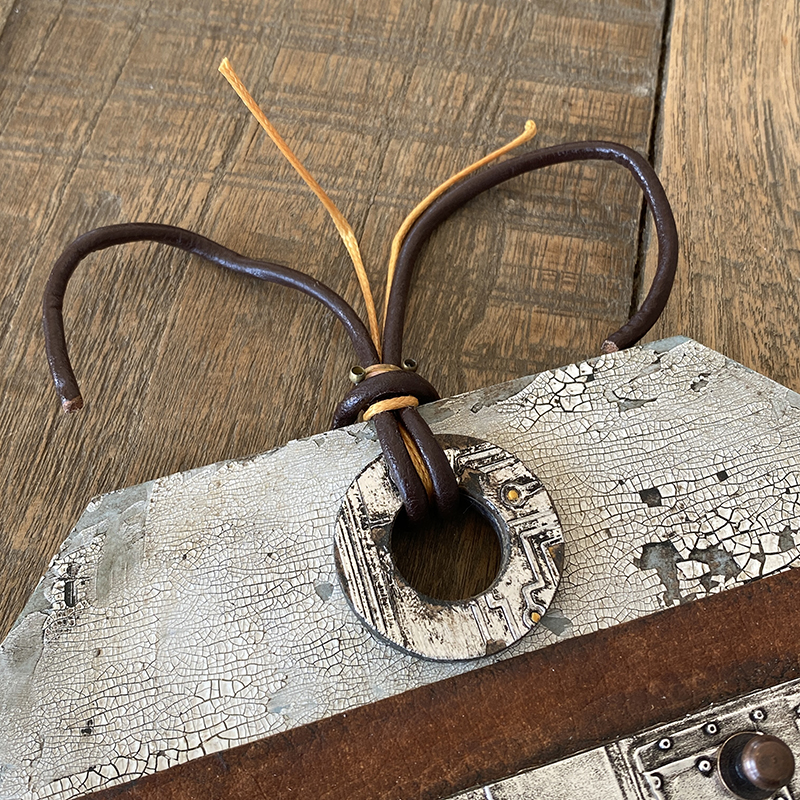
    Finally, I added some leather and silk cord, bent to look like insect antenna.

    igirlzoe: tim holtz funky insects
    Thanks for stopping by and have a great rest of your week.

    Zoe


  10. The Park

    2nd March, 2021 by iGirlZoe

    igirlzoe: tim holtz sizzix chapter 1 the park alphanumeric stretch upper cityscape skyline

    Hello Friends. I hope you’re well. Can you believe that it’s already March?! I’ve been so busy that I’m not sure February happened but I am finally getting caught up with my blogging.
    igirlzoe: tim holtz sizzix chapter 1 the park alphanumeric stretch upper cityscape skyline
    This home decor piece I made for the Tim Holtz Sizzix Chapter 1 release using one of my favourite dies from that release, The Park (665204). I imagined the opening scene of Mary Poppins when the East wind blows her in over the rooftops of Cherry Tree Lane with her open umbrella.

    igirlzoe: tim holtz sizzix chapter 1 the park alphanumeric stretch upper cityscape skyline
    I started with an etcetera thickboard tag – small, which I covered with a layer of picket fence distress paint wash (just spritz water onto distress paint and mix with a paintbrush). It will be absorbed into the tag so you can still see some of the kraft poking through, which I like. I stamped the music strip stamp from the poinsettia CMS426 stamp set with hickory smoke distress archival ink. Once dry I spread distress crackle texture paste through the sparkle stencil THS132 and set aside to dry and crack.
    igirlzoe: tim holtz sizzix chapter 1 the park alphanumeric stretch upper cityscape skyline
    I die cut distress watercolor cardstock and idea-ology metallic kraftstock from the cityscape skyline thinlits die set (661810). I sprayed the watercolor cardstock die cuts with black soot distress spray and dried. I sanded the metallic kraft-stock die cuts and blended in walnut stain distress ink. I mounted the watercolor cardstock over the metallic kraft-stock, offsetting slightly to create a drop shadow. I used a little adhesive foam to give the cityscape some dimension.

    igirlzoe: tim holtz sizzix chapter 1 the park alphanumeric stretch upper cityscape skyline
    I drilled a hole through the etcetera tag using a Dremel micro tool and the mini drill accessories kit. I make sure the hole is big enough to pull tiny lights through from the back of the tag.

    igirlzoe: tim holtz sizzix chapter 1 the park alphanumeric stretch upper cityscape skyline
    I attach the battery pack to the back of the tag so it’s out the way, making sure the batter pack opening is toward you. I used velcro strips to attach mine but you could use double sided adhesive tape or distress collage medium.  TIP * Don’t attach it to the back until you’ve finished your project or it will sit unevenly on your work surface.
    igirlzoe: tim holtz sizzix chapter 1 the park alphanumeric stretch upper cityscape skyline
    I die cut a large circle from distress watercolor cardstock and sprayed lightly with antique linen distress spray and water. Blended in hickory smoke distress ink to the edges. I put adhesive foam squares around the underside of the moon creating a ring for the lights to sit inside. I gathered the lights into the center of where the moon was going to be and then placed the moon down, carefully tucking in any lights attempting to escape. I used adhesive foam to add the the park die cut. The umbrella comes separately so I added it to her hand with distress collage medium and put adhesive foam under the top of the umbrella.

    igirlzoe: tim holtz sizzix chapter 1 the park alphanumeric stretch upper cityscape skyline
    It created this pretty firefly type effect behind the watercolor cardstock and raised the moon up enough to fit the lights and give the tag dimension.

    igirlzoe: tim holtz sizzix chapter 1 the park alphanumeric stretch upper cityscape skyline
    Next I added the letters “MP” which will now forever more be “Mario Poppins” after Tim called it out during the LIVE! I die cut idea-ology blackout and metallic kraft-stock with the new alphanumeric stretch upper thinlits dies (665206) I added these with distress collage medium.

    igirlzoe: tim holtz sizzix chapter 1 the park alphanumeric stretch upper cityscape skyline
    igirlzoe: tim holtz sizzix chapter 1 the park alphanumeric stretch upper cityscape skyline
    I added some rope ribbon from my stash to the top of the tag to finish.

    igirlzoe: tim holtz sizzix chapter 1 the park alphanumeric stretch upper cityscape skyline
    With the tiny lights switched off.

    igirlzoe: tim holtz sizzix chapter 1 the park alphanumeric stretch upper cityscape skyline
    When you break it down into sections, this is actually a simple piece to make and you could adapt it and make it smaller to fit onto a card. I hope this inspires you to try and make something yourself.
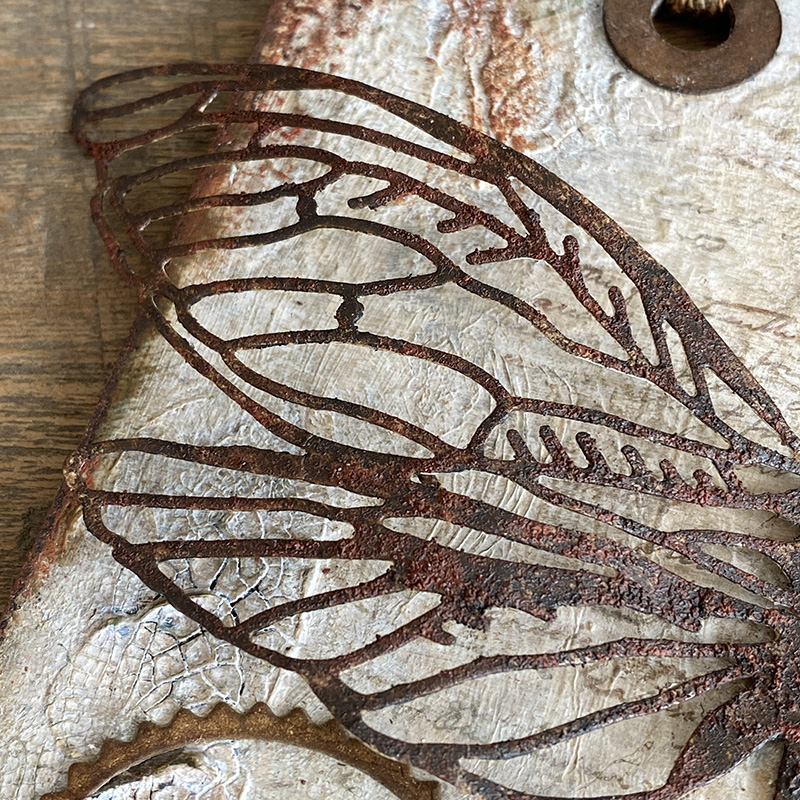
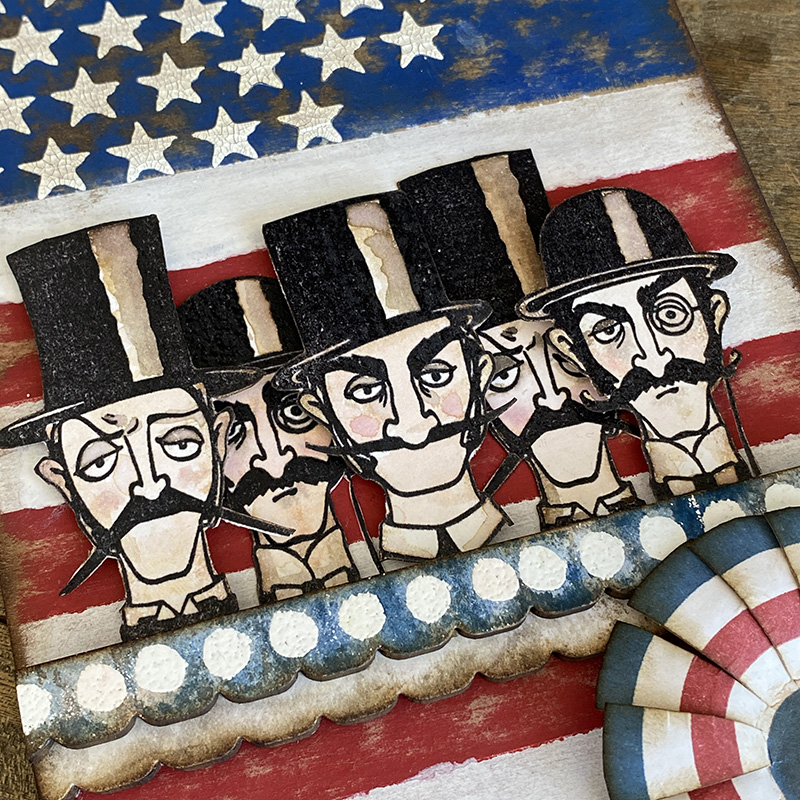
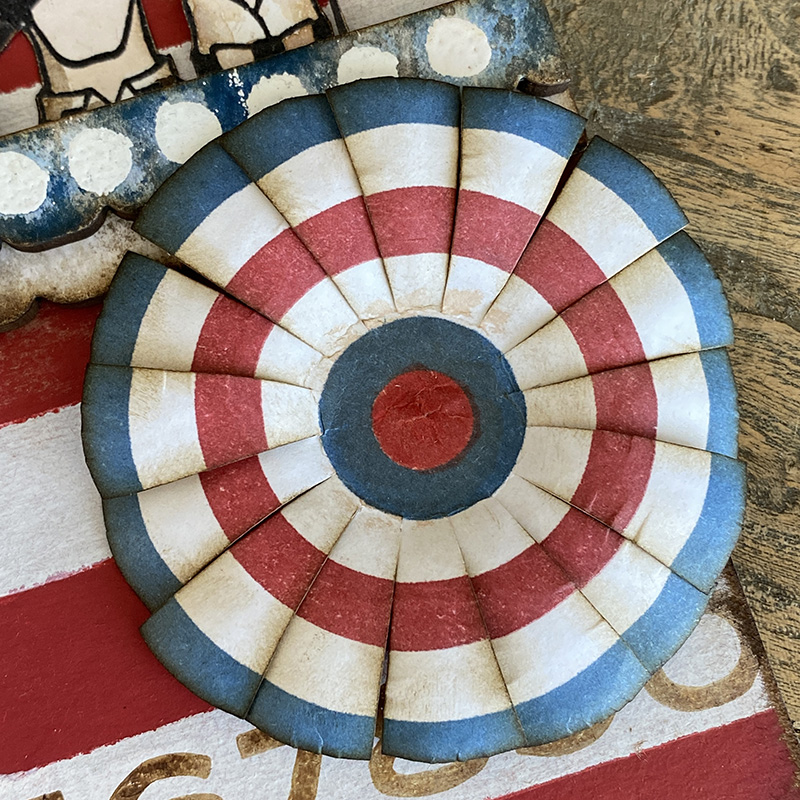
    Thanks for stopping by…
    Zoe